Best AI Image Generators for Creative Workflows in 2026
On this page
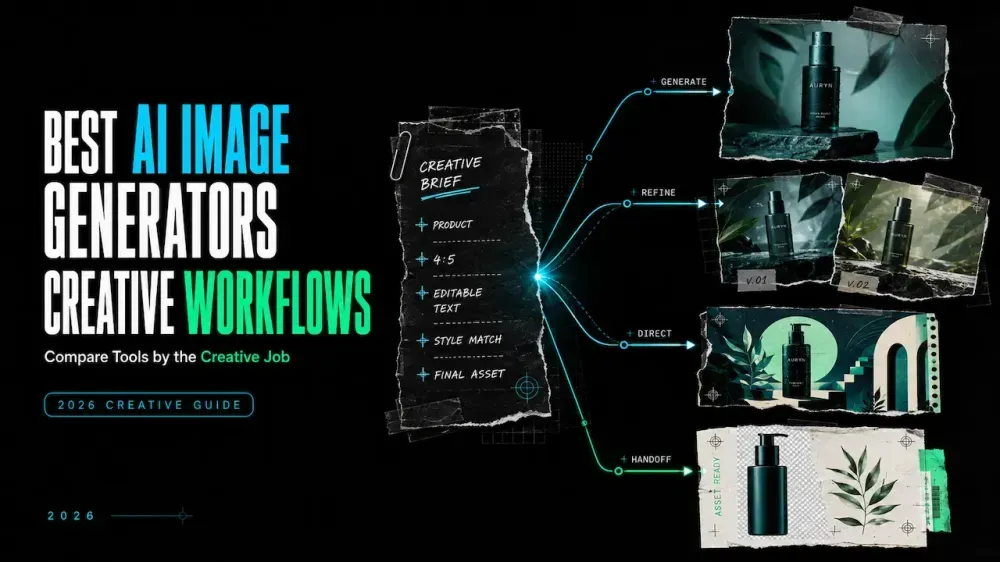
A square campaign brief can become six production problems: an editable headline, a conversational product revision, or a vector that stays sharp after export. The best AI image generator for creative workflows is therefore not one universal winner. It is the tool whose controls and output fit the next handoff.
This comparison starts with the final file, then examines documented inputs, reference controls, editing routes, and output formats.
Quick Answer: Choose an AI Image Generator by Creative Task
Use this shortlist before comparing individual features:
| Creative task | Strong starting choice | Why it fits the workflow |
|---|---|---|
| Compare several image models without opening separate services | Loova AI | Multiple models, text prompts, and reference images share one entry point |
| Continue into Photoshop, Illustrator, Express, or another Adobe app | Adobe Firefly | Generative features sit inside the wider Creative Cloud environment |
| Develop stylized concepts and reusable visual direction | Midjourney | Image prompts, Style References, personalization, and a web editor support art-direction exploration |
| Create and revise through natural-language conversation | ChatGPT Image Generation | The same conversation can move from a prompt to a generated image and then to described edits |
| Build posters, packaging concepts, or graphics where wording matters | Ideogram | Its product is centered on text rendering and design-oriented image editing |
| Produce icons, logos, illustrations, or scalable design assets | Recraft | It can generate and export editable SVG vectors as well as raster images |
This is a workflow map, not a universal quality ranking. A strong concept tool may still be wrong when the deliverable must be an editable vector or return to an established design system.
How We Compared the Tools
The comparison uses official documentation available on August 14, 2026. It reviews each tool’s primary job, inputs, reference controls, revision route, output handoff, and limitation. It is not a controlled benchmark, so there are no image-quality scores or universal reliability claims.
This article is published by Loova AI and includes its image generator. Placement reflects documented workflow fit, not an independent performance claim.
Best AI Image Generators by Workflow
Loova AI for Multi-Model Creative Workflows
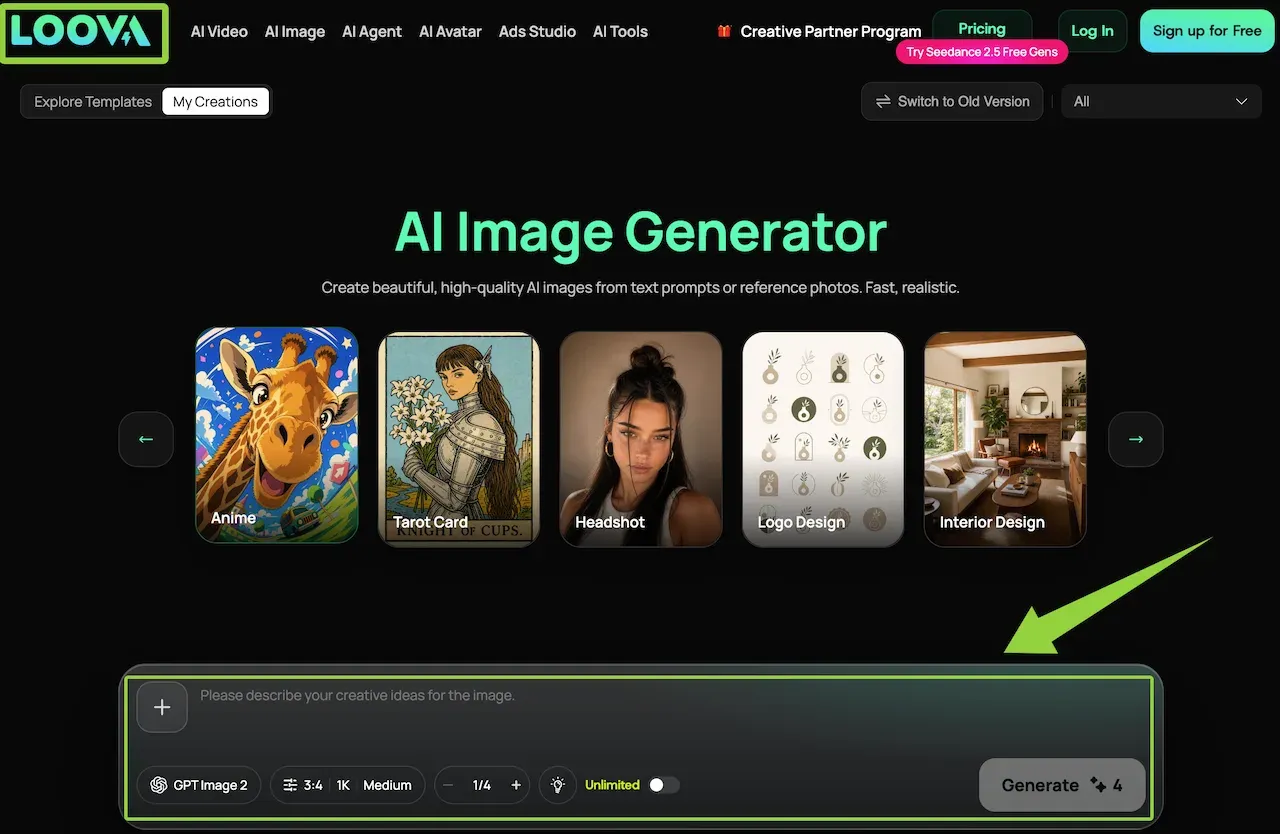
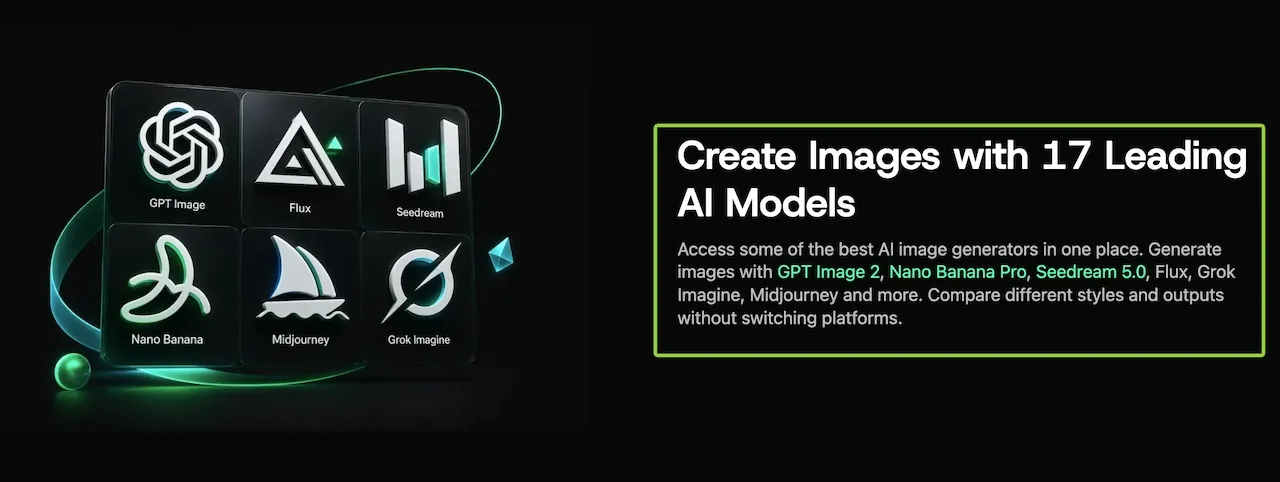
Loova AI fits when model choice is part of the job. The current Loova AI Image Generator lists multiple image models in one workspace and accepts a text prompt or reference image. This lets a team compare model directions before committing to a provider-specific process.
Keep the prompt, ratio, reference, and review criteria fixed while switching models. Confirm current model and plan availability before building a recurring workflow.
Adobe Firefly for Brand and Creative Cloud Workflows
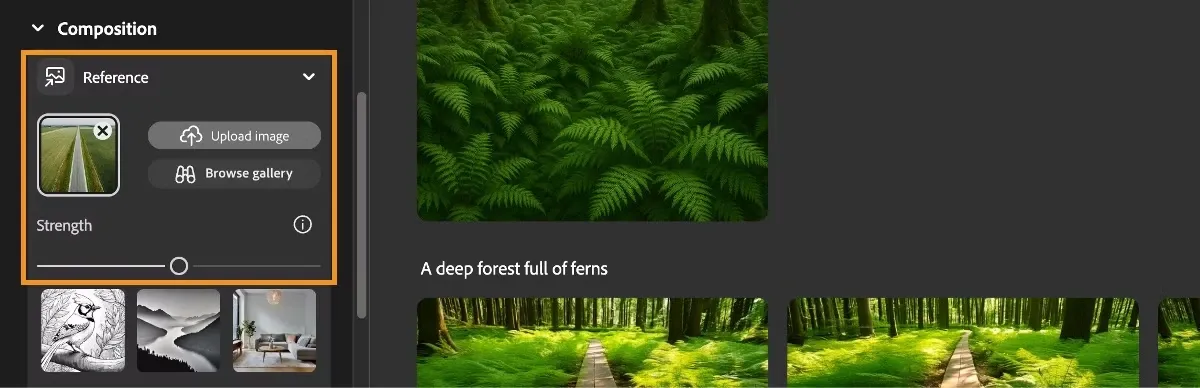
Adobe Firefly fits when generation is one stage in an Adobe production path. Adobe’s Creative Cloud generative AI feature list places Firefly-powered functions across Photoshop, Illustrator, InDesign, and Express. Firefly also supports composition references with adjustable strength.
Choose it when the handoff goes to a designer working with layers, masks, typography, and Adobe exports. Feature, model, credit, and regional availability can differ by app.
Midjourney for Art Direction and Stylized Concepts
Midjourney suits visual-language exploration before a finished layout. Its Style Reference documentation explains how an image can guide color, medium, texture, and lighting without acting as a literal subject copy. Image Prompts and Omni References serve other reference roles.
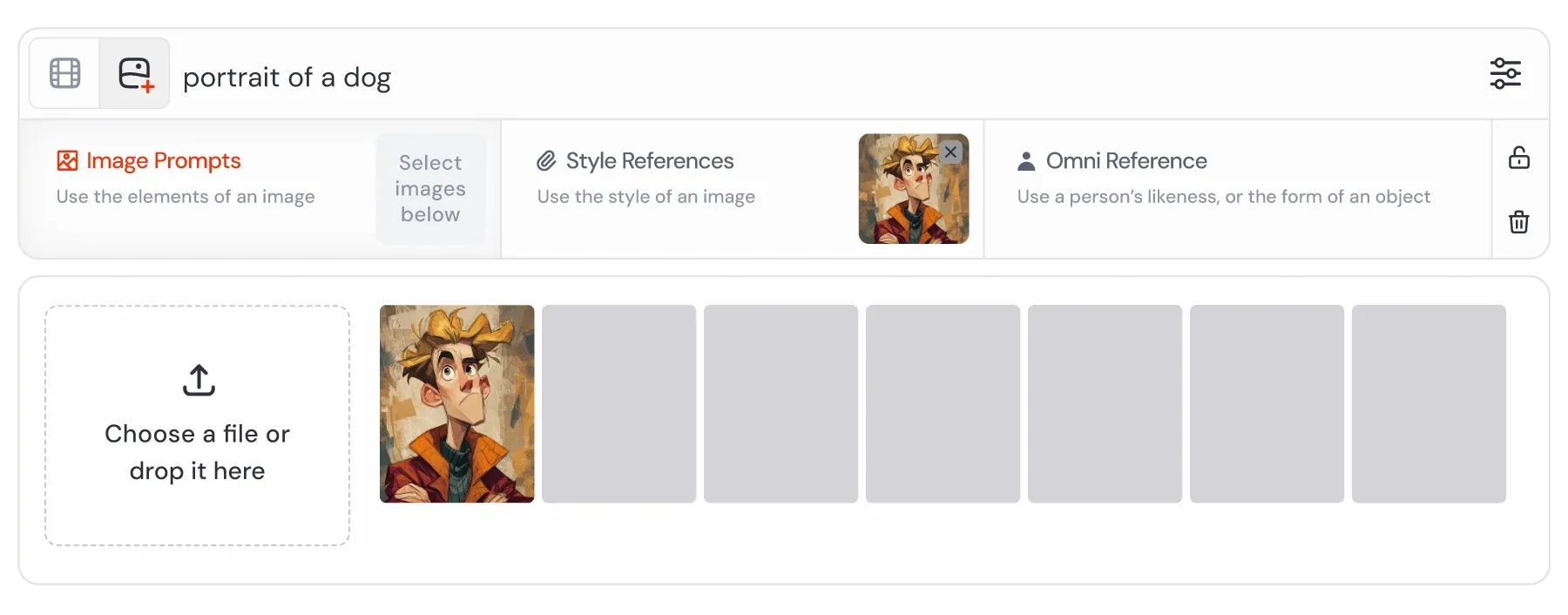
The web Editor adds inpainting, pan, zoom, layers, and retexturing. Because model versions and reference types can behave differently, test the complete generate-edit-export route rather than judging only the first grid.
ChatGPT Image Generation for Conversational Creation and Editing
ChatGPT fits when a brief develops through discussion. Describe the first image, review it in conversation, and request a revision in ordinary language. OpenAI’s Images in ChatGPT guide documents uploads, selections, aspect-ratio changes, transparent backgrounds, and direct edits.
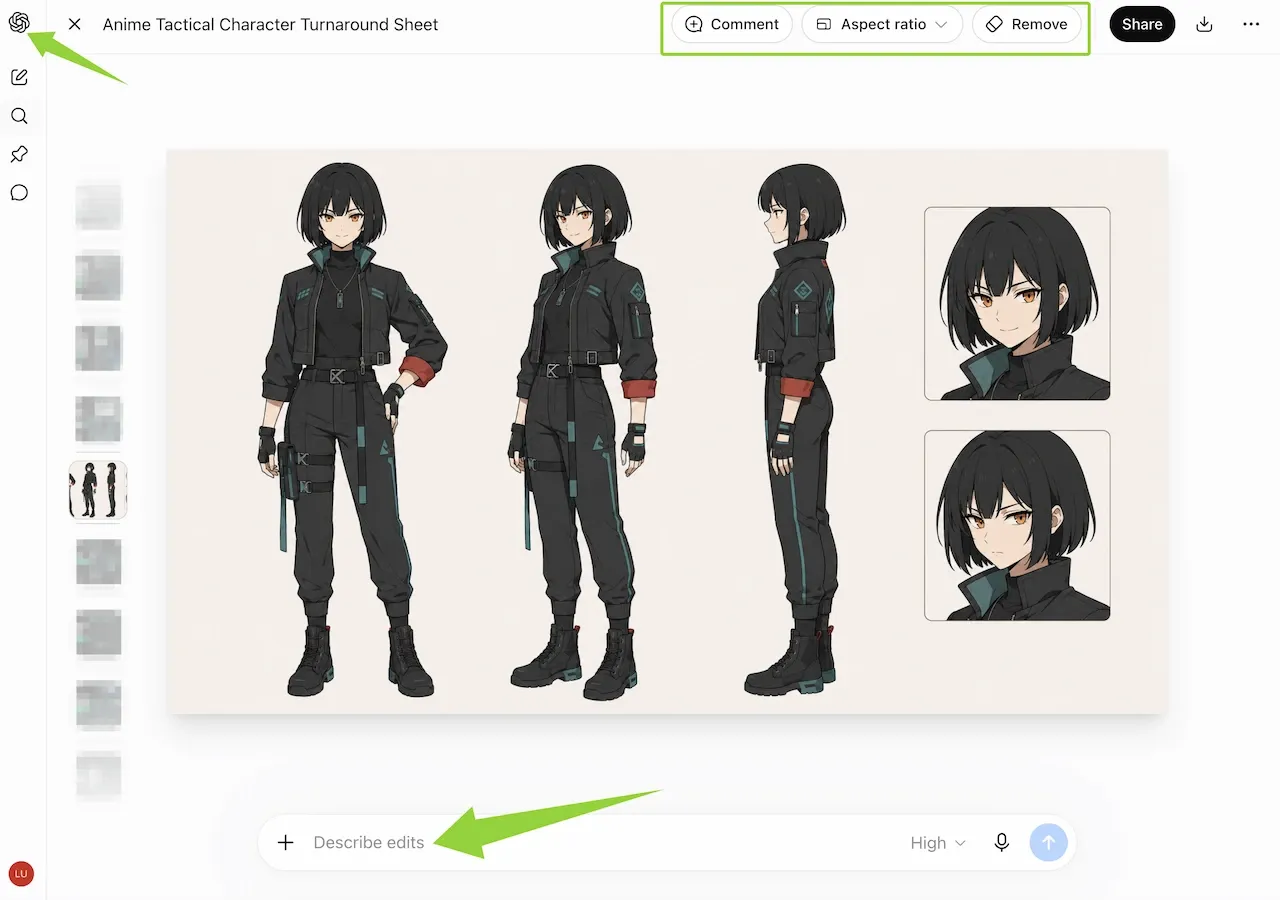
This route helps when a reviewer can describe a change more easily than configure visual parameters. Selections are not always precise, so preserve the original and verify products, logos, faces, and small layout details after editing.
Ideogram for Text-Forward Graphics
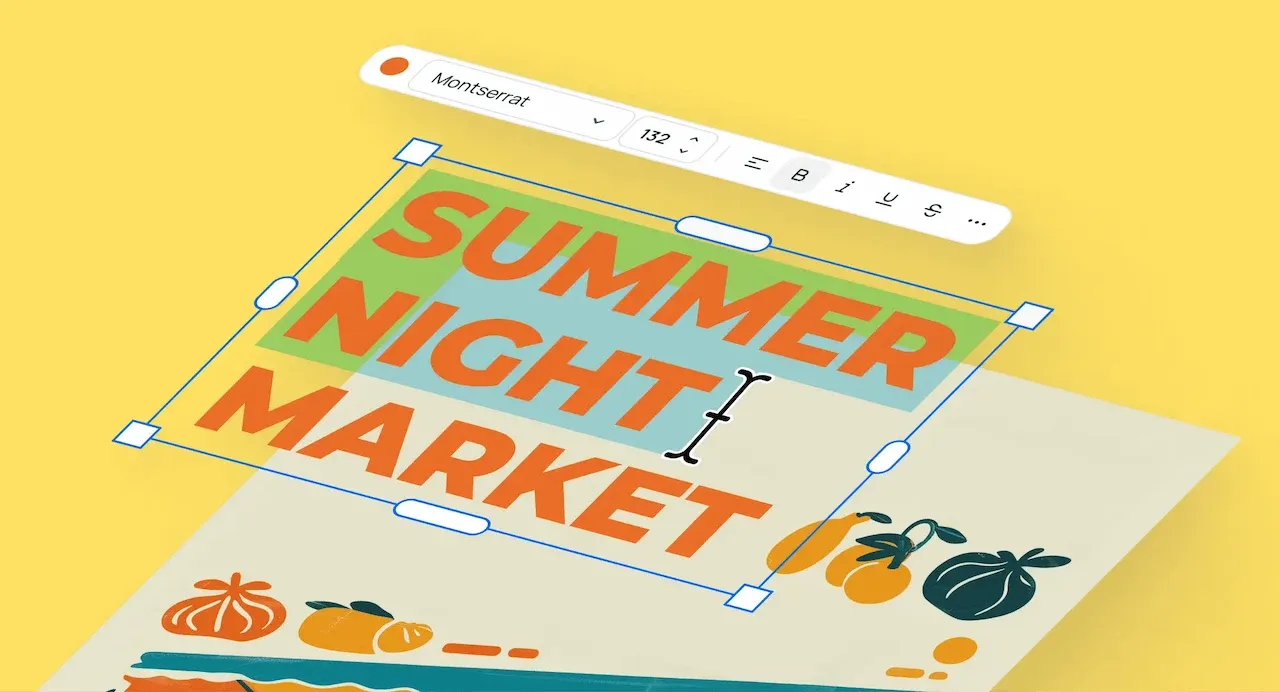
Ideogram fits when words belong inside the generated composition. Its text-rendering feature page covers posters, packaging, book covers, and logos, and documents editable text layers. Canvas adds generation, Magic Fill, Extend, uploads, and a text tool.
Proof every line before publication, especially names, prices, regulated claims, long copy, and non-Latin scripts. Generated lettering is not approved campaign typography by default.
Recraft for Design and Vector-Oriented Work
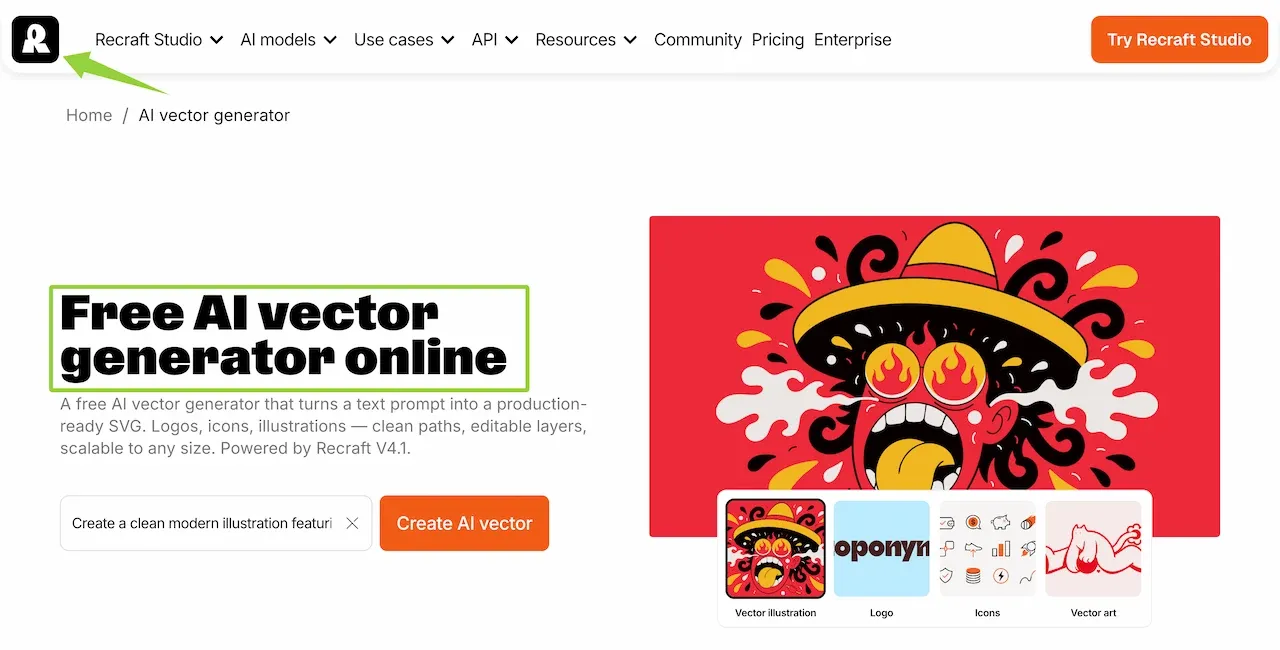
Recraft is the specialist choice when the deliverable must remain scalable. Its AI vector generator produces SVGs from text prompts and provides palette, detail, sizing, and export controls. It also offers raster generation and vectorization.
Use it for icons, logo explorations, web graphics, and illustration systems. Inspect paths, shapes, typography, and trademark risk; an editable handoff does not make every generated mark production-ready.
Side-by-Side Workflow Comparison
| Tool | Best workflow fit | Reference or revision route | Main handoff question |
|---|---|---|---|
| Loova AI | Multi-model exploration in one image workspace | Text or image input, model selection, variations, and available image tools | Can the team compare models without changing the brief? |
| Adobe Firefly | Creative Cloud and brand-production workflows | Composition/style references and generative features across Adobe apps | Does the asset need to continue in an Adobe file? |
| Midjourney | Stylized concepts and art direction | Image Prompts, Style References, Omni References, and Editor tools | Is the visual language more important than an editable design format? |
| ChatGPT | Conversational creation and iterative edits | Dialogue, image upload, selection, and described changes | Can the reviewer express revisions more clearly in words? |
| Ideogram | Posters and text-forward graphics | Prompted lettering, editable text layers, Canvas, and regional edits | Must the generated words remain legible and revisable? |
| Recraft | Vector and design-asset production | Native vector generation, palette changes, vectorization, and SVG export | Does the next person need paths rather than pixels? |
How to Choose for Your Team or Project
Start with the artifact that must survive. An Illustrator destination favors SVG; a Photoshop composite makes Adobe integration more relevant; a changing brief favors conversation or multi-model exploration.
Run one narrow pilot with an approved source, one prompt, one ratio, and a checklist for subject fidelity, text, composition, editability, and export. In a multi-model AI image platform, change only the model first. Count the handoffs: the better choice often removes one repeated rebuild rather than winning every category.
Comparison Limitations
Models, controls, plan limits, regional access, formats, and terms may differ by account or change after publication. Official pages describe intended capabilities; they do not prove equal quality for every prompt or edit.
For client, brand, or commercial work, review the selected service’s current terms. Upload only material you may use; avoid confidential assets, sensitive personal data, unapproved likenesses, and unreleased files unless the applicable agreement and your organization permit that processing.
FAQ
Can one platform provide access to multiple AI image models?
Yes. A multi-model platform can place several models behind one interface; Loova AI’s current generator is one example. Confirm account availability, then hold the prompt, reference, ratio, and review criteria constant. Shared access does not make outputs comparable when inputs change.
Which AI image generator is usually easiest for beginners?
ChatGPT is approachable for people who prefer conversational revisions. A guided multi-model workspace helps when choosing a model is the main difficulty. “Easy” still depends on the handoff: someone who needs an SVG may progress faster in Recraft than in a simpler raster-only tool.
Do AI image generators reliably preserve uploaded product details?
No. Reference controls can guide an output, but generation and edits may reinterpret labels, edges, materials, colors, or proportions. Compare with the approved source at full and thumbnail size, and manually review packaging text or regulated claims.
Can I switch generators without rewriting every prompt?
Usually. Reuse the subject, composition, style, lighting, constraints, and ratio. Translate model-specific syntax, reference roles, negative instructions, and parameter ranges. Keep a plain-language master prompt plus separate tool-specific notes.
The best AI image generator for creative workflows is the one whose output reaches the next screen with the least rebuilding. Start from the product photo, headline, vector, or concept board that must survive the handoff, and let that requirement narrow the field.
For a controlled comparison, use the Loova AI Image Generator with one prompt or approved reference image, keep the first outputs unchanged, and review each result against the same checklist.