Best AI Music Video Generators for Artists 2026
On this page
A single song may call for several kinds of video. You might need a full-track visualizer, consistent performer shots, and a finished edit with readable lyrics. The best AI music video generator depends on how much you want the tool to handle. Your preferred level of control matters just as much.
This guide compares six current workflows. Some tools analyze the entire song and build a first draft for you. Others give you more control over individual scenes or help you assemble and finish the final edit.
Quick Answer: Choose by Music-Video Style
Start with the intended video, not the longest feature list.
| Production Goal | Best Starting Point | Why It Fits | Main Trade-Off |
|---|---|---|---|
| Explore scenes across video models | Loova AI | Accepts audio, visual references, and scene instructions | Controls vary by selected model |
| Turn a full song into a draft | Freebeat | Combines song analysis, planning, and shot revision | Automated choices still need review |
| Recut visuals into beat-synced versions | Kaiber | Batches supplied media against one audio section | Works best with prepared visuals |
| Build audio-reactive animation | Neural Frames | Musical stems can drive visual effects | The timeline has more creative routing |
| Direct cinematic scenes | Runway | Supports references and several generation inputs | Full songs require clip assembly |
| Generate scenes and finish precisely | Adobe Firefly and Premiere | Splits generation from timeline finishing | More work stays in the editor |
How We Compared AI Music Video Generators
This comparison appears on Loova AI’s blog, and the platform is one of the products covered. Placement reflects documented workflow fit, not an independent performance claim.
We reviewed current official product pages and help documents on August 17, 2026. We did not upload a common track or benchmark visual quality, rendering time, synchronization, or cost.
Each tool was mapped against one finished song, a lyric sheet, an approved performer image, and a verse-to-chorus transition. We compared automation, audio response, scene control, performer continuity, lyric tools, and editing handoff.
Best AI Music Video Generators by Production Task
Loova AI for an Integrated AI Music Video Workflow
The current Loova AI music-video workspace accepts a song or selected section, plus image or video references. Artists direct story, performance, style, and camera work before choosing an available model and settings.
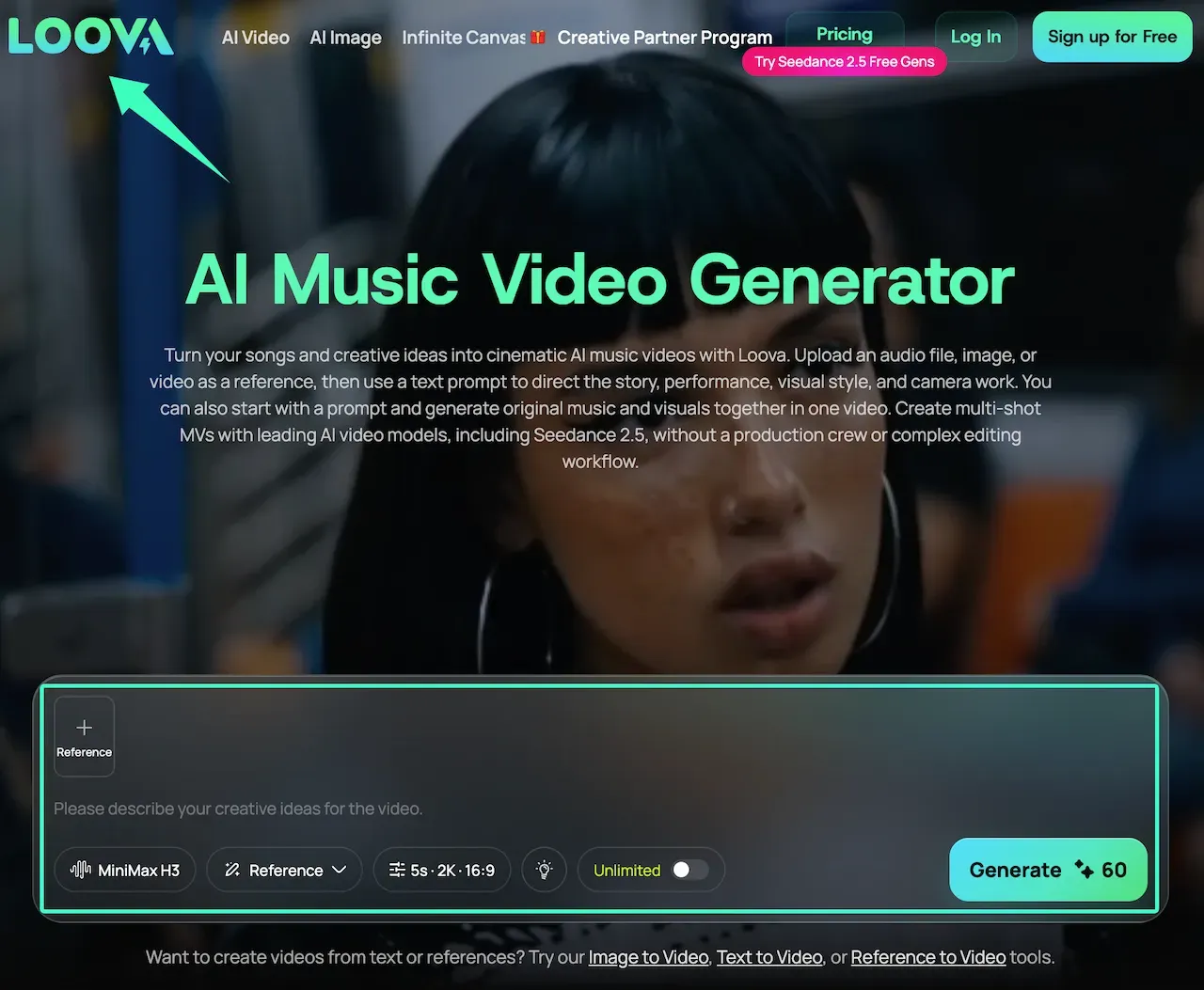
That structure suits reference-led scenes. The page also positions the tool as responsive to song structure and rhythm. Treat this as first-party positioning and review the timing yourself.
Freebeat for Full-Song Automated Production
Freebeat’s music-video creator is designed around a complete-song draft. Its page describes section analysis, editable A-roll and B-roll, per-shot prompts, and selective regeneration.
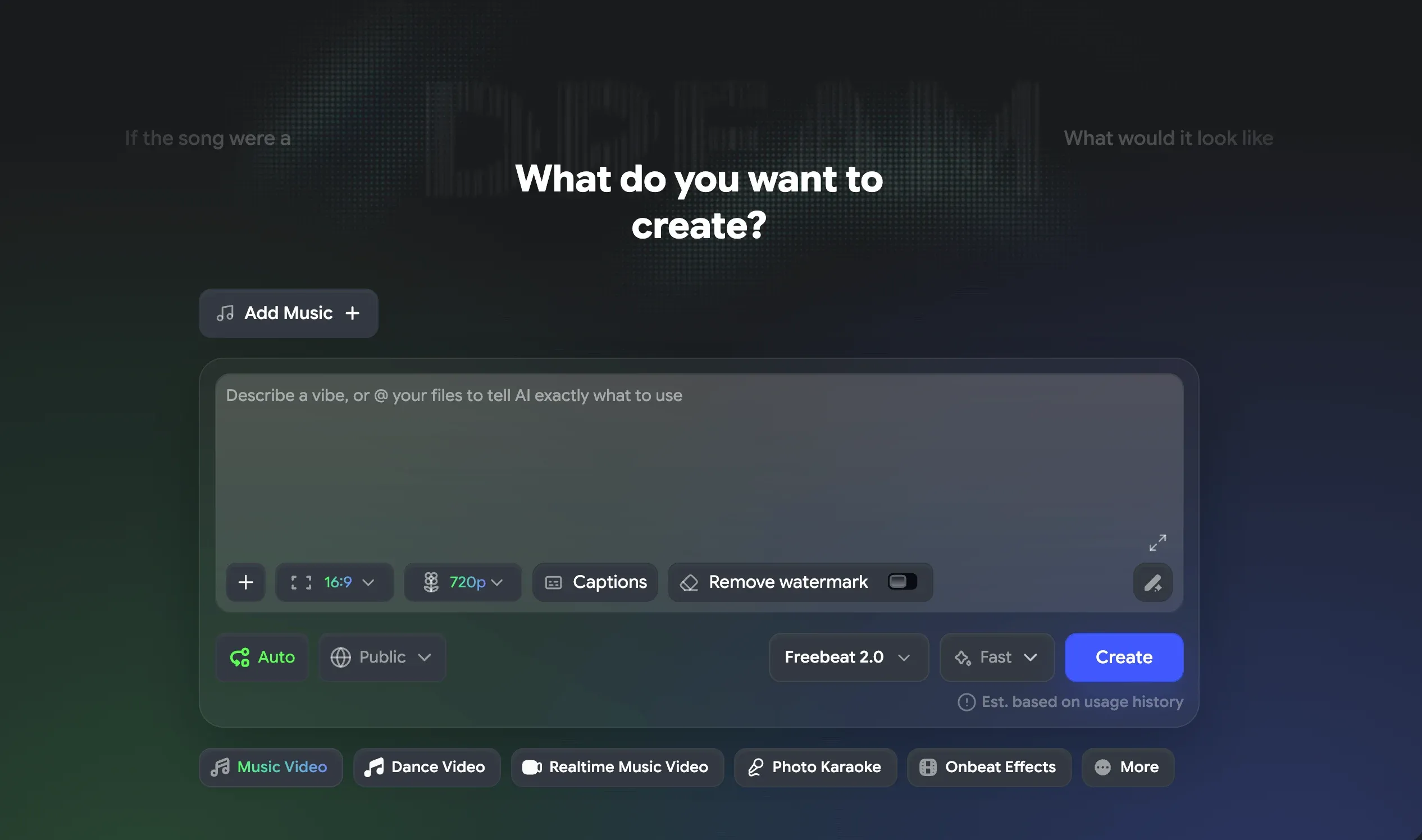
It fits artists who want automation to propose the structure before they refine shots. Review the cast, lyric timing, and narrative before rendering a release master.
Kaiber for Stylized Music-Driven Visuals
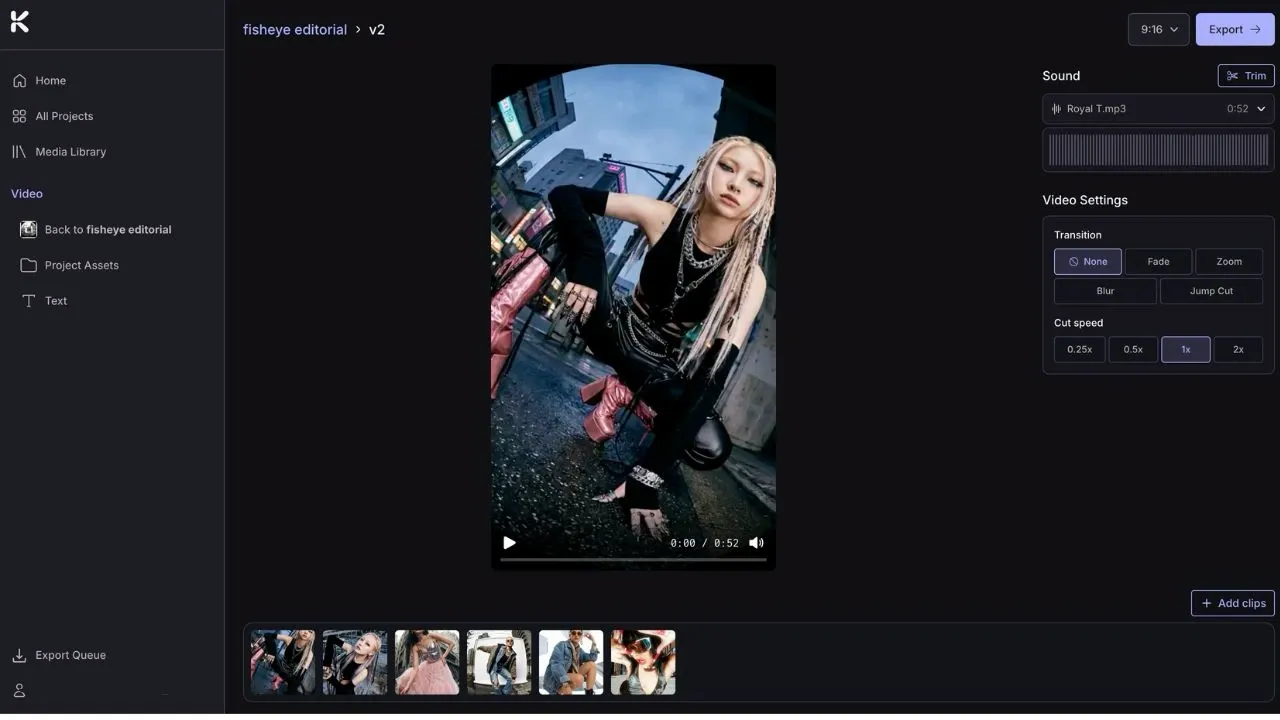
Kaiber Beat Sync combines uploaded images or clips with a selected audio section. It creates several synchronized versions from the same media in common aspect ratios.
Kaiber fits visualizers, lyric clips, and promotional edits made from prepared media. Use its creation tools when the project still needs original scenes.
Neural Frames for Audio-Reactive Animation
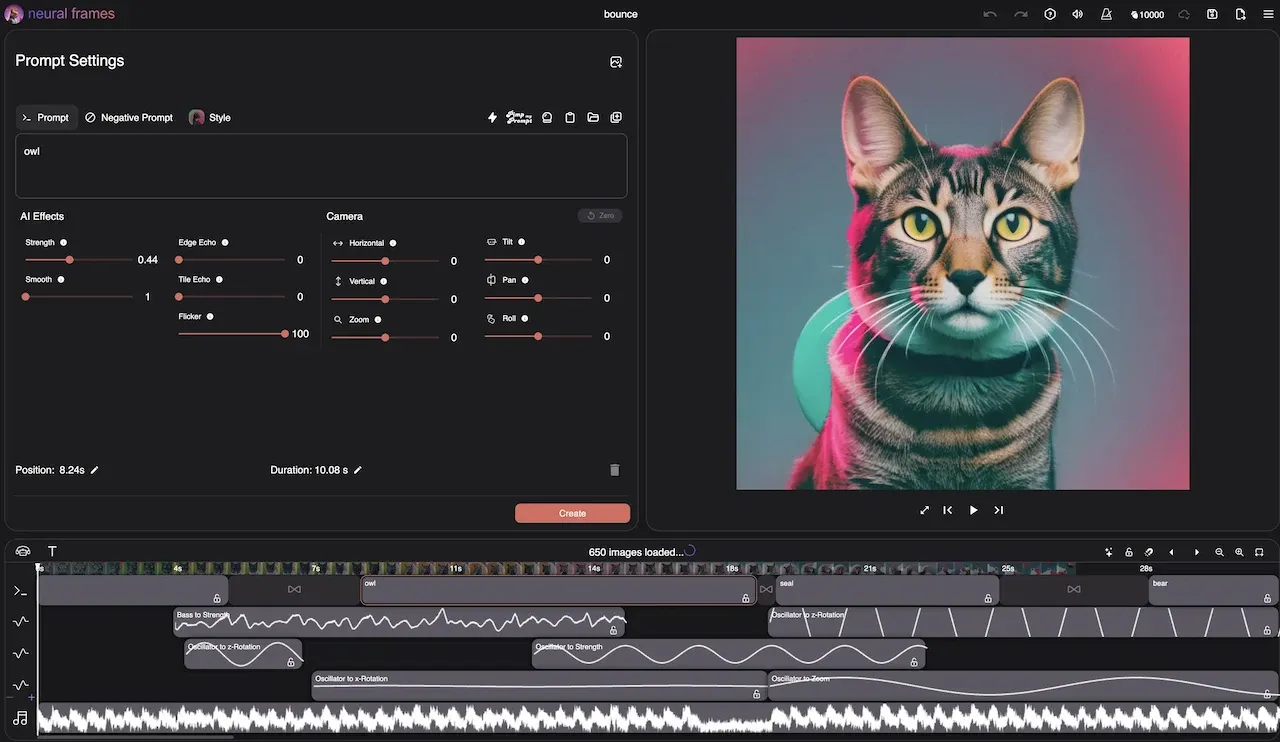
Neural Frames focuses on music-driven control. Its page describes stem separation, audio-to-effect mapping, storyboards, model choices, and a DAW-style interface.
It fits electronic tracks, live visuals, and abstract animation driven by specific musical layers. The trade-off is more routing than a one-click music visualization AI workflow.
Runway for Controlled Cinematic Scenes
Runway’s video generator creates clips from text, images, or video. It also supports character references, dialogue, voiceover, and music.
Runway fits directed performance, narrative, or atmosphere shots. Its product page says single generations are short. A complete track requires extending, chaining, and stitching clips.
Adobe Premiere and Firefly for Hybrid Production and Finishing
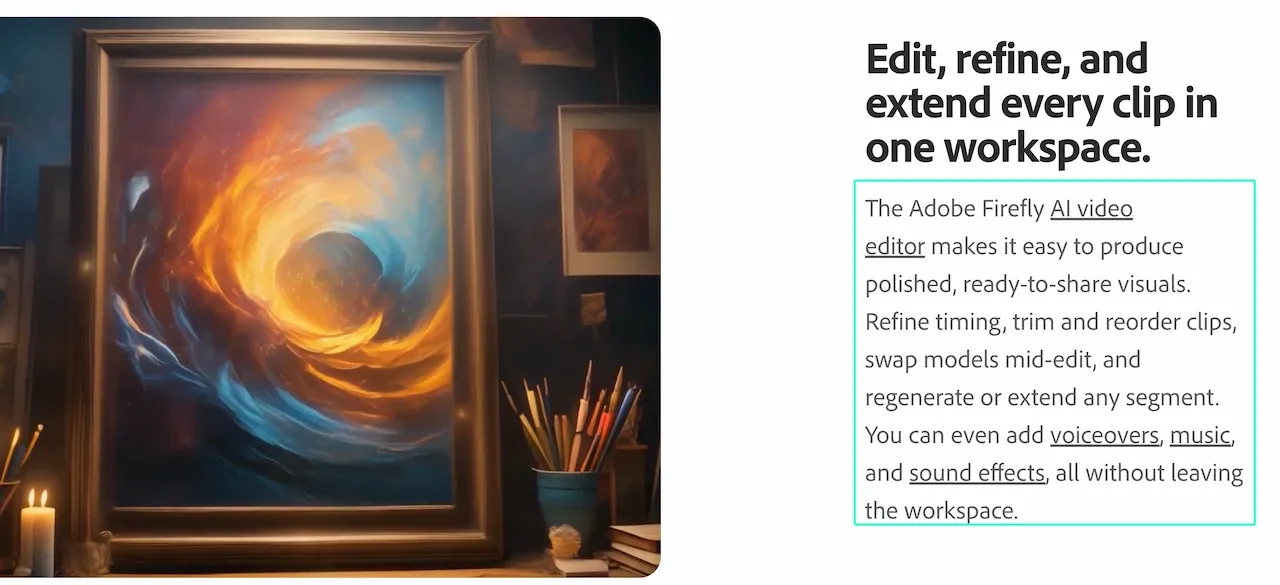
Adobe Firefly generates clips from prompts or images. Premiere provides timeline editing, color, audio tools, effects, and animated titles.
This pairing suits artists planning conventional post-production. It can mix generated scenes with licensed footage, performances, an AI lyric video maker workflow, and delivery versions.
Side-by-Side Music-Video Workflow Comparison
| Tool | Starting Material | Music Response | Creative Control | Best Handoff |
|---|---|---|---|---|
| Loova AI | Audio, prompt, and visual references | Described rhythm and structure guidance | Model, references, prompt, and settings | Verify and edit scene options |
| Freebeat | Song, lyrics, and character material | Section and energy analysis | Concepts, cast, and shot editing | Refine a full-song draft |
| Kaiber | Audio plus images or clips | Beat-synced batch editing | Media, trim, ratio, and text | Export promos or keep editing |
| Neural Frames | Track, prompts, and references | Stem-driven animation | Timeline, effects, models, and boards | Export an audio-reactive sequence |
| Runway | Text, image, video, and references | Music can be added | Scene and reference direction | Chain clips in a longer edit |
| Adobe | Generated clips and footage | Music retiming in Premiere | Timeline, sound, color, and titles | Finish the release master |
The key divide is full-song automation versus clip production. A beat synced video generator times supplied visuals. A scene generator offers more control over each shot.
A Practical Song-to-Video Workflow
-
Mark the song structure. Note the intro, verses, choruses, bridge, drops, and ending. Add important lyric or instrumental cues.
-
Assign one visual job to each section. Decide where you need performance, story, atmosphere, typography, or abstract motion.
-
Build a chorus test. Use a clear energy change to reveal timing and identity problems.
-
Lock approved references. Keep the same performer image, wardrobe notes, palette, and environment description across connected scenes.
-
Build the remaining sections. Change one planned variable at a time. Keep accepted clips untouched.
-
Finish on a timeline. Check lyric readability, cuts, continuity, color, audio alignment, and platform-safe framing.
A chorus is enough for a useful first pass. Open the Loova AI Music Video Generator with an approved song section and one visual reference. Describe one scene change, then check timing, identity, and editability against the brief.
Music, Likeness, and Footage Rights
A song can involve separate rights in its composition, lyrics, and recording. The U.S. Copyright Office’s musician guidance explains the distinction. Clear each right needed for the intended release and territory.
Get permission for performer likenesses, voices, choreography, artwork, logos, and third-party footage. A subscription or generated output does not automatically clear those underlying materials.
Only upload music, performer images, and footage you are authorized to use. Before submitting an unreleased master, review Loova AI’s current Terms of Use. They make users responsible for submitted content and grant the service a license covering operation, improvement, and promotion. Keep confidential or unapproved assets offline.
Comparison Limitations
Features, plans, models, limits, and usage terms can change. Vendor pages describe intended workflows, not guaranteed synchronization, continuity, quality, speed, or commercial suitability.
This review does not establish a stable ranking because no common track was rendered across all six products. Run a short pilot with your own licensed material before committing a full song or release budget.
The best AI music video generator for artists matches your planned automation, controls, and editing handoff. Full-song drafts save assembly, while directed clips preserve shot-level decisions.
FAQ
Can I upload my own song to an AI music video generator?
Many current tools accept uploaded audio, but supported formats, durations, and plan limits differ. Use a high-quality working file and keep the release master unchanged. Upload only music you may process under the service’s current terms.
Can AI synchronize visuals to beat changes?
Some tools analyze beats, sections, stems, or energy changes. Others let you add music after generating scenes. Check important cuts manually because documented beat response does not guarantee that every accent will land correctly.
How do I keep a performer consistent across scenes?
Use one approved reference set and repeat the same identity, wardrobe, and environment constraints. Generate connected shots in small groups, then reject drift before building later sections. A final editor can hide minor changes with cutaways, but it cannot restore a lost likeness.
Do I need permission to use the music in a generated video?
Yes, unless you own or otherwise have permission for every required use. Check the composition, lyrics, sound recording, samples, and any collaborator agreements separately. Even the best AI music video generator does not replace those underlying rights.