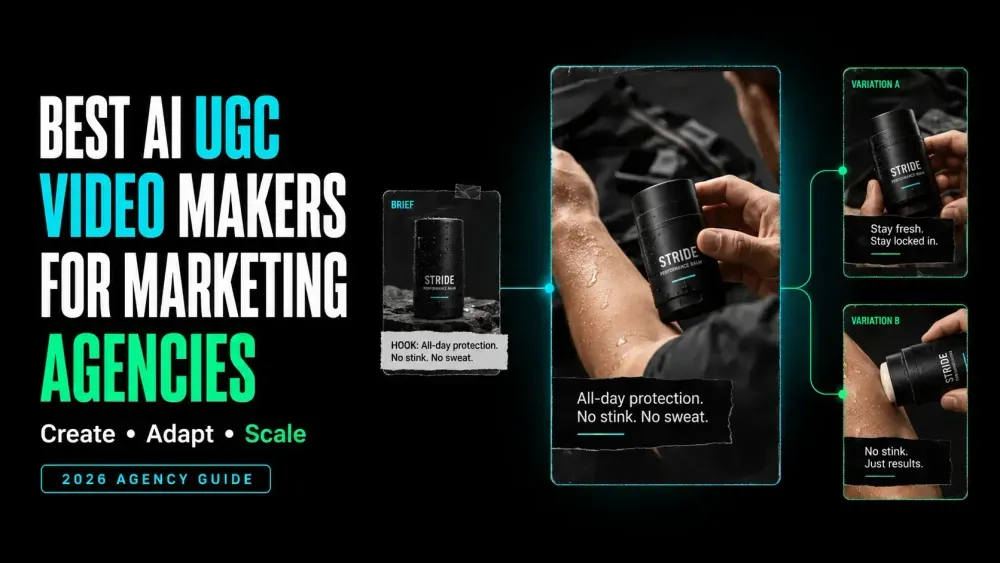
Best AI UGC Video Makers for Marketing Agencies
On this page
A UGC-style ad can sound convincing and still get sent back after the first client review. The product may appear too late, the captions may cover the clearest demo, or a translated version may no longer match the approved script. The best AI UGC video makers for marketing agencies make those revisions easier to manage across clients, languages, and deliverables.
Some tools can turn a product page into a first draft. Others are better at polishing footage or a rough cut you already have. The right fit depends on your starting point and the kind of change the client is most likely to request.
What Marketing Agencies Need from an AI UGC Video Maker
Useful AI UGC tools for agencies must support more than a quick talking-head render. They need to protect client boundaries while moving a brief through scripting, generation, revision, approval, and export.
| Agency requirement | Practical question |
|---|---|
| Controlled inputs | Can the team lock the product facts, hook, script, avatar, voice, and brand assets? |
| Client separation | Can members, projects, assets, and permissions stay separate by client? |
| Editable drafts | Can an editor change captions, scenes, voice, framing, or timing without rebuilding everything? |
| Localization | Can reviewers inspect the translated script, pronunciation, captions, and lip sync? |
| Version history | Can the team identify the control, changed variable, reviewer, and delivery status? |
| Clean delivery | Does the intended plan provide the required resolution and watermark treatment? |
This comparison appears on the Loova AI blog and uses current public product and help pages. It is not an independent output-quality or performance test.
How We Compared Agency-Focused UGC Tools
We mapped each tool to one example client package. It includes a product page, approved images, verified claims, a short script, and brand assets. Any presenter or voice material must also be permitted. The job also requires one master ad and a localized version.
We compared five decisions. We checked what each tool accepts, what it creates or edits, how teams revise it, and how approval works. Because these products solve different stages, this article does not assign one overall winner.
Best AI UGC Video Makers by Agency Task
Loova AI for Product-Led UGC Ad Creation
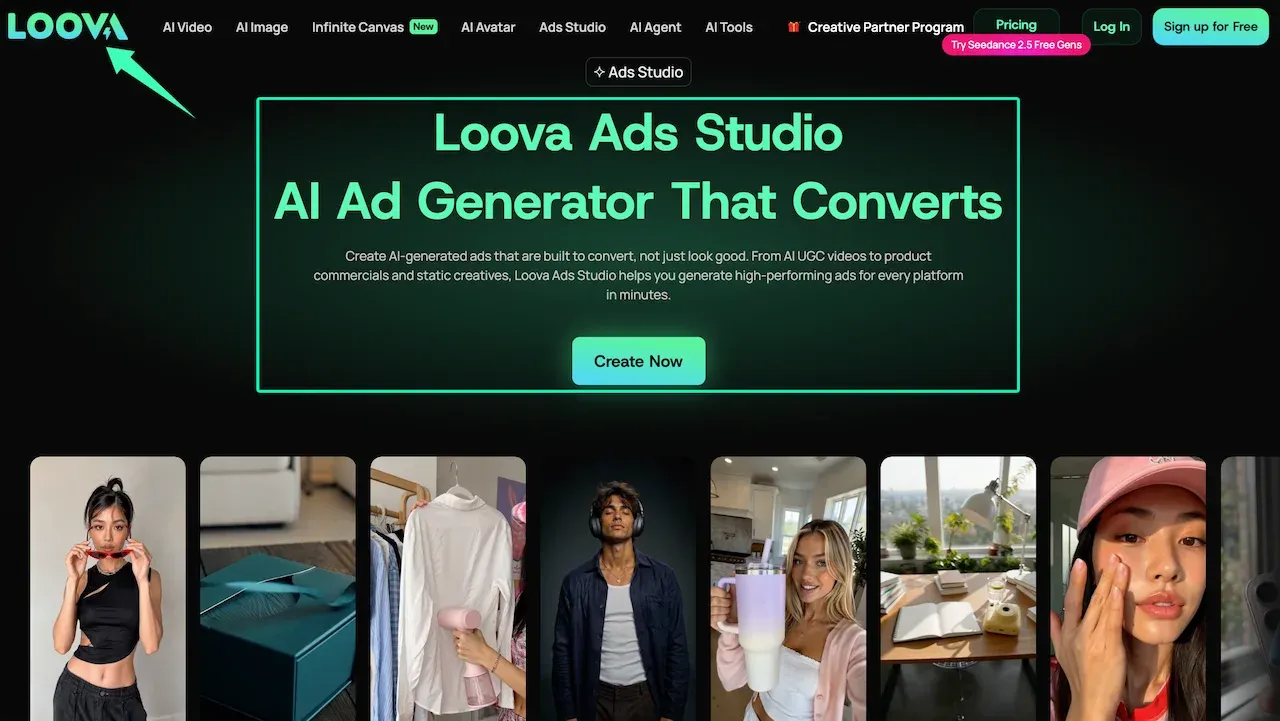
The current Loova AI UGC ad workspace starts with a hook, product input, and visual style. The same Ads Studio page also documents product-URL input, product avatars, and a reusable Product Kit. That makes it relevant when an agency wants product-led UGC drafts and related ad formats in one advertising workspace.
The public page does not document separate client workspaces or approval permissions. Agencies should therefore treat the generated ad and Product Kit as production inputs. Client access and approval records should remain in the agency’s established system.
Creatify for Product-URL-to-Video Workflows
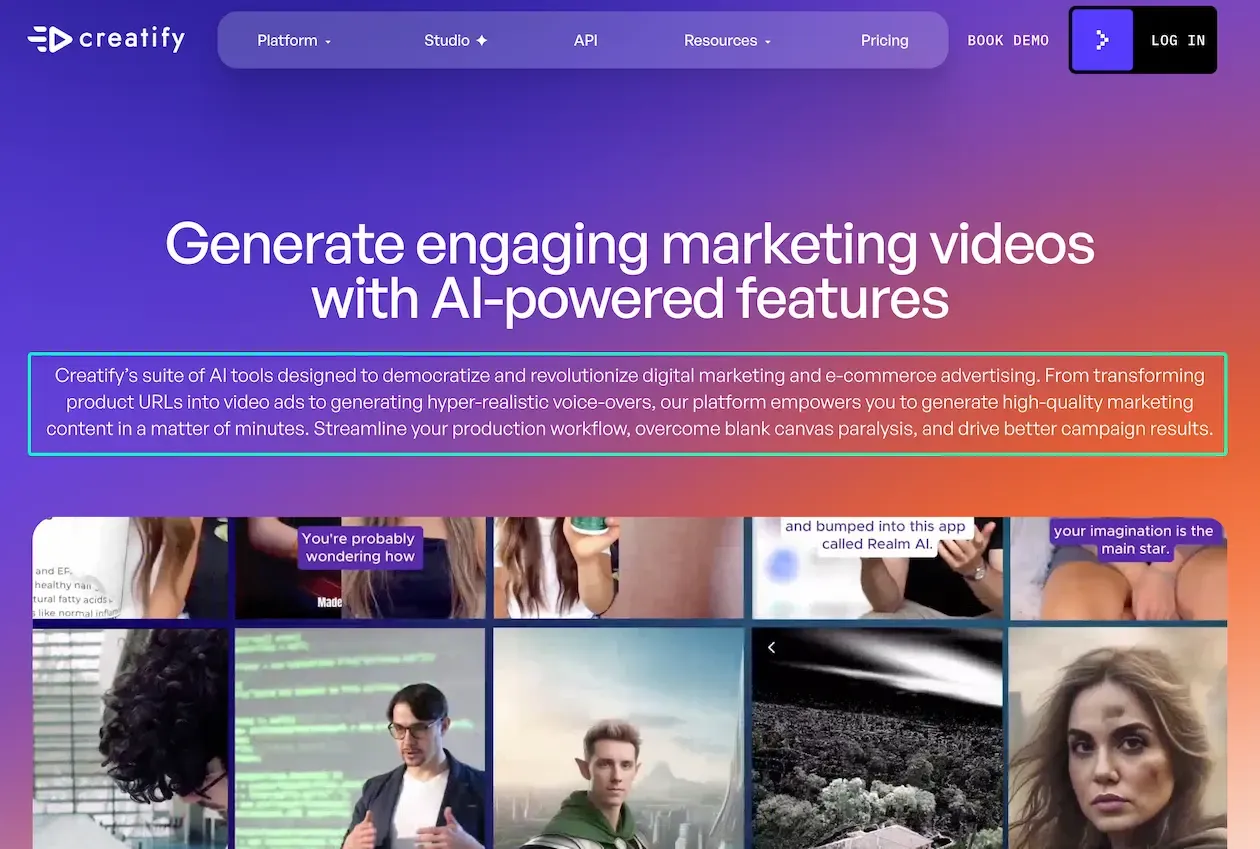
Creatify’s current feature set turns a product URL, image, or brief into an assembled ad. The output can include a script, avatar, voice-over, supporting footage, music, and captions. It also documents Batch Mode for multiple variations. This suits an agency video workflow that begins with ecommerce or app pages and needs editable drafts quickly.
Review everything extracted from the page. Product descriptions may contain outdated claims, missing qualifiers, or copy that should not become spoken ad language.
HeyGen for Custom Avatars and Localization
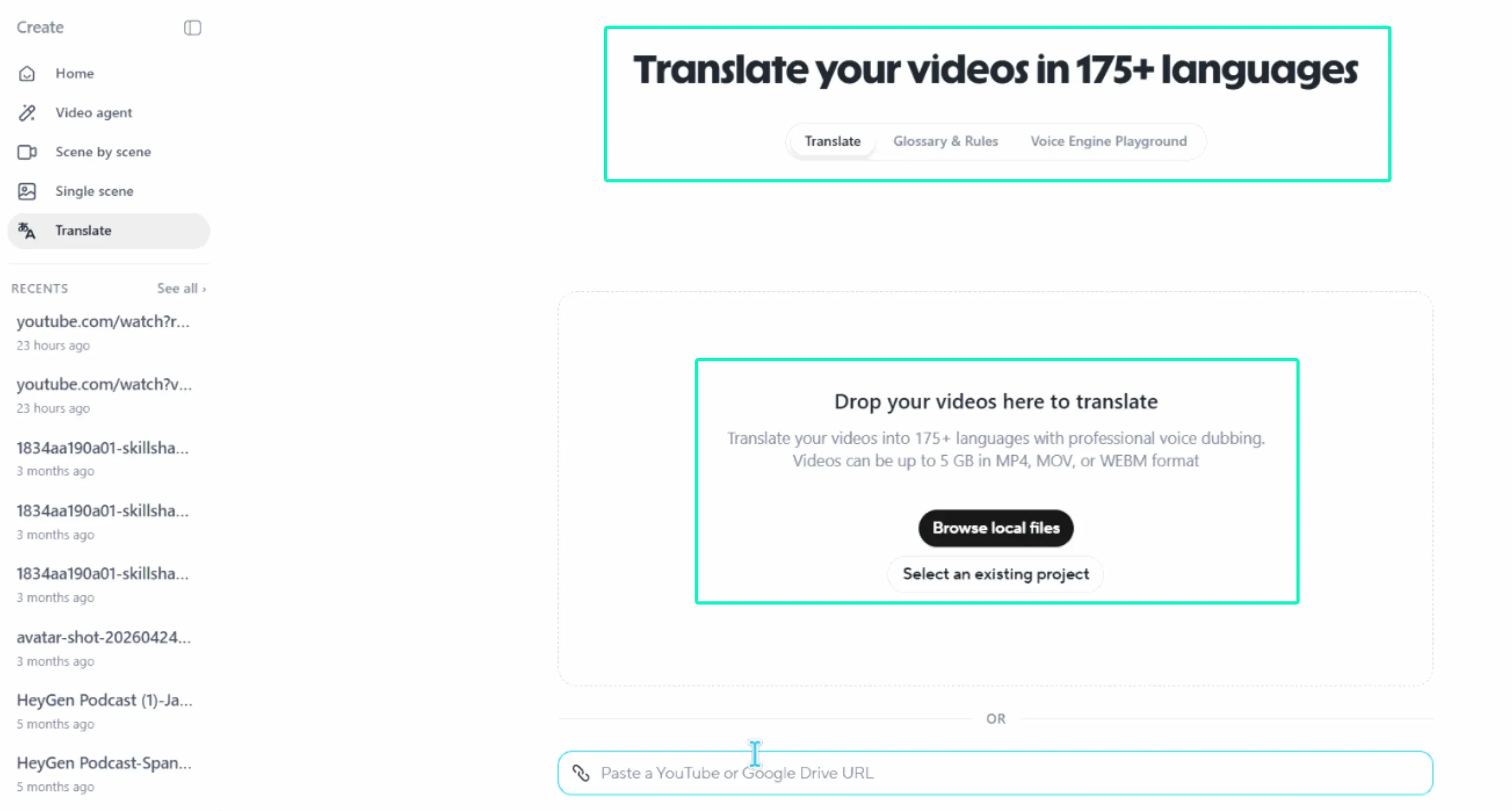
HeyGen fits campaigns where an authorized presenter and localization matter more than product-page automation. Its Digital Twin consent process requires the person in video-based avatar footage to submit a consent recording. Its video translation workflow supports dubbing, lip-sync options, multiple target languages, and a brand glossary.
That combination helps agencies reuse an approved spokesperson across markets. A native-language reviewer should still check claims, pronunciation, timing, and cultural context before client approval.
Arcads for Direct-Response Talking-Head Ads
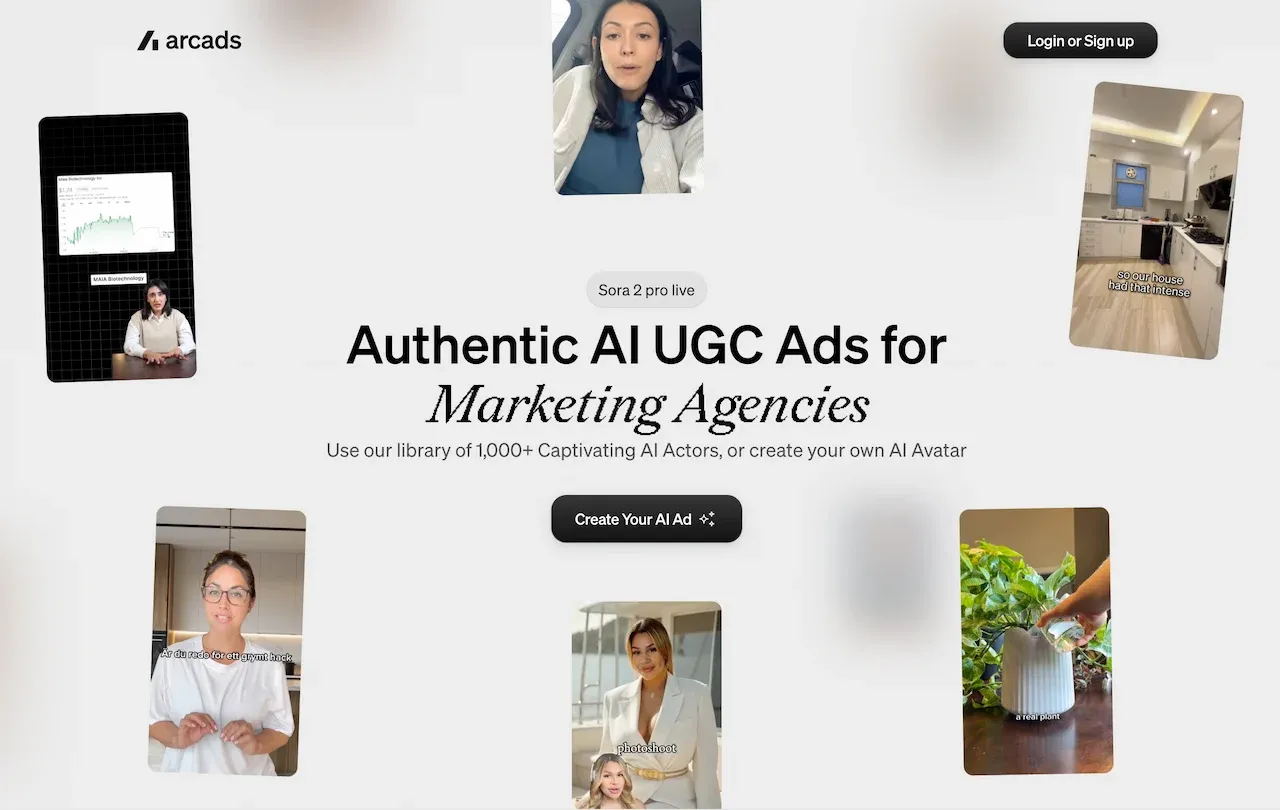
Arcads’ marketing-agency page centers on AI actors, custom actors, product presentation, emotion direction, and multilingual output. It best fits direct-response concepts built around a presenter delivering a hook, problem, benefit, and call to action.
The same current page marks B-roll, music, caption, and transition editing as coming soon. Agencies that need detailed finishing should plan a separate editor rather than treating that capability as available now.
CapCut Commerce Pro for Editing and Creative Variations
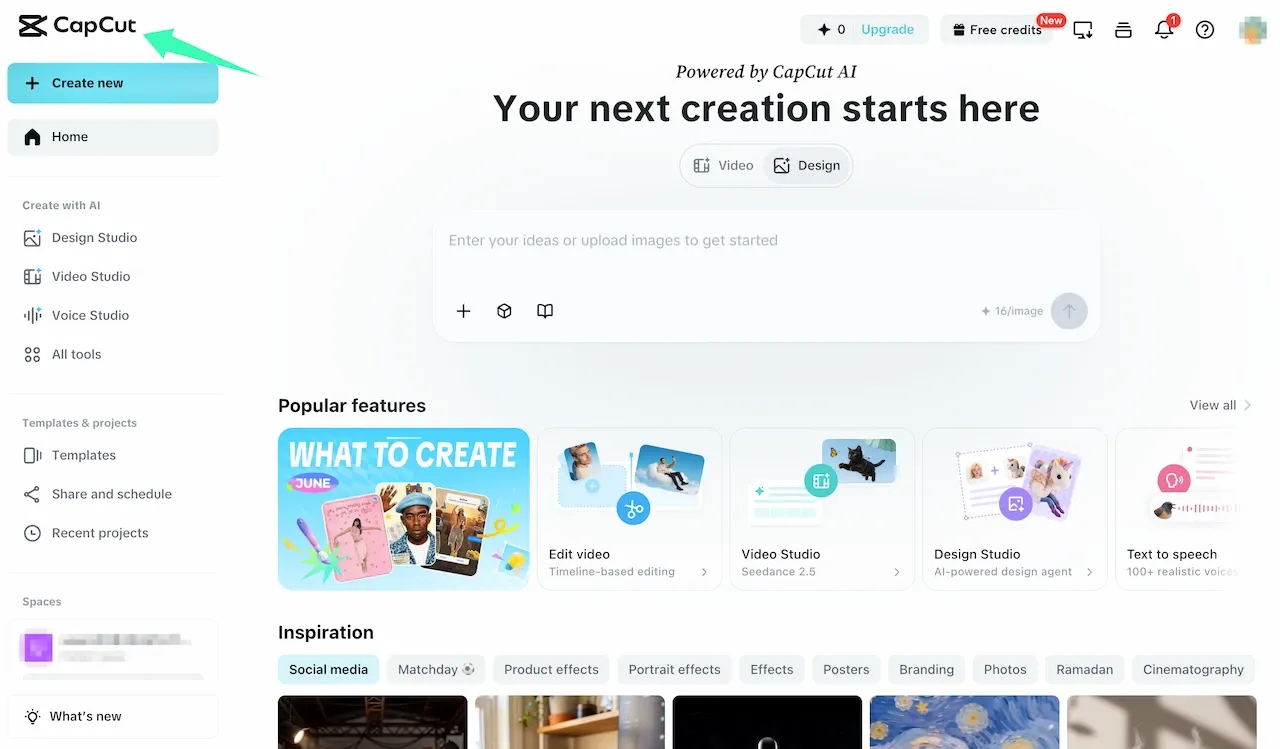
CapCut Commerce Pro’s commercial-video workflow supports templates, imported footage, trimming, cropping, text, music, transitions, auto-subtitles, and adjustable output settings. It is the clearest editing fit here when a generated UGC draft already exists and needs practical social-ad finishing.
Templates speed up variation work, but they can also make unrelated clients look alike. Store each client’s fonts, caption treatment, end card, disclaimer, and export preset separately.
VEED for Collaborative Editing and Localization
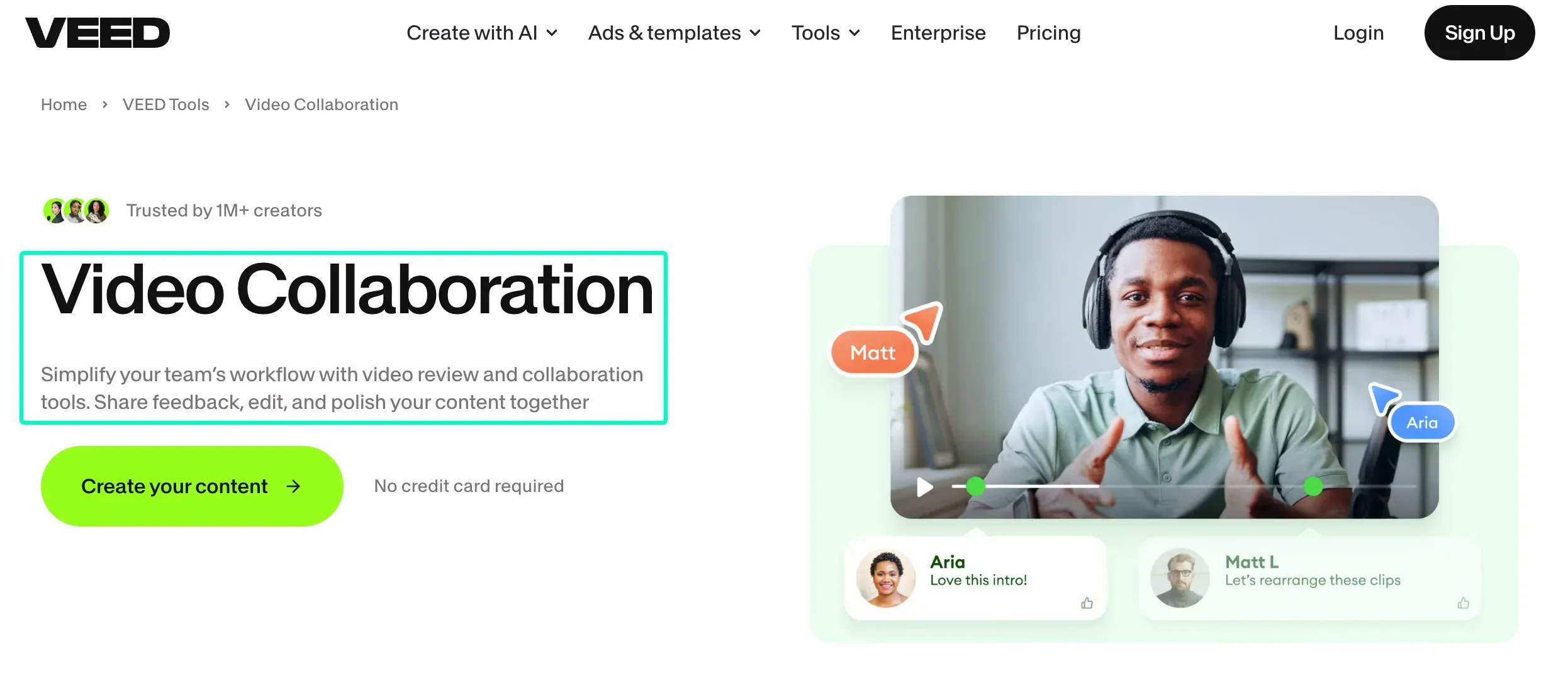
VEED’s collaboration workspace supports editor and reviewer roles, timestamped comments, team spaces, Brand Kit assets, and link-based feedback. Its video translator adds subtitles, voice translation, lip-sync options, and continued editing after translation.
This makes VEED useful when the approval trail and localized finishing matter as much as initial generation. Plan availability differs for multiple Brand Kits and advanced controls, so map each client’s access needs before moving active projects.
A Repeatable Client Production Workflow
A repeatable process keeps the client brief visible after AI starts changing the video. The following handoff works with one platform or a small stack.
- Create the client pack. Store the approved product source, claims, offer, logo, fonts, colors, pronunciation notes, and permitted media.
- Lock the control script. Approve one hook, one product promise, and one call to action before generating variations.
- Choose the production route. Use product-led tools for URL or product inputs, and avatar-led tools for an approved presenter.
- Create the master draft. The Loova AI UGC Ad Maker is one route for turning an approved product and hook into a first UGC-style concept.
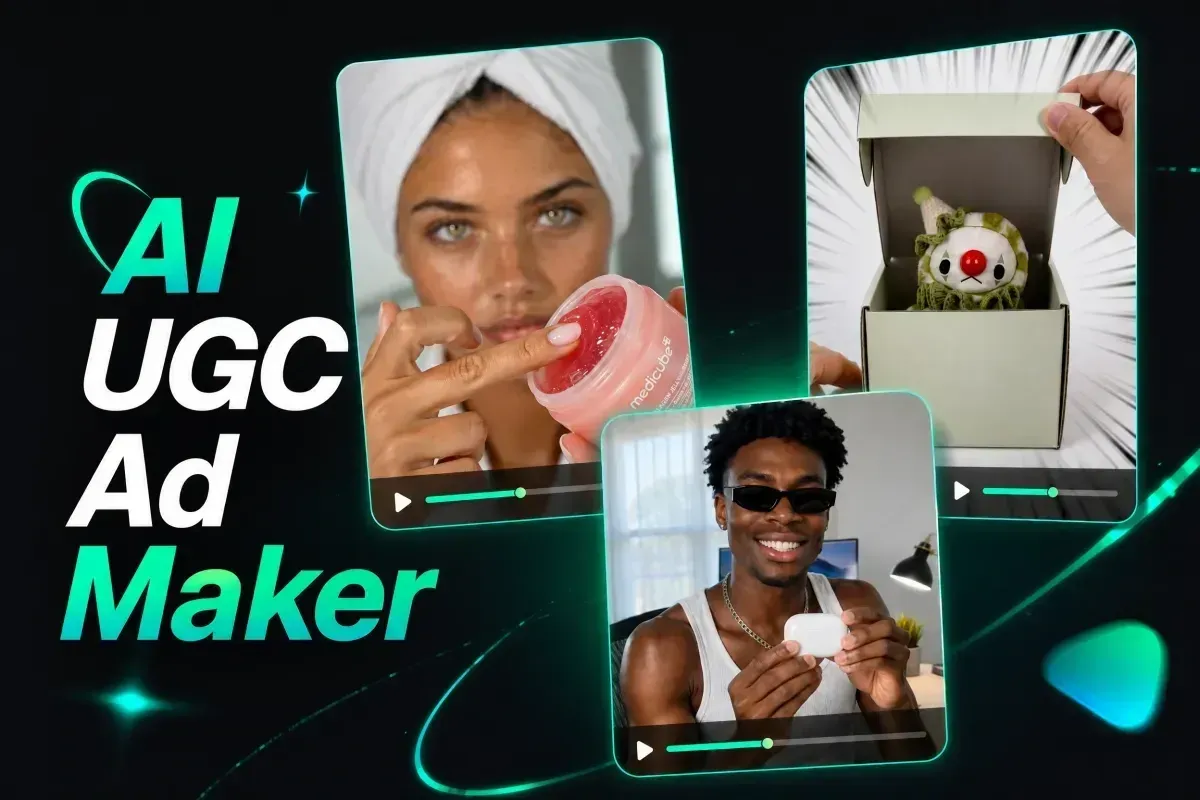
- Review before multiplying. Check product appearance, claim wording, voice, captions, pacing, and the final frame.
- Change one variable. Keep a control while changing only the hook, presenter, language, or opening visual.
- Approve the delivery package. Freeze the video, caption copy, thumbnail, rights record, export settings, reviewer, and date together.
A large batch of loosely labeled videos is harder to evaluate than a small set of traceable versions. Scale begins with a comparison the team can explain to the client.
Client Separation, Approvals and Version Control
Each client needs a separate home for source assets, avatars, voices, scripts, product claims, and exports. A useful filename is client-campaign-concept-variable-platform-v03-review. Pair it with the statuses draft, internal review, client review, approved, and delivered.
Workspace separation varies. HeyGen Sub-Workspaces can separate members, permissions, settings, and selected resources, but the feature is currently limited to Enterprise users. VEED supports team spaces, while multiple Brand Kits depend on the plan.
Custom avatars and cloned voices require documented permission from the person represented. Client approval alone is not a substitute for that person’s consent. Keep unreleased products, private customer information, and confidential footage out of unapproved cloud workflows.
Build one reviewable UGC draft
Open the Loova AI product-ad workspace with an approved product, approved hook, and chosen visual style. Save the script, inputs, and first export with the client record before creating another version.
Comparison Limitations
Features, plan access, export rules, avatar libraries, and collaboration controls can change. We reviewed documentation rather than generating the same ad in every tool. This comparison therefore does not rank avatar realism, lip-sync accuracy, rendering speed, reliability, or campaign performance.
The best AI UGC video makers for marketing agencies solve a defined production bottleneck without weakening client separation or review. A broader feature list is less useful when the team cannot trace what changed or who approved it.
FAQ
Can AI UGC tools manage several client brands in one workspace?
Some can, but the level of separation varies. HeyGen documents Enterprise Sub-Workspaces with separate members, settings, and permissions. VEED offers team spaces and plan-dependent multiple Brand Kits. A Product Kit or folder alone does not prove client-level access control. Agencies should map permissions, billing, assets, and exports before onboarding multiple brands.
Can agencies upload custom avatars and voices?
Yes, when the selected tool and plan support them. Obtain permission from the person whose face or voice is used, then follow the provider’s verification process. For HeyGen video-based Digital Twins, the person shown in the avatar footage must record the consent video. Store that authorization with the client project.
How many variations should be created from one UGC concept?
Start with four manageable versions: one control and three single-variable changes. For example, keep the product, presenter, script body, and end card fixed while testing three opening hooks. Generate another round only after reviewers can identify which variable caused each meaningful difference.
Can AI UGC videos be delivered without watermarks?
Often, but the rule depends on the product, plan, and export mode. Creatify’s free plan adds a watermark and removes it after an eligible upgrade. HeyGen paid Studio plans allow users to disable the watermark. Confirm the final export from the intended account before promising a clean client file.