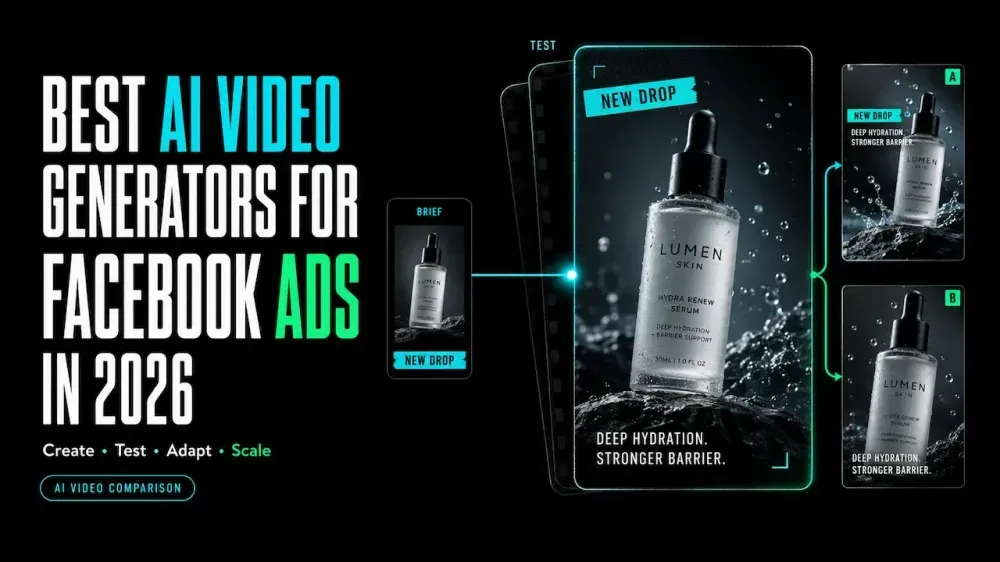
Best AI Video Generators for Facebook Ads in 2026
On this page
Creating several Facebook ad variations does not automatically produce a useful test. If every draft changes the hook, presenter, offer, crop, and soundtrack, the team cannot tell which change caused the difference. A clearer workflow keeps one version as the control and changes one variable at a time.
This comparison looks at six of the best AI video generators for Facebook ads in 2026 and explains where each one fits in the production process. The tools cover product-led drafts, UGC-style ads, localization, resizing, and script-to-video production.
What a Facebook Ad Video Generator Needs to Handle
A Facebook video ad maker should do more than render an attractive clip. It must carry an approved claim through several placements without losing the product, offer, or next step.
| Workflow need | What to check |
|---|---|
| Controlled source | Can the team lock facts, offers, and permitted assets? |
| Placement formats | Can the draft fit Feed, Stories, and Reels without careless cropping? |
| Editable messaging | Can captions, disclaimers, and CTAs be corrected later? |
| Useful variations | Can one variable change while the control stays fixed? |
| Human review | Can reviewers inspect claims, rights, and policy before launch? |
Meta currently recommends 4:5 for Feed and 9:16 for Stories and Reels. Its guidance also puts key messaging or branding in the first three seconds. Framing and editable text therefore matter as much as generation.
How We Compared Tools for Facebook Ad Workflows
We mapped every tool to one sample brief: an approved product page, verified claims, product images, a short hook, and an optional authorized presenter. The job needs Feed and vertical versions plus controlled hook variations.
We checked documented inputs, editing options, format support, and human handoffs. This is not a controlled test of quality, speed, reliability, or campaign results. Loova AI publishes this article, so its inclusion is not an independent endorsement.
Best AI Video Generators by Facebook Ad Task
Loova AI for Generative and UGC Ad Variations
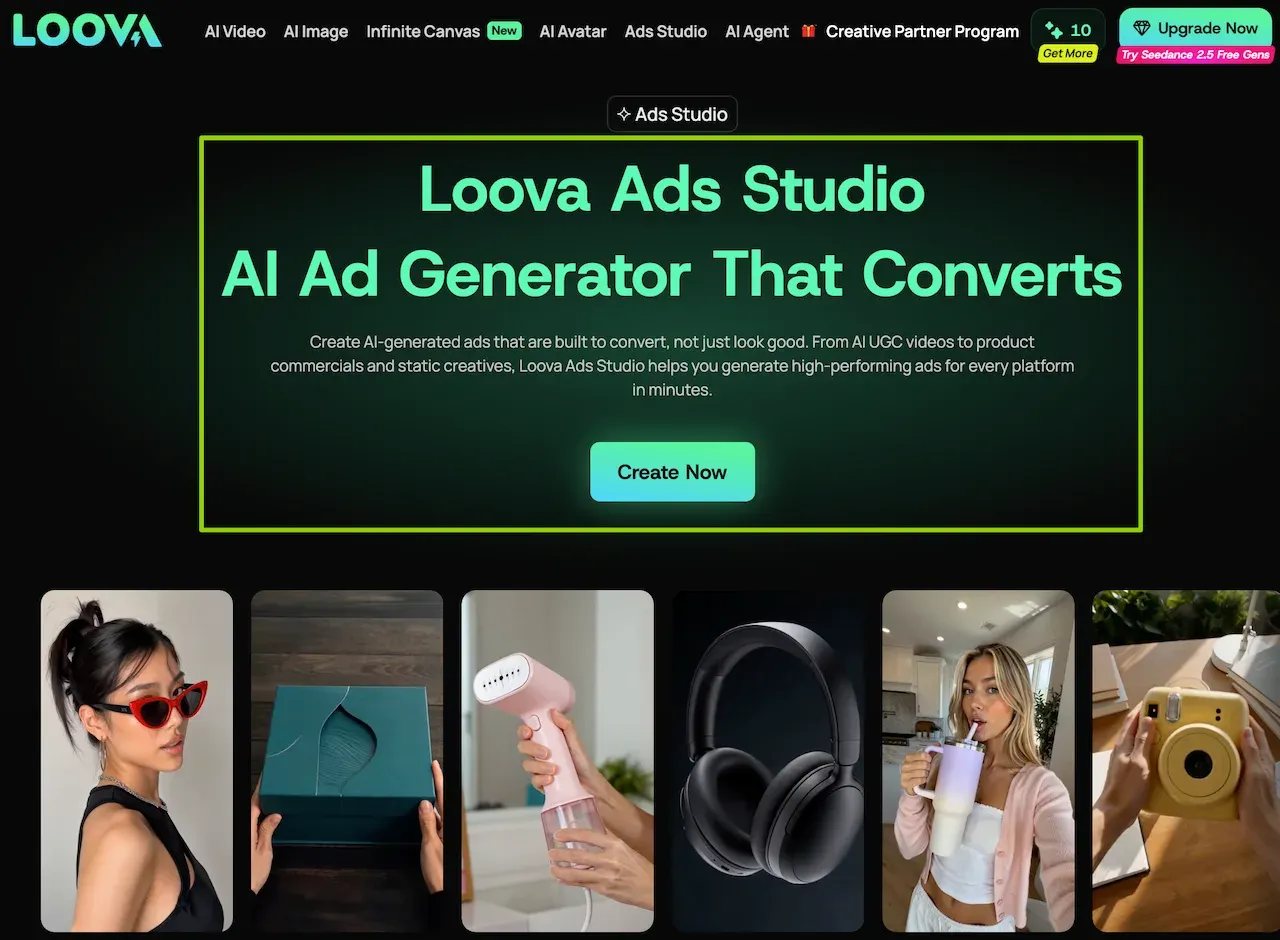
Loova Ads Studio combines AI UGC Ad Maker, URL to Ad, Product Avatar Video, Viral Ad Clone, and a reusable Product Kit. It is part of Loova AI’s all-in-one platform for video, image, editing, and multi-model creative workflows.
That range fits teams moving from one approved product and hook to several ad directions. Treat each result as a draft. Verify extracted details, spoken claims, presenter actions, and crops before publishing.
Creatify for Product-URL-to-Video Ads
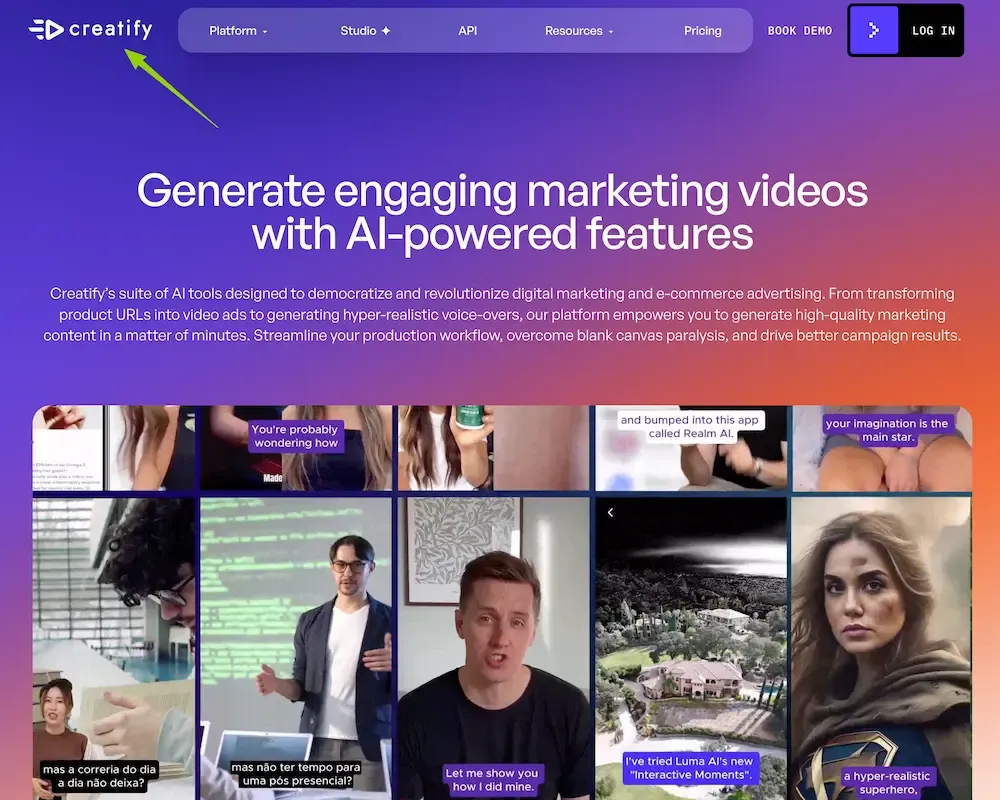
Creatify’s current feature set can turn a product URL into a video ad and build Batch Mode variations. Its ad-clone workflow supports 9:16, 16:9, and 1:1 formats. It is practical when the product page is the starting point.
Page extraction is not approval. Review the imported description, images, prices, and claims before they become a script or voice-over.
HeyGen for Spokesperson and Localized Ads
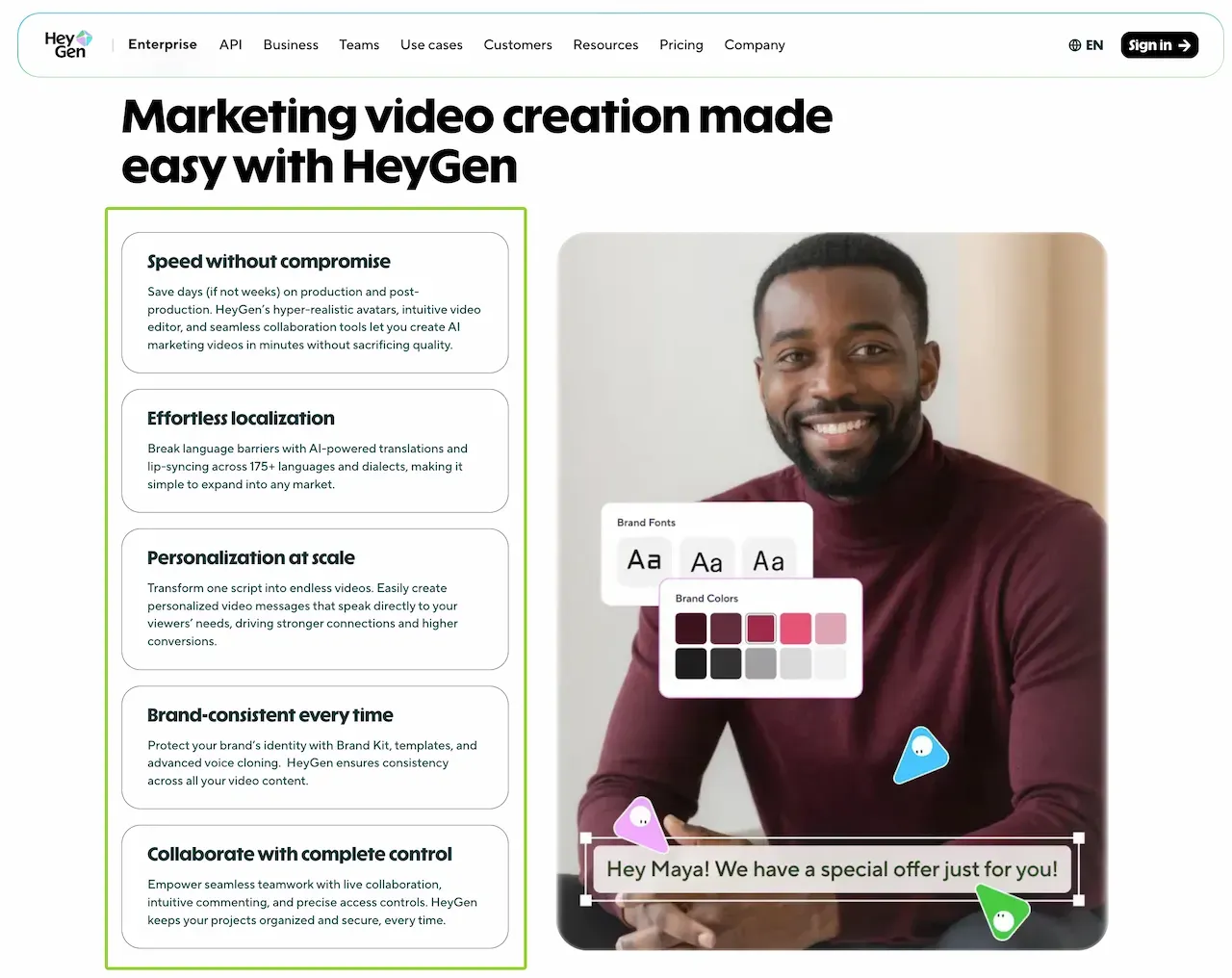
HeyGen’s marketing workflow combines avatars, editing, Brand Kit controls, and localization. It suits campaigns built around an approved spokesperson or a multilingual script.
HeyGen requires consent recording for each video-based Digital Twin. A native-language reviewer should check claims, pronunciation, captions, and timing. Lip sync does not prove the message is accurate.
Arcads for Direct-Response UGC Creatives
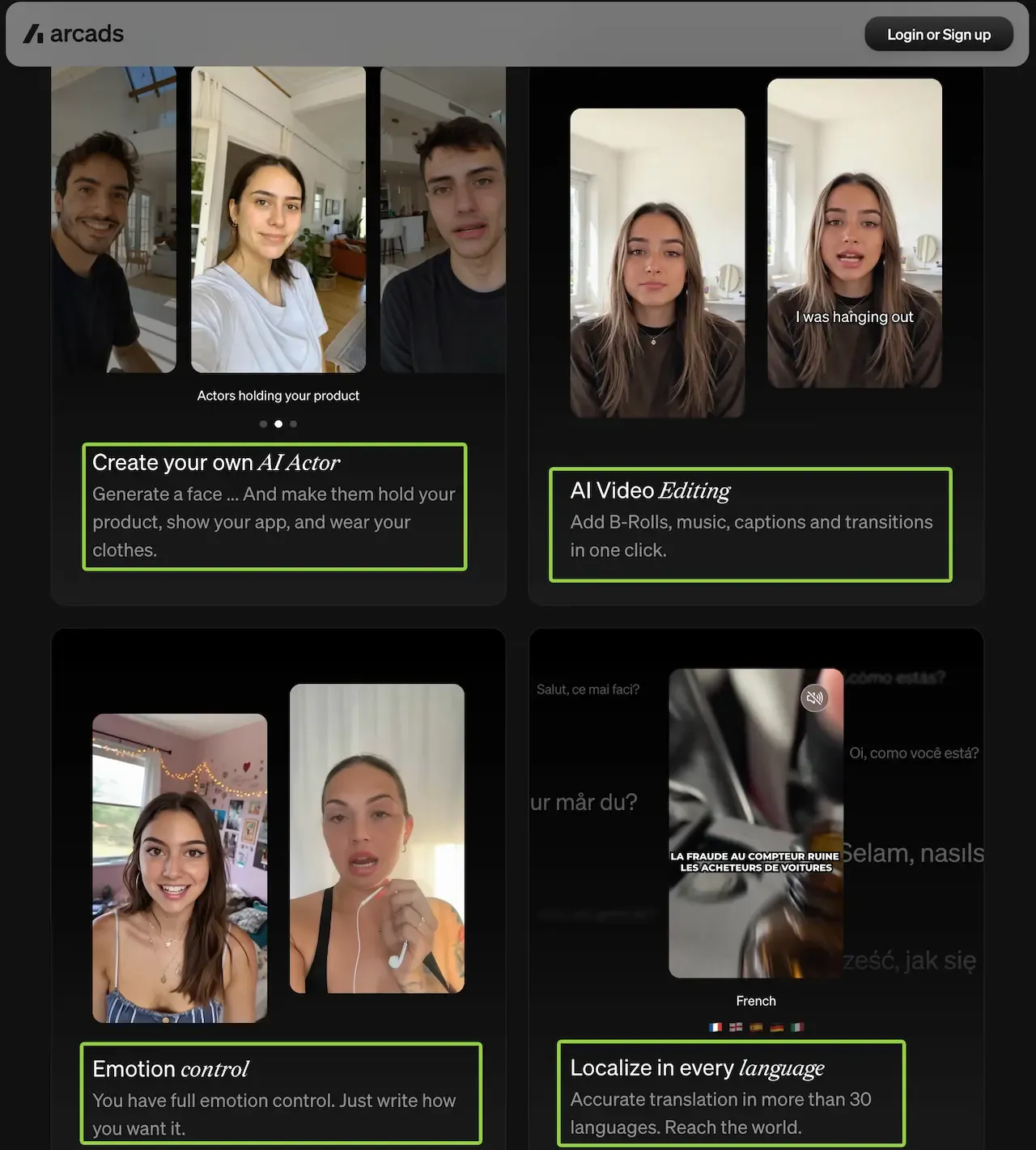
Arcads centers on AI actors, product presentation, delivery direction, localization, and ad variations. It fits direct-response concepts that move from hook to product, benefit, and CTA.
Do not let an AI actor imply a real customer experience that never occurred. Keep product demonstrations and results within what the brand can verify.
Canva for Fast Resizing and Brand Adaptation
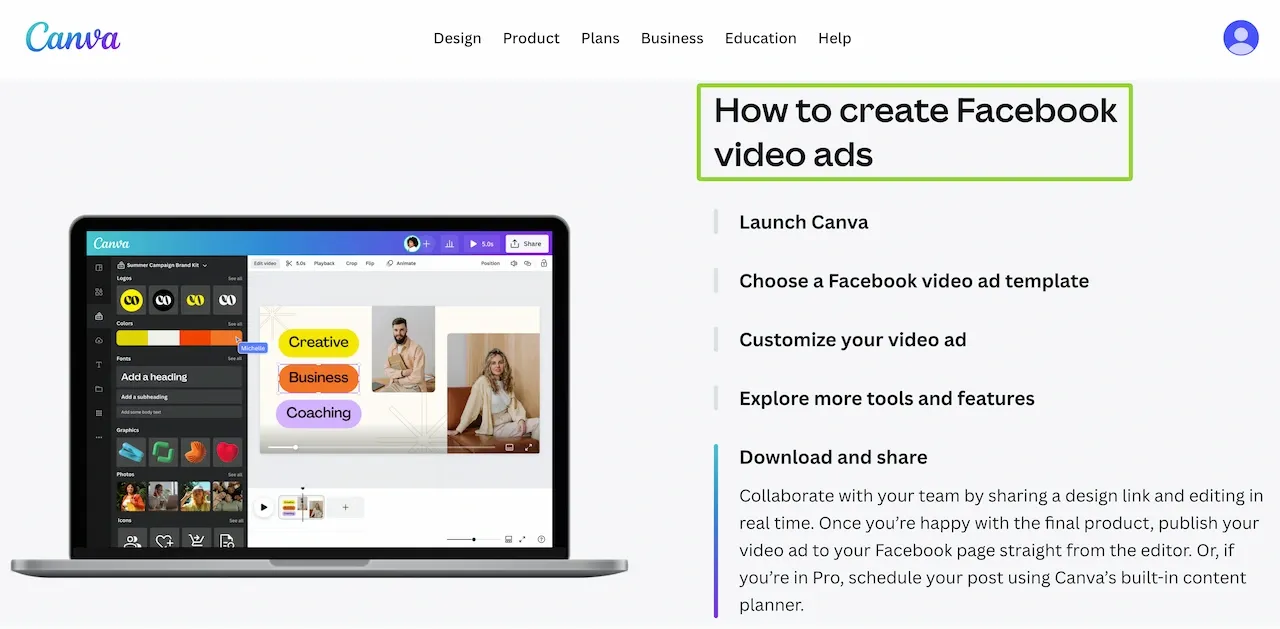
Canva’s Facebook video ad maker is strongest after the concept exists. Teams can adapt templates, add editable text, apply Brand Kit assets on eligible plans, and resize video.
That makes Canva useful for layout and finishing rather than reference-driven generation. Preview each version separately because automatic resizing can move the product, captions, or offer into a crowded area.
InVideo for Script-to-Ad Production
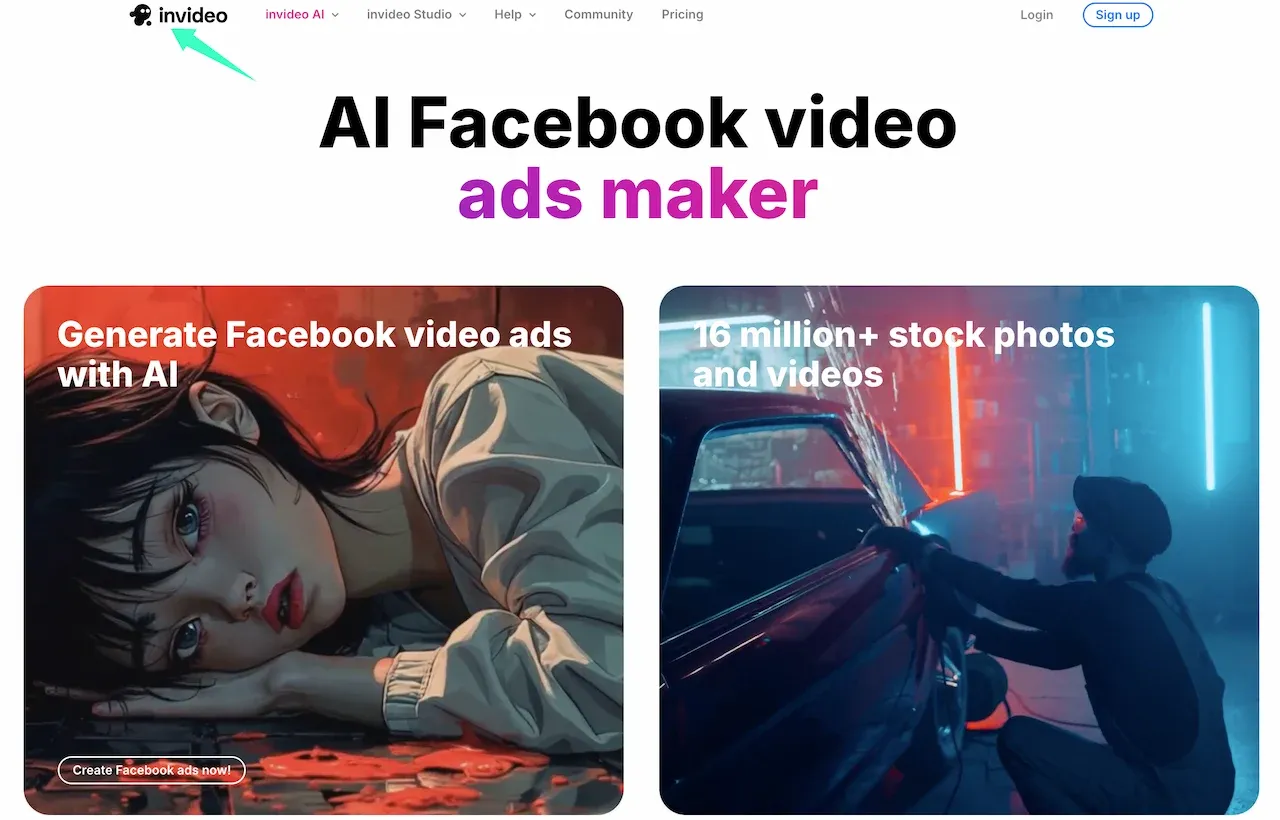
InVideo’s Facebook ad generator can build a draft with a script, scenes, voice-over, music, and visuals. Its current page documents more than 50 languages.
This route suits a team starting from a message rather than finished footage. The stock media, script, and voice still need review for product accuracy, brand fit, licensing, and the intended audience.
A Facebook-Specific Creative Workflow
Build for Feed, Stories and Reels
Start with one approved message, but do not force one export into every placement. Meta’s current creative guidance recommends 4:5 for Feed and 9:16 for Stories and Reels. Keep essential elements away from interface areas and check every version in Ads Manager preview.
Add Captions, Offer Text and CTAs in Post
Generated lettering can warp or become unreadable after a crop. Keep captions, prices, qualifiers, and disclaimers editable. Add the platform CTA during ad setup, then confirm that it does not cover essential text.
Audio can support the idea, but the product and offer should remain clear when muted. Check captions, names, and numbers against the approved script.
Create Hooks and Controlled Variations
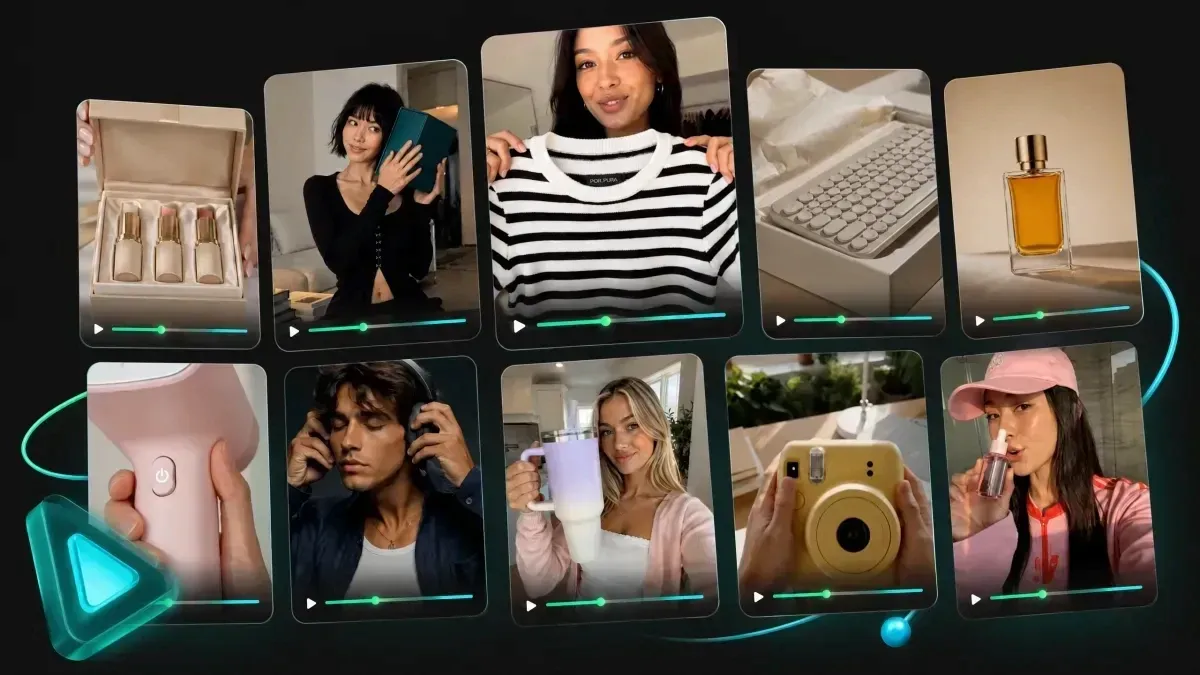
Save one control before making alternatives. Change only the opening line, first visual, presenter, or offer treatment. Keep everything else fixed unless it is the tested variable.
Use a filename such as campaign-control-hook-b-feed-v02-review. A small set of traceable versions is more useful than a folder of unrelated outputs.
Run Human Policy and Product Checks
Watch each export without sound, with sound, and frame by frame around product close-ups. Confirm the product, claims, price, disclaimer, landing-page match, captions, logo, and CTA.
Meta says its review can examine the video, text, targeting information, and destination page. A clean render does not mean the complete ad package will pass review.
Build one Facebook ad control
Open Loova Ads Studio with one approved product and one hook. Save the inputs and first draft before changing the presenter, opening visual, format, or offer.
Ad Policy, Disclosure and Usage Rights
Use only assets, voices, and likenesses the advertiser may publish. Obtain the represented person’s permission before creating an avatar or cloned voice. Never present an AI actor as a real customer, expert, or celebrity.
Keep confidential launches and private customer footage out of cloud workflows that have not been approved for them.
For U.S. campaigns, the FTC’s advertising guidance says claims must be truthful, non-deceptive, and supported by evidence. Its testimonial guidance for AI stock avatars says the message and context can make an avatar a testimonial.
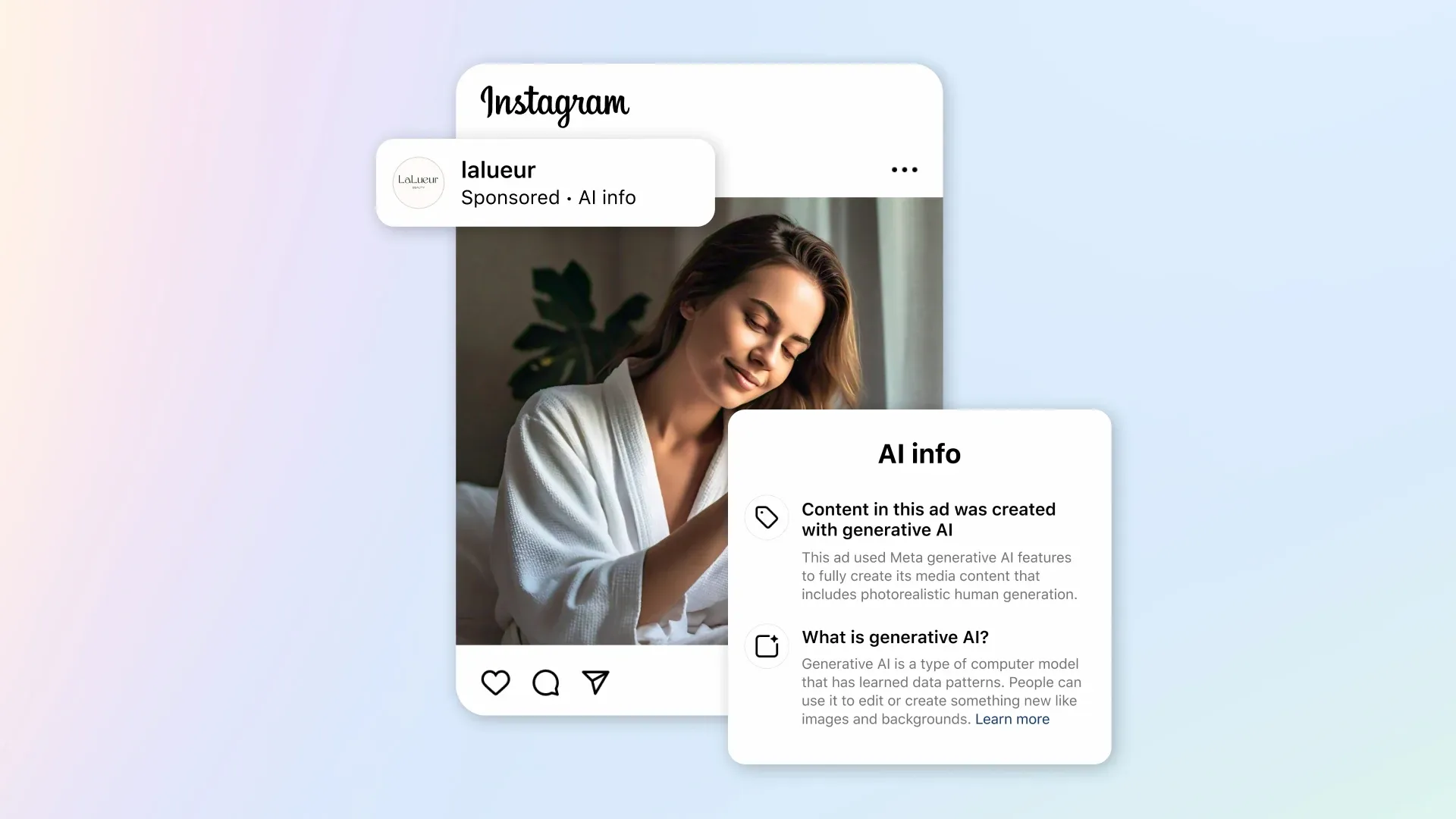
AI generation does not bypass Meta review. Meta’s ad-review guide says ads are checked before they run and may be reviewed again. Meta is also rolling out AI information labels for ads detected as created or significantly edited with third-party AI tools. A label does not make a misleading claim acceptable.
Comparison Limitations
Features, plans, model access, export rules, and Meta requirements can change. We reviewed public documentation instead of running the same campaign through every tool. This comparison does not rank realism, approval rates, speed, performance, or cost.
The right AI video generator for Facebook ads solves a defined production task while leaving claims, crops, captions, rights, and approval visible to the team. More generated versions are not more useful when nobody can explain what changed.
FAQ
What aspect ratio works best for Facebook video ads?
There is no single ratio for every placement. Meta currently recommends 4:5 for Feed and 9:16 for Stories and Reels. Build or adapt separate versions, keep key elements inside the placement’s safe area, and preview each ad before publishing.
Should captions and CTAs be generated or added later?
Add them later as editable elements when possible. This makes it easier to correct wording, move text for another ratio, and keep disclaimers readable. A generated draft can guide placement, but the approved captions, offer, and CTA should remain controllable during finishing and ad setup.
Can one video be reused across Feed, Stories and Reels?
The same concept and source edit can be reused, but one file should not be assumed to fit every placement. Create a 4:5 Feed version and a 9:16 Stories or Reels version, then check the crop, caption scale, safe area, pacing, and CTA separately.
Does using AI-generated video affect Facebook ad approval?
AI use alone does not guarantee approval or rejection. Meta reviews the complete ad against its Advertising Standards, including the creative, copy, targeting, and destination. It may also add AI information labels when relevant signals are detected. Keep the control beside every variation, and approve its claims, disclosures, and publishing rights before launch.