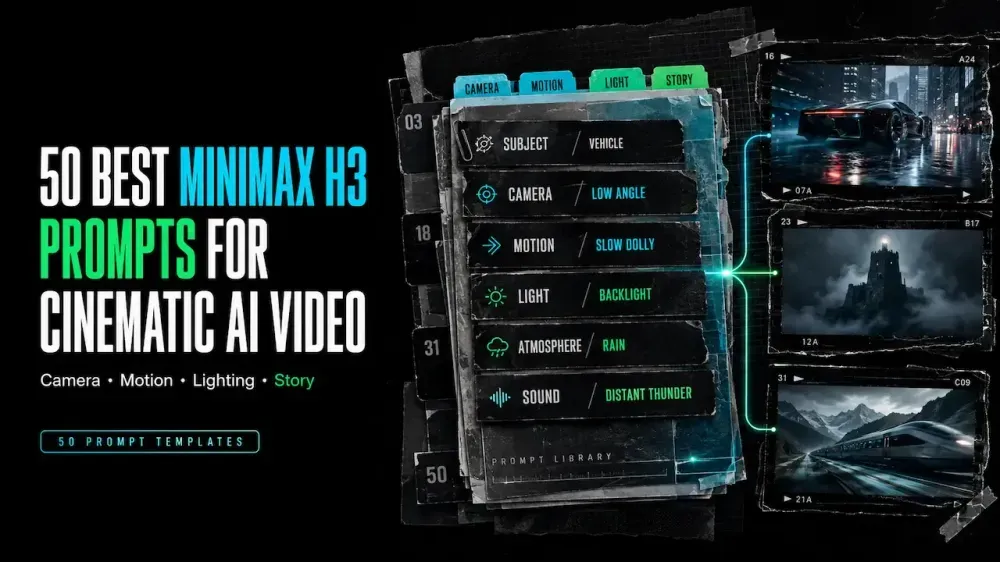
50 Best MiniMax H3 Prompts for Cinematic AI Video Creation
On this page
When a result misses the brief, changing the entire prompt makes the problem harder to diagnose. Adjust one visible variable at a time so the next output shows which change worked.
A good MiniMax H3 prompt makes every part of the video easy to understand. These 50 templates separate camera work, dialogue, ads, references, music, and stories, so you can revise a shot without rebuilding it.
MiniMax presents H3 as a multimodal model for text, image, video, and audio. Put reference roles and sound direction inside the prompt.
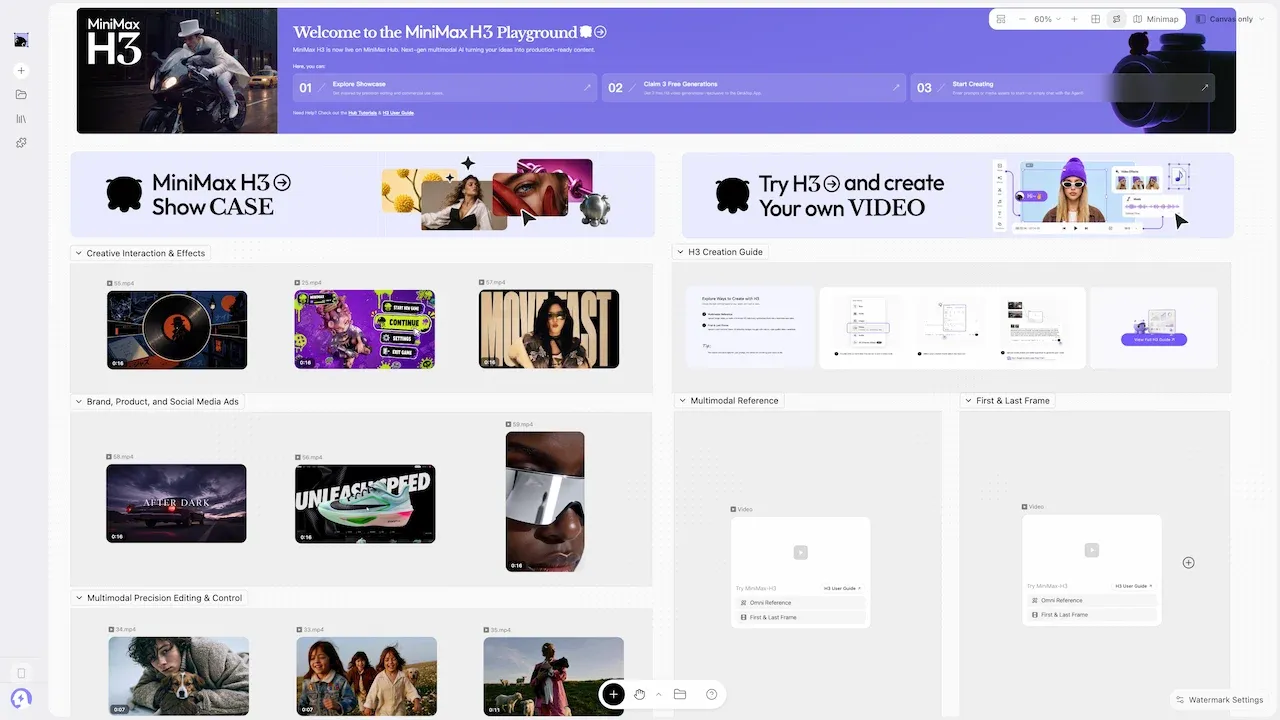
How to Customize a MiniMax H3 Prompt
Identify five fields: subject, action, setting, camera, and sound. Mark fixed details, then replace one field at a time.
A practical MiniMax H3 prompt gives each reference a clear role, separates actions into timed shots, directs audio explicitly, and states the details that must remain unchanged.
Replace Subjects and References
Brackets show editable fields. Give every reference one job: identity, appearance, motion, camera, voice, rhythm, or ambience.
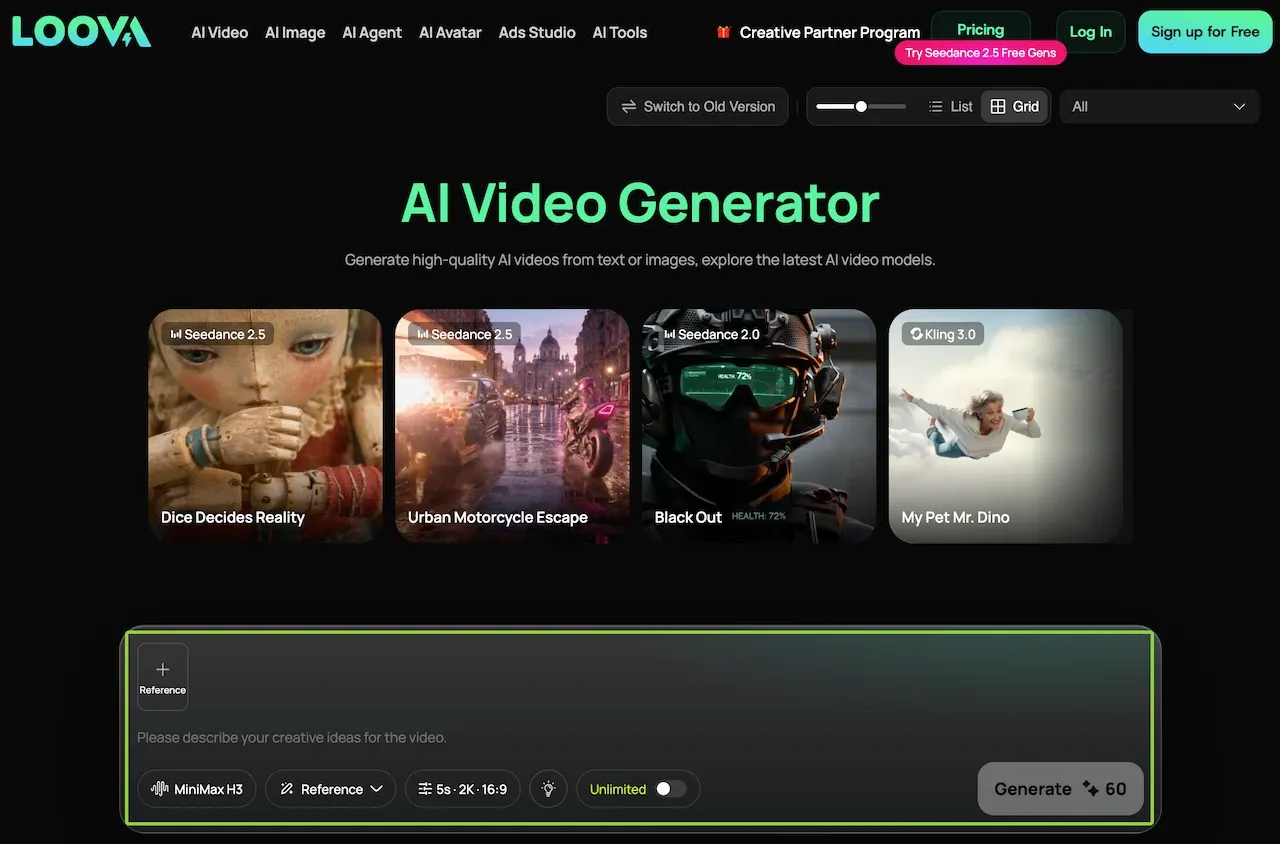
Write “keep the jacket, hairstyle, and face from Image 1; use Video 1 only for the turning motion.” Then open the MiniMax H3 generator on Loova AI with permitted references.
Adjust Shot Timing and Sound Direction
For several beats, use blocks such as 0–3s, 3–6s, and 6–9s, with one action each. Direct sound precisely: “soft footsteps approach from the left.”
Put exact dialogue in quotation marks. Separate speech from ambience and music.
Cinematic Camera Prompts
These MiniMax H3 cinematic prompts use camera movement to reveal information.
- Slow dolly toward
[SUBJECT]in[SETTING]; shallow focus, soft backlight, restrained room tone, no cuts. - Begin overhead, then descend behind
[SUBJECT]as[ACTION]reveals[KEY DETAIL]; natural location audio. - Track beside
[SUBJECT]moving through[SETTING]; steady pace, foreground parallax, overcast light, quiet footsteps. - Locked wide shot of
[LOCATION];[SUBJECT]enters late, crosses frame, and stops beneath[LIGHT SOURCE]. - Handheld close follow on
[SUBJECT]; controlled micro-shake, narrow depth of field, urgent breathing, no music. - Start on
[OBJECT]in macro detail, rack focus to[SUBJECT], then hold for two seconds. - Low-angle orbit around
[SUBJECT]; slow rotation, strong silhouette, wind moving fabric, distant city ambience. - Pull backward through
[DOORWAY]as[SUBJECT]approaches; symmetrical framing, continuous movement, growing room tone. - Static medium shot reflected in
[SURFACE];[ACTION]occurs off-center, with one motivated light change. - Crane from
[SMALL DETAIL]to a wide reveal of[SETTING]; seamless move, layered environmental sound.
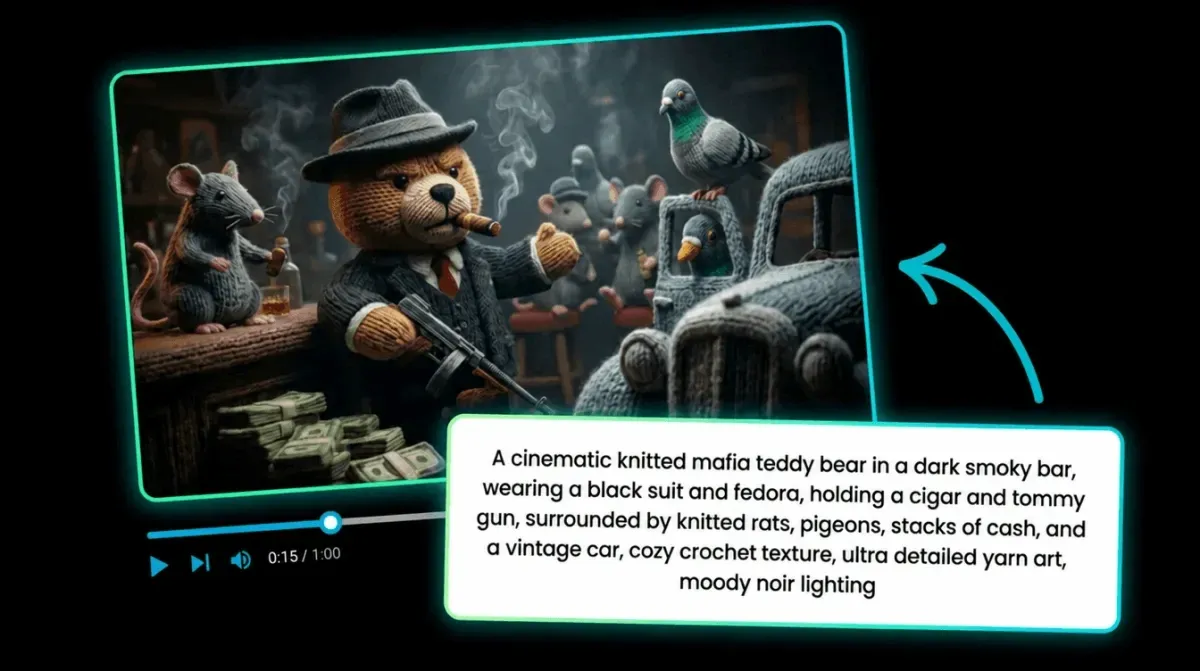
Character and Dialogue Prompts
For character-led MiniMax H3 video prompts, protect identity and simplify the speaking action.
- Keep
[CHARACTER]consistent with Image 1; medium close-up; they say exactly, “[SHORT LINE]”; quiet room tone. - Two-shot conversation:
[A]asks “[LINE]”;[B]pauses, looks away, then answers “[LINE].” [CHARACTER]walks toward camera while delivering “[LINE]”; natural pace, stable face, no cutaways.- Profile close-up of
[CHARACTER]listening; subtle eye movement, one breath, off-screen voice saying “[LINE].” [CHARACTER]whispers “[LINE]” beside[LOCATION DETAIL]; preserve facial features, soft side light, distant rain.- Over-the-shoulder view as
[CHARACTER]reads[SHORT TEXT]aloud; keep hands calm and text unobscured. [CHARACTER]reacts silently to[EVENT]; hold the expression, then add one short line: “[LINE].”- Use Audio 1 only as an authorized voice reference;
[CHARACTER]says “[LINE]” without background music. - Documentary interview framing;
[CHARACTER]answers “[LINE]”; natural blinking, fixed camera, subtle room ambience. [CHARACTER]turns from[OBJECT]to camera and says “[LINE]”; preserve clothing, hairstyle, and age.
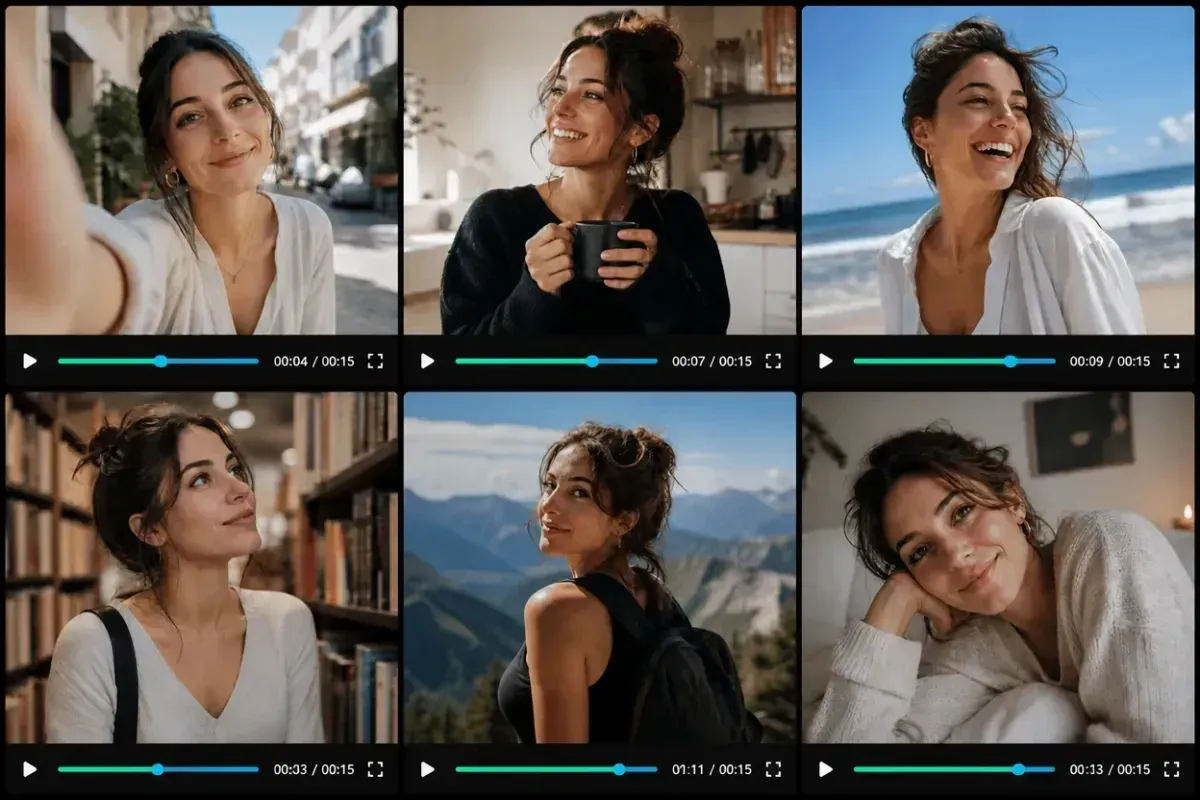
Product Advertising Prompts
Use authorized products, keep claims factual, and explicitly protect labels and packaging.
- Hero shot of
[PRODUCT]on[SURFACE]; slow push-in, preserve logo and proportions, clean studio reflections. [PRODUCT]rotates once against[BACKGROUND]; locked camera, readable label, soft mechanical sound, no extra objects.- Macro glide across
[MATERIAL DETAIL], ending on[FEATURE]; controlled highlights, crisp texture, minimal soundtrack. [HAND]places[PRODUCT]into[USE SETTING]; natural motion, unchanged packaging, one clear functional action.- Split action without split screen: begin with
[PROBLEM], match-cut to[PRODUCT USE], end on result. - Top-down assembly of
[PRODUCT SET]; components enter sequentially, evenly spaced, with precise tactile sounds. [PRODUCT]emerges from[ELEMENT]; believable physics, dry surface at finish, centered label, restrained bass hit.- Morning lifestyle scene:
[PERSON]uses[PRODUCT]once; warm window light, candid framing, no performance claim. - Vertical six-second ad: hook with
[DETAIL], demonstrate[ACTION], finish on a clean[PRODUCT]close-up. - Place
[PRODUCT]beside[SCALE OBJECT]; slow lateral slide, accurate size relationship, neutral background, no text overlay.
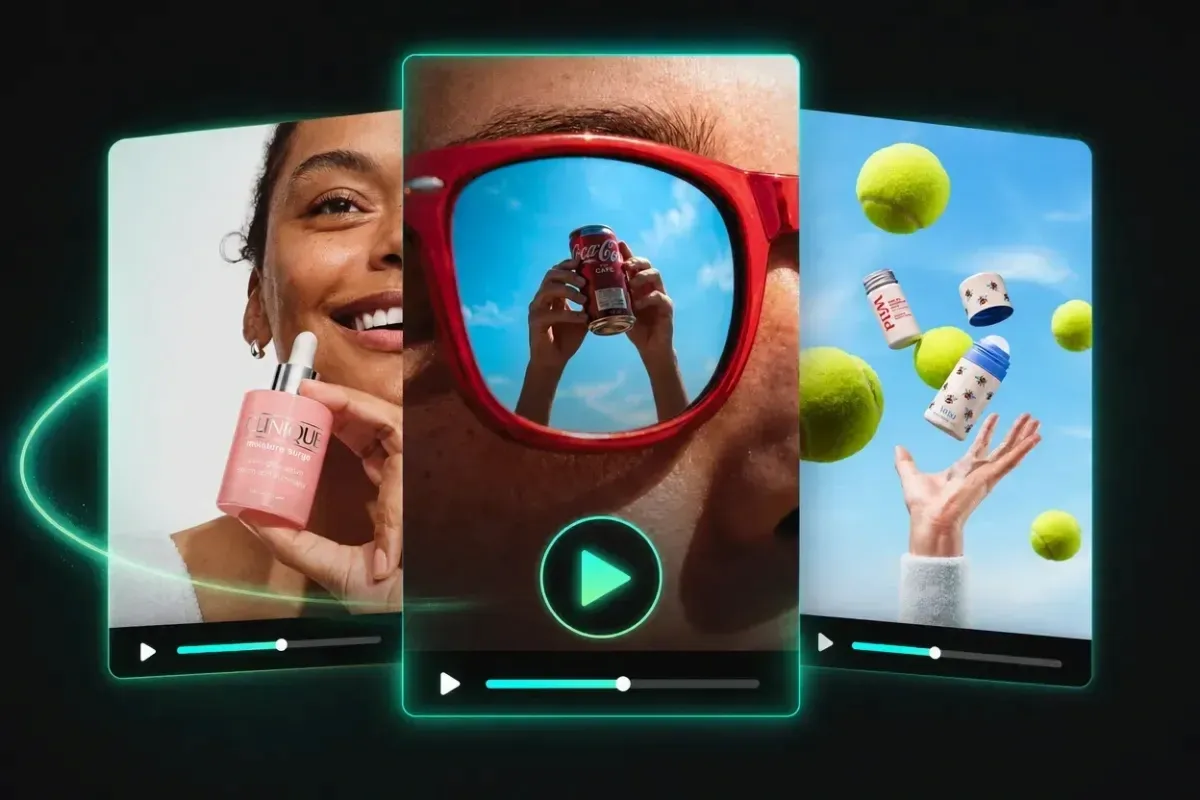
Motion and Reference Prompts
Assign every source one job. These MiniMax H3 prompt examples support controlled reference swaps.
- Keep subject identity from Image 1; copy only the walking rhythm from Video 1; preserve
[SETTING]. - Use Image 1 for the first frame and Image 2 for the final composition; create one continuous transition.
- Preserve
[SUBJECT]from Image 1; follow Video 1’s camera path, not its clothing, color, or location. - Animate the still image with slow breathing and blinking only; lock framing, background, hairstyle, and jewelry.
- Transfer the fabric motion from Video 1 to
[GARMENT]; keep body pose and camera completely unchanged. - Begin from Image 1;
[OBJECT]moves clockwise while shadows respond consistently; no camera movement. - Match Audio 1’s beat for three visible actions:
[ACTION 1],[ACTION 2], then[ACTION 3]. - Use Video 1 only as a speed reference; recreate
[ACTION]with[SUBJECT]in[NEW SETTING]. - Hold the face from Image 1 through a slow head turn; do not change age, expression, or hair length.
- Follow the motion arc in Video 1; replace its subject with
[SUBJECT]and keep contact physics believable.
Run one template with fixed settings, then change one reference in the MiniMax H3 workspace. One-variable comparisons are easier to diagnose.
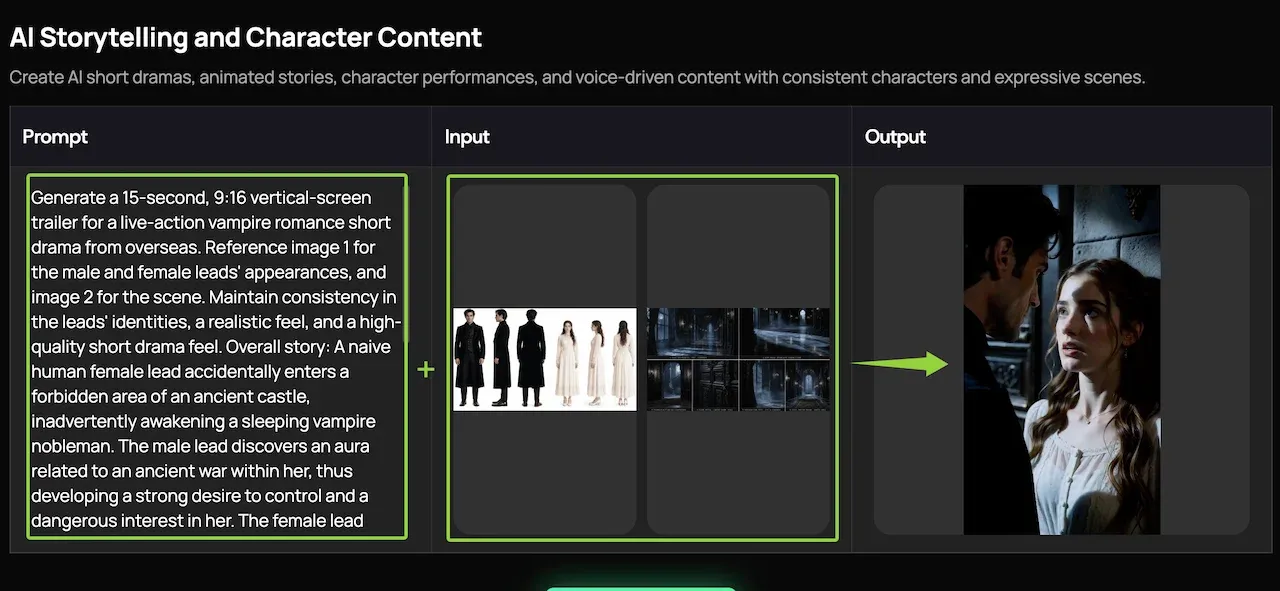
Music and Storytelling Prompts
These MiniMax H3 text to video prompts give each scene a beginning, change, and closing image.
0–3s:empty[SETTING];3–6s:[SUBJECT]arrives;6–9s:[DISCOVERY]; music rises only at reveal.- A paper boat crosses
[LOCATION], survives[OBSTACLE], and reaches[DESTINATION]; gentle strings, continuous wide shot. [CHARACTER]follows a distant[SOUND]through[SETTING]; each turn reveals a warmer source of light.- Begin with
[OBJECT]abandoned in rain;[CHARACTER]retrieves it; end on water dripping indoors. - Three-beat comedy:
[SETUP], a two-second pause, then[VISUAL REVERSAL]; stop music before the reveal. [SUBJECT]prepares for[EVENT]; intercut three details, then hold the final breath before action.- A room changes from
[SEASON A]to[SEASON B]as[SUBJECT]crosses it; one continuous camera move. - Music-led montage: cut on four beats between
[DETAIL 1–4]; preserve one recurring color and ambient texture. [CHARACTER]leaves[OBJECT]at[PLACE]; another hand retrieves it; finish on the same empty frame.- Open on
[FALSE EXPECTATION]; reveal[TRUE CONTEXT]by pulling wide; end with one quiet environmental sound.
How to Diagnose a Failed Prompt
Name the first failure: subject, action, camera, timing, reference, dialogue, or sound. Revise only that layer. Shorten action for face drift; remove one event from crowded shots; shorten changed dialogue.
Keep available settings unchanged. Save the prompt and rejected output to judge the next edit.
Create a controlled draft: Try a MiniMax H3 prompt on Loova AI, review one visible condition, and change only the missed instruction.
Usage Limits and Responsible Customization
A prompt cannot guarantee identity, dialogue, physics, timing, or text. Settings and plan limits may change, so check the current interface.
Only upload material you may use. Avoid confidential or sensitive data. Get permission for people, private footage, brands, music, or voices. Generated claims are not verified evidence.
FAQ
Can MiniMax H3 Follow Prompts Written in Screenplay or Shot-List Format?
Yes. Give each time block one action, camera instruction, and sound cue. Keep it within the selected duration; a full screenplay is usually too dense.
Why Does MiniMax H3 Sometimes Change the Dialogue Wording?
Dialogue competes with timing, motion, lips, and audio. Quote a short line, request exact wording, remove competing speech, and review it. Reproduction is not guaranteed.
Can I Reuse the Same Prompt with Different Audio or Motion References?
Yes. Keep text and settings fixed, change one permitted reference, and state its role. It may still affect timing, composition, or behavior.
Does MiniMax H3 Support Negative Prompts or Explicit Constraints?
Controls depend on the current implementation. Without a separate field, use concise inline constraints: “no camera movement,” “do not change the label,” or “keep the background unchanged.” Avoid long blacklists.
The MiniMax H3 prompts worth keeping are the ones whose decisions remain visible after customization. Keep the nouns, actions, timing, and constraints you can evaluate; delete any cinematic adjective that has no clear job in the frame.