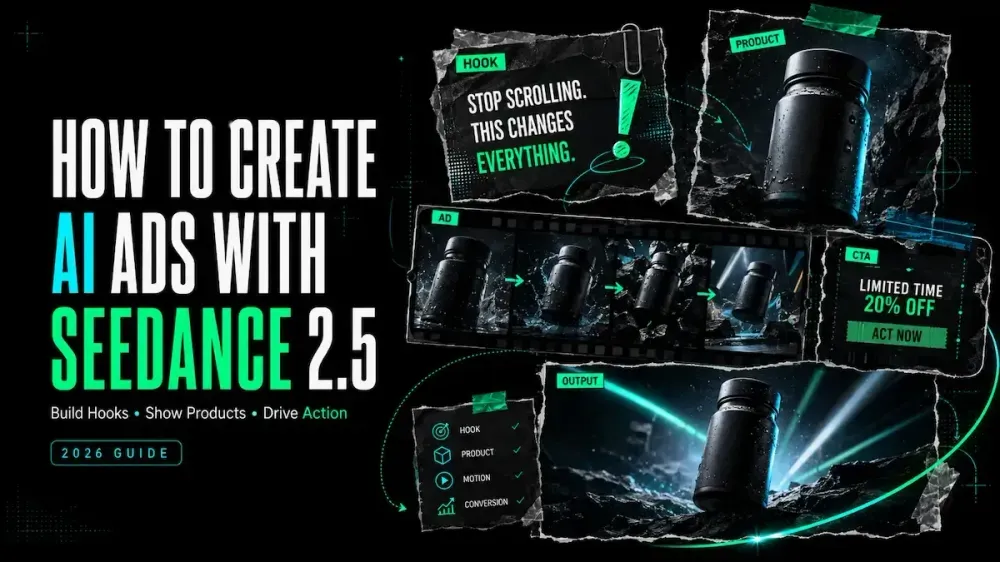
How to Create AI Ads with Seedance 2.5
On this page
A polished product ad can lose its point the moment you mute it. The benefit depends on narration, the label is unreadable, or the call to action arrives after the story wanders. Useful Seedance 2.5 AI ads begin with a decision the viewer can see, not motion for its own sake.
I’m Mira, and I tend to judge an ad concept first without sound, then at phone size. That keeps this workflow focused on one product, one approved benefit, and one intended action.
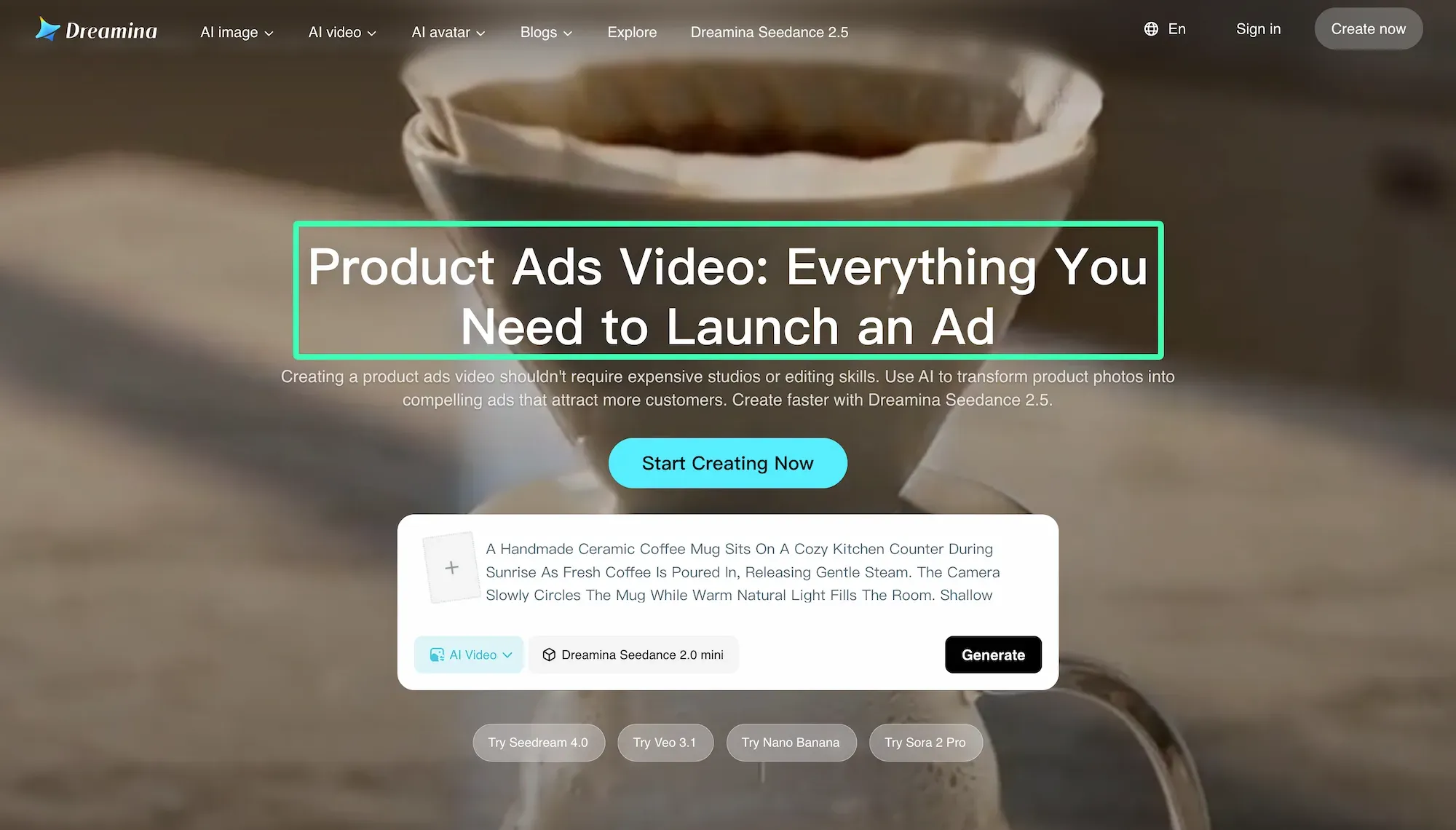
Define the Product, Audience and Ad Angle
Select the Product Benefit
Start with a product fact the brand can verify. Turn it into a viewer benefit, then decide how the video can demonstrate it. “Double-wall stainless-steel bottle” is a feature; any exact cold-retention duration is a claim requiring evidence.
Use a four-column brief:
| Product fact | Viewer problem | Visual demonstration | Approved wording |
|---|---|---|---|
| Leak-resistant lid | Bag spills | Bottle turns inside a packed tote | Client-approved claim |
| One-handed latch | Awkward opening | Thumb opens lid while walking | Demonstrable action |
Choose one row for each ad. Combining every feature usually weakens both the hook and the proof.
Choose the Intended Viewer Action
Decide what follows the video: visit a product page, compare variants, claim a valid offer, or remember the product. That determines the final shot and CTA.
Put the destination, placement, aspect ratio, and offer conditions in the brief. A “Shop now” ending needs a product and landing-page match; a teaser still needs a recognizable brand cue.
Prepare Product and Brand References
Product Images and Packaging
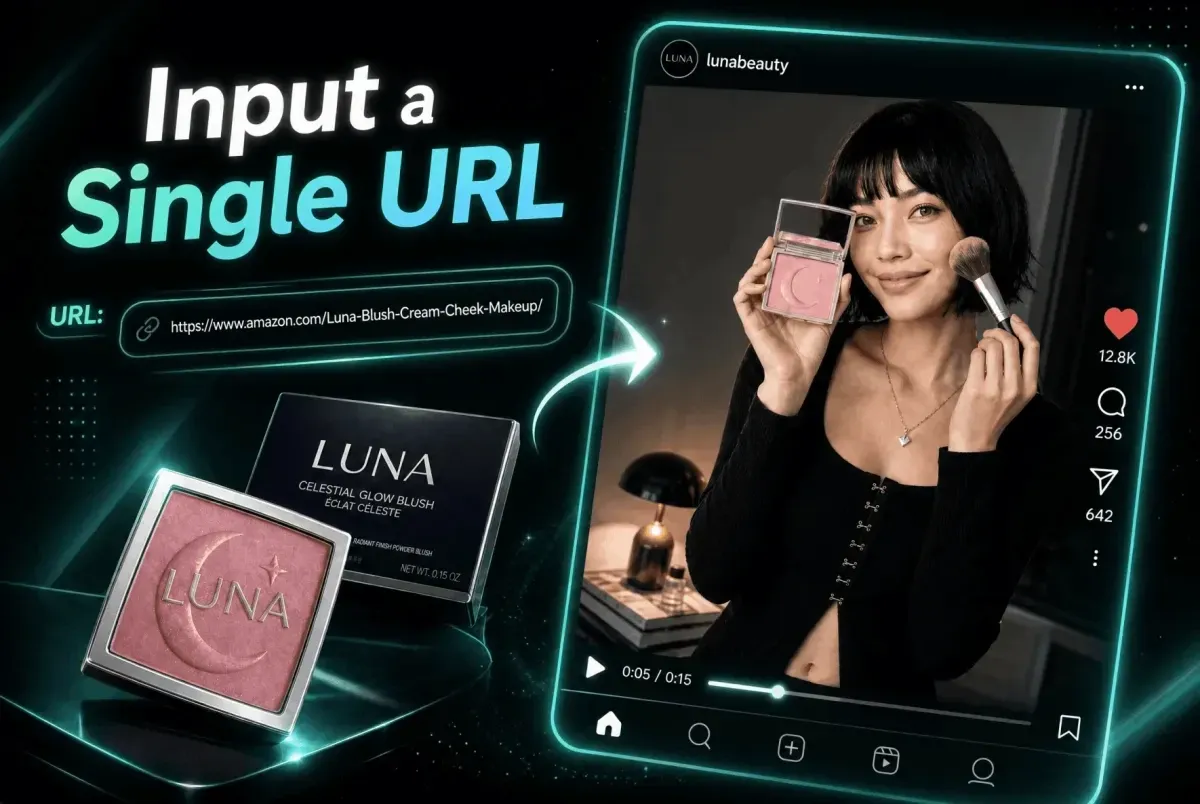
Collect front, back, side, and three-quarter product images, plus close-ups of details that must remain accurate. Include a real scale reference when size matters.
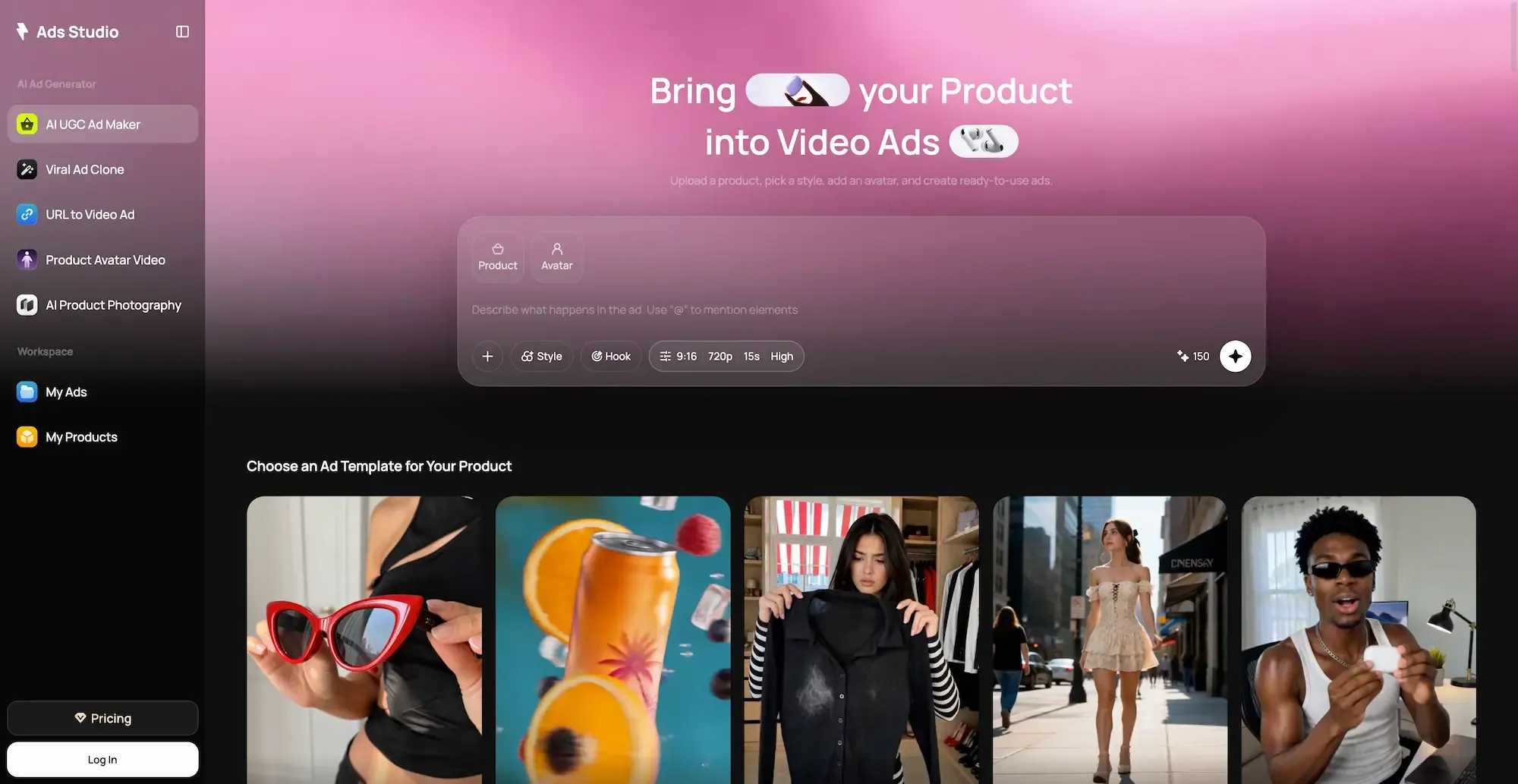
Keep one approved pack shot as the visual control. You can start an ad project from product assets or a product URL, but inspect any imported descriptions and selling points against the current product page and client brief before using them as claims.
Do not upload unreleased packaging, confidential launch materials, personal data, or client files until the client has authorized the platform and transfer method. Generation access does not replace asset permission.
Brand, Spokesperson and Audio Assets
Prepare the current logo, colors, type guidance, pronunciation notes, and prohibited treatments. For a spokesperson, supply an approved reference, script, release, and voice permission. Do not imply a real endorsement or product use that did not occur.
Use music, footage, fonts, and sound effects licensed for the intended advertising use. Record the source, territory, term, and platform restrictions.
Build the Ad Story
Hook
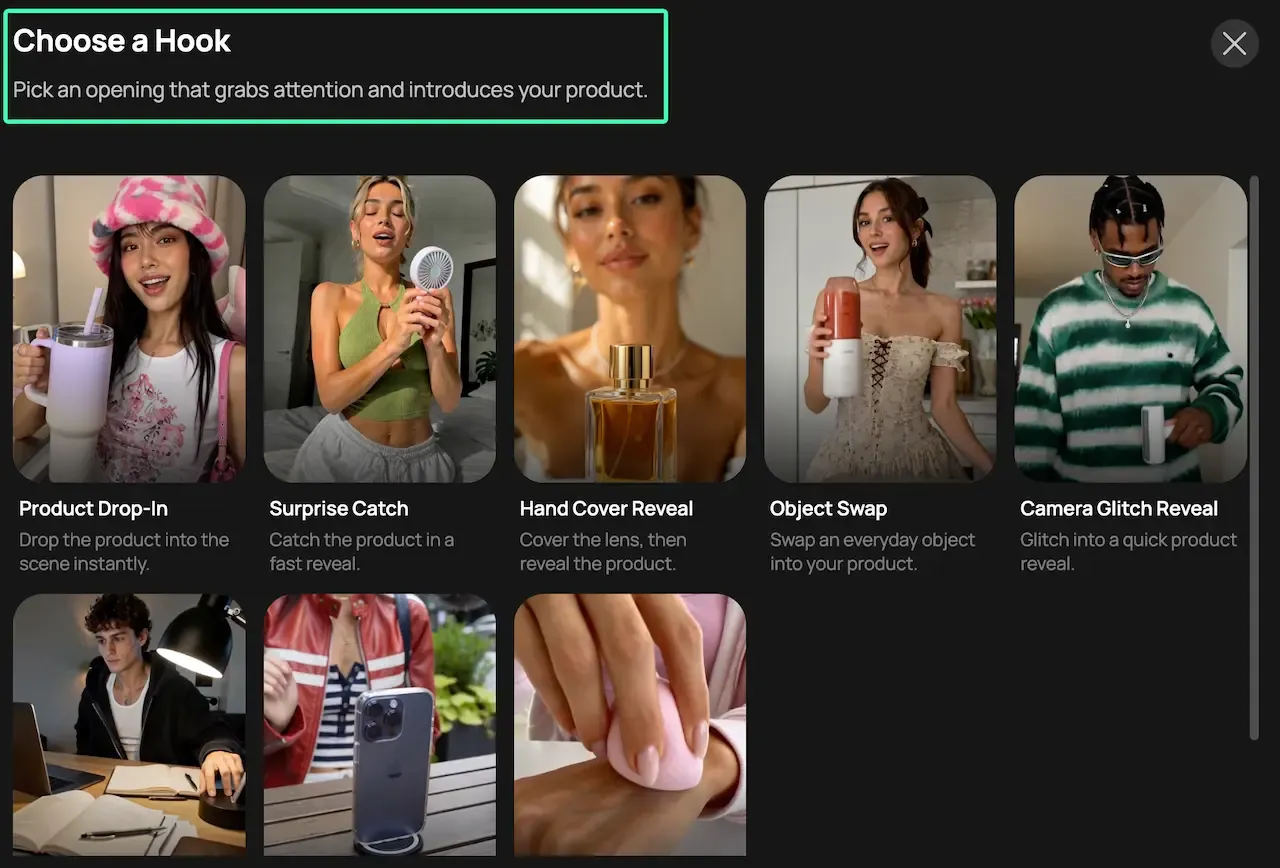
Open with a visible problem, an unusual product action, or the result the viewer wants. The first shot should still create curiosity without relying on a spoken setup.
Avoid unsupported superlatives such as “best,” “fastest,” or “guaranteed.” A bottle rolling inside a tote while the lid stays closed gives the viewer something concrete to inspect.
Product Demonstration
Show one plausible action. Define which hand holds the product, where the label faces, how the mechanism opens, and what remains unchanged. If it cannot be shown accurately, separate the beauty shot from the explanation.
Benefit or Proof
Pair the benefit with evidence in the same beat. A comparison needs equivalent conditions; a testimonial needs an authorized, truthful basis.
The FTC’s advertising guidance says claims must be truthful, non-deceptive, and evidence-based. Other jurisdictions or regulated categories may add requirements; client approval is not a substitute for the applicable review.
Call to Action
Use one action and give it enough screen time. Keep essential terms beside the offer they qualify. A necessary disclosure must be noticeable and understandable, not merely present.
Treat the generated CTA card as a layout draft. Exact offer text, legal lines, URLs, and prices are safer to add as editable typography after generation.
Generate the Ad with Seedance 2.5
Write a Time-Coded Prompt
Write the prompt around ad beats, not adjectives. ByteDance’s Seedance 2.5 launch documentation describes timestamp-level control and multimodal image, video, and audio references.
FORMAT: 9:16 product ad, 12 seconds, clean natural lighting
REFERENCES: @Product controls bottle shape, label, lid, and color
0–3s HOOK: Open tote on a train seat. The bottle rolls onto its side.
3–8s DEMO: Close shot. A hand lifts the bottle and opens the latch once.
8–10s BENEFIT: Hold on the dry tote lining and readable product label.
10–12s CTA FRAME: Centered pack shot with clear space for editable text.
AUDIO: train ambience, one soft latch click, no generated voiceover
KEEP UNCHANGED: bottle proportions, logo placement, lid mechanism, navy color
Timing describes the intended sequence, not an exact-frame guarantee. Compare the action with the real product before accepting it.
Preserve Product and Brand Details
Assign each reference one role: the pack shot controls shape and label placement, the usage image controls hand position, and the brand guide controls color and composition. Remove conflicting references.
List four or five non-negotiable details, not every attribute in the catalog. A more dramatic frame is not useful if the cap changes shape or the label becomes a different brand.
Create Controlled Variations
Approve a control version, then change one variable. Keep the product, benefit, proof, duration, and CTA fixed while testing the opening, camera distance, or delivery.
| Version | Change | Keep fixed | Review question |
|---|---|---|---|
| A | Problem-first hook | Product, proof, CTA | Is the problem clear muted? |
| B | Product-action hook | Product, proof, CTA | Is the product visible sooner? |
| C | Tighter opening crop | Script, product, CTA | Does the label remain readable? |
The AI ad workspace can hold the same product context while you organize additional concepts. Keep an external variation log so the team knows what changed.
Review the Ad Before Testing
Product Accuracy and Readability
Watch the export muted, frame by frame, and on a phone. Compare product shape, packaging, color, mechanism, logo, offer, and URL with approved sources. Replace misspelled, unstable, or tiny generated text in post.
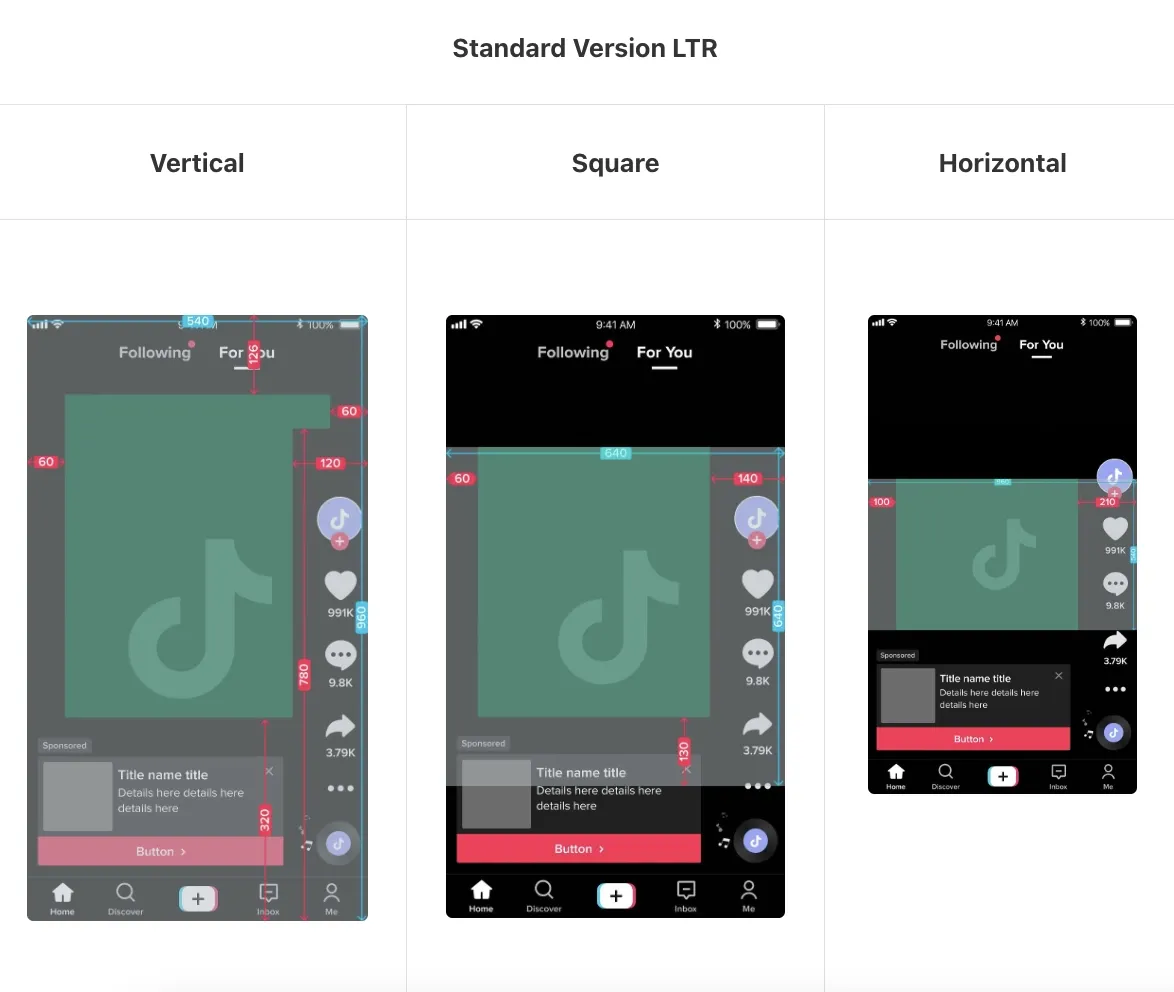
Check every crop separately. A 16:9 master reframed to 9:16 may hide the demonstration or place the CTA under interface controls.
Claims, Rights and Platform Requirements
Build an approval packet with the script, claim evidence, source licenses, talent and voice permissions, references, export, and destination URL. Keep required disclosures beside the claim they qualify.
Review current placement specifications and policies. TikTok publishes a creative safe-zone guide, Meta maintains an Ads Guide, and Google documents YouTube video-ad specifications. Visual approval does not guarantee platform acceptance or campaign performance.
FAQ
Can Seedance 2.5 Reliably Generate Readable Offer Text or Product Claims Inside the Video?
Do not rely on generated frames for exact offers, prices, URLs, disclaimers, or small packaging text. Generate the action with negative space, then add approved wording in an editor. Compare physical labels frame by frame and replace shots where they change.
Should Captions and CTAs Be Generated Inside Seedance or Added in Post?
Add final captions, CTA buttons, offer terms, and qualifiers in post so they remain editable and placement-specific. Placeholder text can guide composition. Verify timing, contrast, spelling, and safe-zone placement on the export.
How Can One Seedance Ad Concept Be Adapted for TikTok, Meta and YouTube?
Preserve the product fact, approved claim, and demonstration; rebuild the opening, crop, duration, captions, safe zones, and CTA per placement. Use 9:16 for vertical placements when required and prepare 16:9 or square variants where appropriate. Never assume one crop serves every feed.
What Source Files Should a Client Provide Before Starting Production?
Request high-resolution product and packaging images, current logo files, brand colors and fonts, approved benefits and claim evidence, offer terms, product URL, target placements, scripts, pronunciation notes, and usage footage. Add licenses or releases for music, stock, talent, faces, and voices. Mark confidential or unreleased files and confirm authorization before uploading them anywhere.
Before calling a variation ready, watch it muted, shrink it to a phone, and compare every claim with the approved brief. The destination screen decides whether every claim still reads.
Build One Ad From an Approved Product Brief
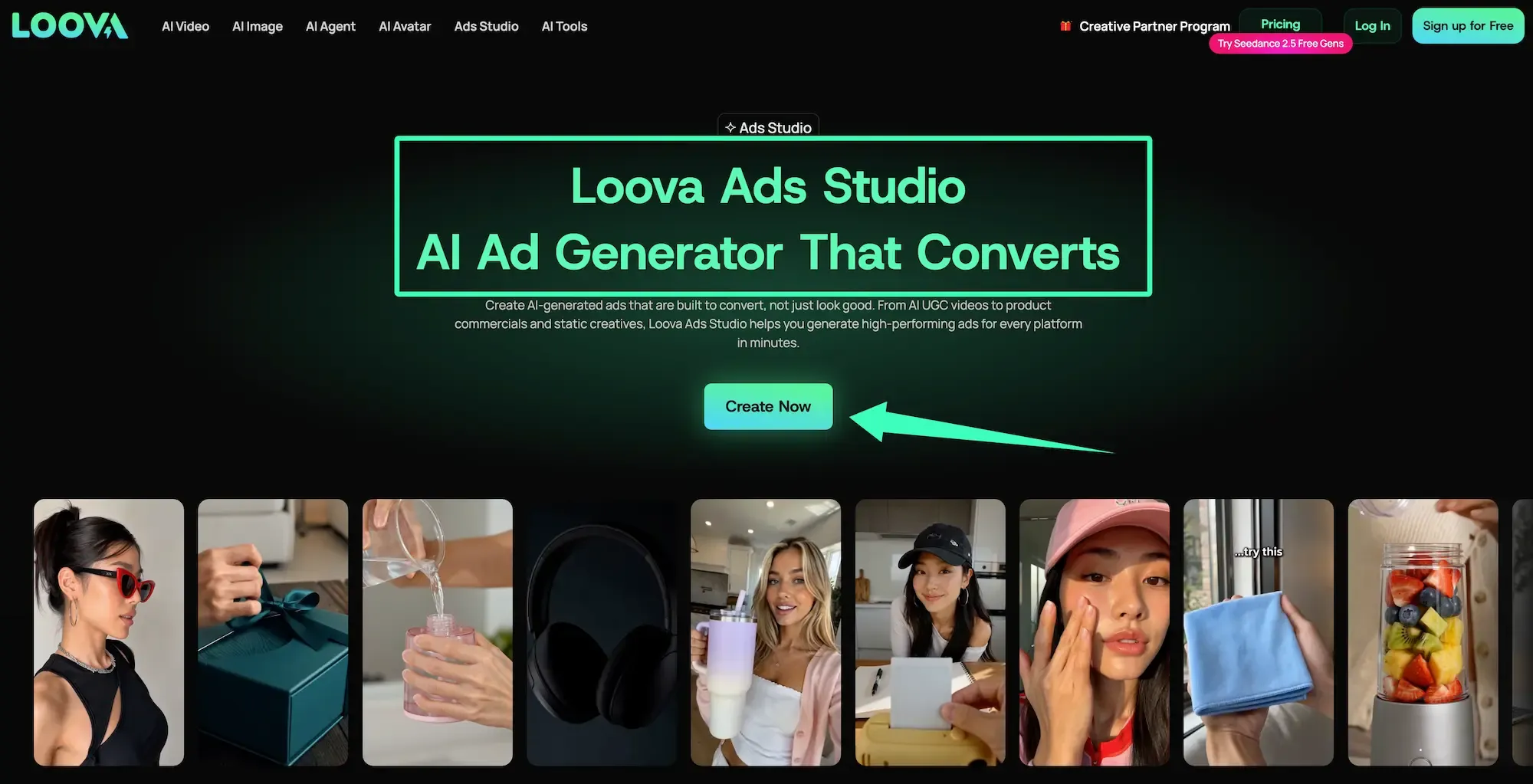
Open Loova AI Ads Studio, add one real product or product URL, one approved benefit, and one intended viewer action. Build the first concept around that brief, then use the same verified product details when generating and reviewing your Seedance 2.5 variation.