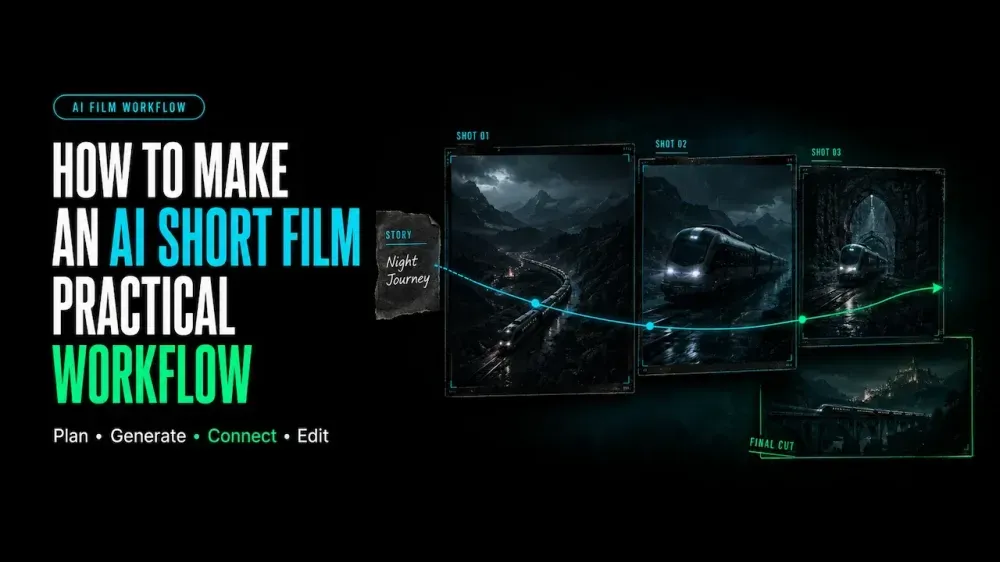
How to Make an AI Short Film: A Practical Workflow
On this page
A 45-second AI short film can contain six beautiful shots and still feel disconnected. A character’s clothes may change, the room may shift between cuts, or the ending may no longer connect to the opening. Giving each shot one clear story purpose—and reusing the same character and location references—helps the film hold together.
This guide shows how to make an AI short film as a sequence of connected clips. You’ll plan the story, maintain visual continuity, add dialogue and sound, and assemble the final cut in an editor.
What You Need to Make an AI Short Film
Start with a small production package:
- a one-sentence story idea and target runtime;
- a short script and numbered shot list;
- approved character, location, wardrobe, and prop references;
- a visual style guide;
- an AI video generator and a timeline-based editor;
- an audio plan; and
- a record of sources, permissions, tools, and versions.
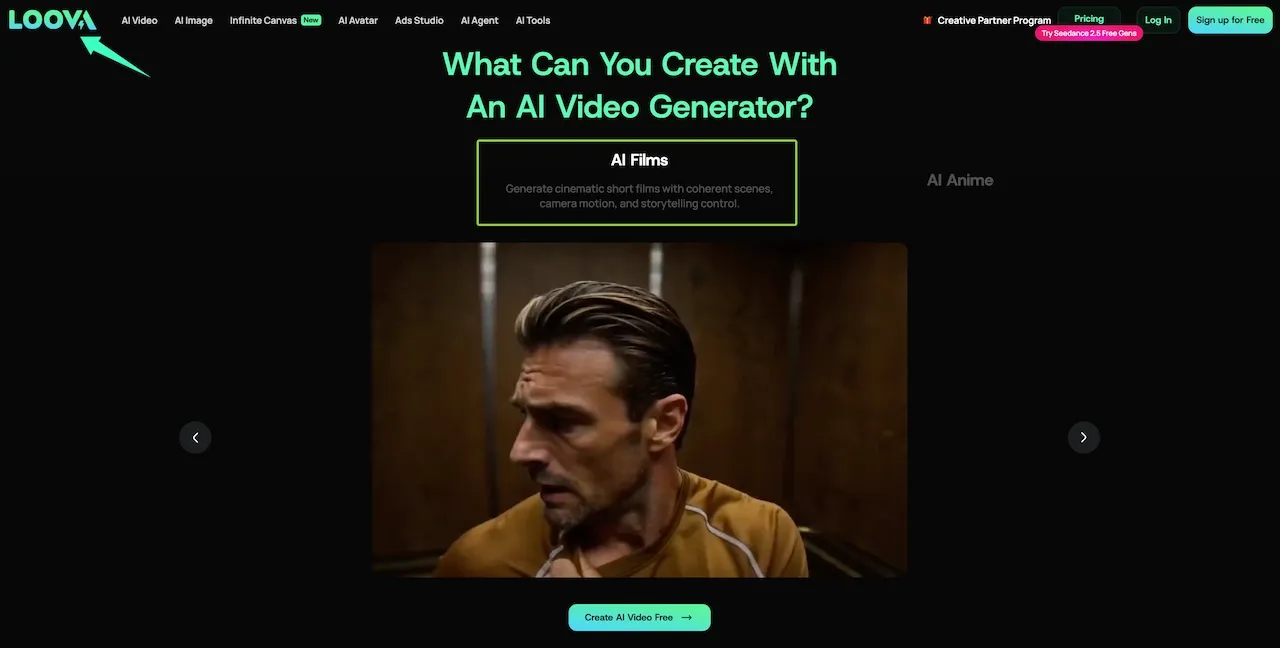
The current Loova AI Video Generator brings text, image, reference, and video workflows together with models from several providers. This all-in-one setup can reduce account switching when different shots need different routes. It does not replace a shot plan or final edit.
Plan the Story Before Generating Video
Define the Core Idea and Runtime
For a first short, use one main character, one goal, and one meaningful change. A 30–60 second film rarely has room for a subplot.
Write the idea as cause and effect: “A commuter finds a paper bird at an empty bus stop, opens it, and looks up.” If the ending does not answer the setup, simplify the concept.
Write a Short Script and Shot List
Turn the idea into visible beats. Record each shot’s purpose, duration, framing, action, camera direction, transition, and audio cue. Keep dialogue brief enough for the planned screen time.
Instead of asking for “a cinematic short film,” request one close-up of a paper bird landing on a bench. That result is easier to judge and replace.
Create Character and Location References
Build a reference pack before making moving shots. Include a clear face, full outfit, side view, and essential prop. Save the location’s layout, time of day, palette, and recurring details.
Use material you created or have permission to use. Label each reference by function, such as character-face, wardrobe, or bus-stop-layout. Avoid asking one image to control identity, pose, lighting, and style.
How to Make an AI Short Film Step by Step
Build a Visual Style Guide
Define the aspect ratio, palette, lighting, texture, lens feel, camera behavior, and realism. Add “avoid” notes for choices that would break continuity, such as changing the coat color.
Describe visible choices. “Blue dawn, soft side light, locked camera, restrained motion” is more useful than “emotional and cinematic.”
Generate a Storyboard
Create one still for each shot and place the frames in order. Check screen direction, subject position, props, shot variety, and silent story clarity. A timed animatic can expose a missing reaction.
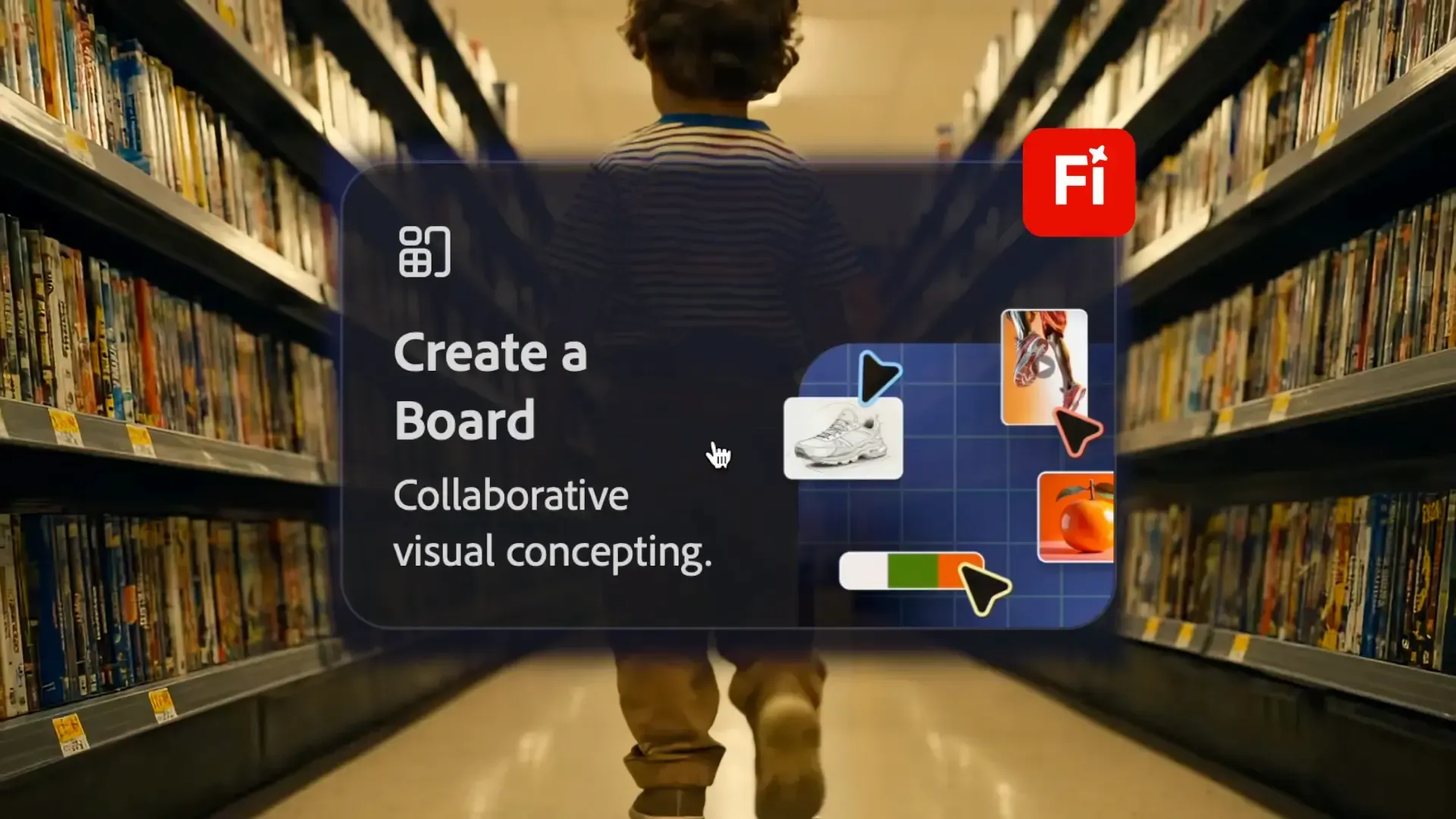
Adobe’s MAX 2025 generative-film case study shows filmmakers combining boards, generation tools, and editing software. It is a first-party example, not an independent test.
Create Each Shot as a Separate Clip
Generate clips by shot number. Give each prompt one action, framing choice, and camera instruction. Save the model, settings, prompt, references, and selected output.
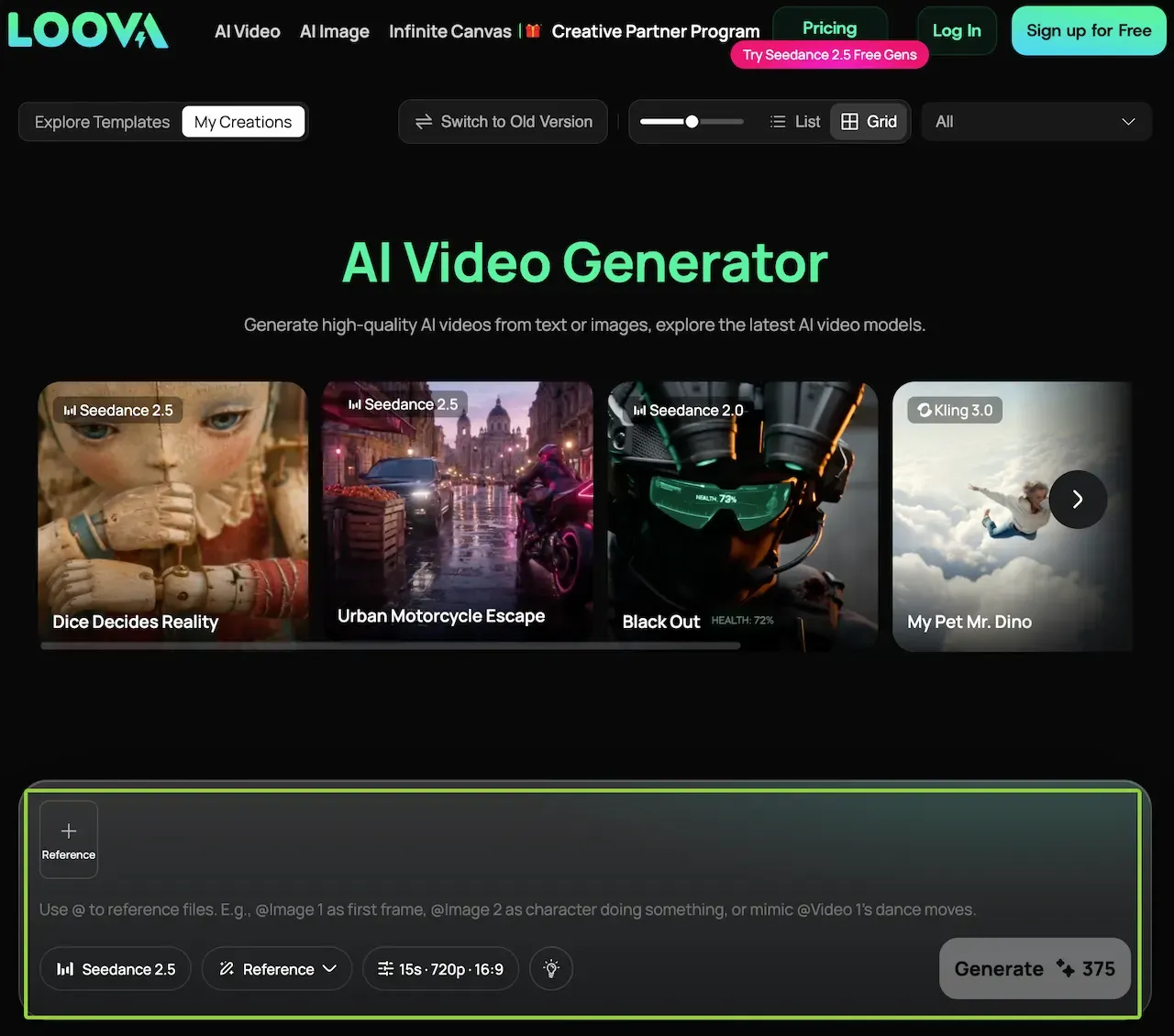
The Loova AI video workspace can help when shots need different available models or input routes. Compare them on the same difficult shot before changing the pipeline. Keep extra motion at each end so the editor has room to cut.
Maintain Character and Scene Continuity
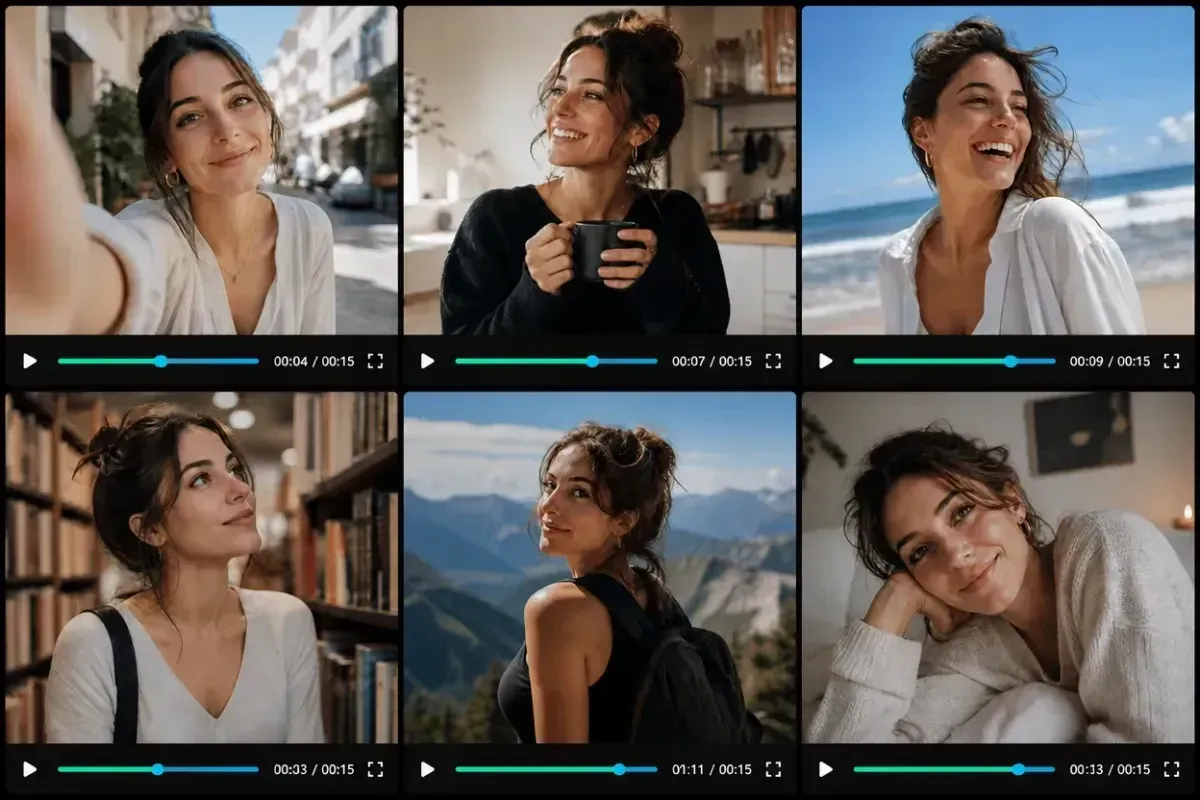
Reuse the same identity, wardrobe, location, and prop references. Repeat only descriptors that must stay fixed. Keep adjacent shots on one model when it produces a closer match.
Compare the last frame of one shot with the next first frame. Check eye line, screen direction, hands, props, weather, and light. If a close-up drifts, cut to a prop insert or wider reaction.
Generate or Record Dialogue and Sound
Decide whether each sound is recorded, generated, licensed, or sourced from an approved library. Keep dialogue on a separate track for easier timing and replacement.
A paper rustle can bridge two takes, while ambient traffic can connect separate bus-stop shots. Obtain explicit permission before cloning or imitating a person’s voice.
Assemble the Film in an Editor
Cut the selected clips for story clarity before adding effects. Then balance color, mix dialogue and ambience, add music, and create readable captions and credits.
Watch once without sound to test visual logic. Then listen without the picture to catch abrupt ambience, unclear dialogue, and rough music edits.
A Complete 30–60 Second Short Film Workflow
Consider a 42-second film about a commuter who finds a paper bird at dawn:
| Shot | Duration | Story job | Continuity anchor |
|---|---|---|---|
| 1. Wide bus stop | 6 sec | Establish isolation and location | Blue coat, empty bench, dawn light |
| 2. Bird lands | 6 sec | Introduce the unusual object | White paper bird, same bench |
| 3. Character picks it up | 7 sec | Begin the choice | Right hand, coat sleeve, screen direction |
| 4. Note opens | 6 sec | Reveal “Look up” | Paper folds and handwriting |
| 5. Character reacts | 7 sec | Complete the instruction | Matching eye line and light |
| 6. Wide sky reveal | 10 sec | Deliver the emotional change | Bus stop silhouette and paper flock |
Test the six storyboard frames as a 42-second animatic. Create two or three candidates per moving shot, then select by story function. Assemble the clips, add paper and traffic sounds, mix a restrained music cue, and export a review copy. Revise only the variable that failed.
Turn your shot list into test clips
Open the Loova AI Video Generator, match the route to the first shot’s input, and save each clip with its shot number, prompt, references, and settings.
Common AI Filmmaking Problems
| Problem | Likely cause | Practical fix |
|---|---|---|
| Character changes between shots | Weak or changing identity references | Lock one character pack and stable descriptors |
| Action begins too early | Prompt lacks a clear starting state | Describe the opening pose before the action |
| Camera movement feels chaotic | Several camera instructions compete | Keep one movement or use a locked camera |
| Locations drift | Background details are not anchored | Reuse a location frame and repeat fixed landmarks |
| Dialogue does not fit | Too many words for the clip | Shorten the line or edit audio separately |
| Cuts feel abrupt | Motion, eye line, or ambience changes | Add handles, inserts, reaction shots, or a sound bridge |
After a weak result, identify whether identity, action, framing, motion, light, or sound failed. Change that variable and keep everything else as the control.
Rights, Consent and Final Quality Checks
Clear reference photos, voices, music, stock footage, logos, and artwork before release. Keep consent records for people and voice replicas. Do not upload confidential or unreleased assets without approval.
Before export, check faces, hands, text, logos, continuity, lip sync, captions, audio, and credits. Record which AI tools contributed to the film.
Submission rules vary. The 2027 Sundance Film Festival FAQ accepts AI-assisted projects but requires disclosure and places rights clearance on the submitter. The 2026 Runway AI Film Festival rules require a short description of AI techniques and the necessary submission rights. Check each destination’s current rules.
FAQ
How many AI-generated clips are needed for a one-minute film?
Divide the runtime by the average usable shot length. A one-minute film with three- to seven-second shots may need roughly 9–20 finished clips. Generate extra candidates for close-ups and complex movement.
Can I combine clips from different AI video models?
Yes. Use the same references, aspect ratio, visual guide, and continuity checklist. Expect differences in texture, motion, color, and subject design. Test adjacent shots before changing models across the film.
Why do characters look different between scenes?
Each clip is a new generation, so identity can drift when references, wording, wardrobe, lighting, or settings change. Lock essential descriptors and reuse approved images. Wider shots and cutaways can hide minor differences.
Can an AI-generated short film be submitted to film festivals, and do festivals require disclosure?
Some festivals accept AI-generated shorts, but disclosure rules differ. Sundance requires AI-use disclosure, while Runway’s festival asks entrants to describe their AI techniques. Review current eligibility, rights, credit, and disclosure terms.
When the last shot completes the action planted in the first, the clips begin to feel like one film.