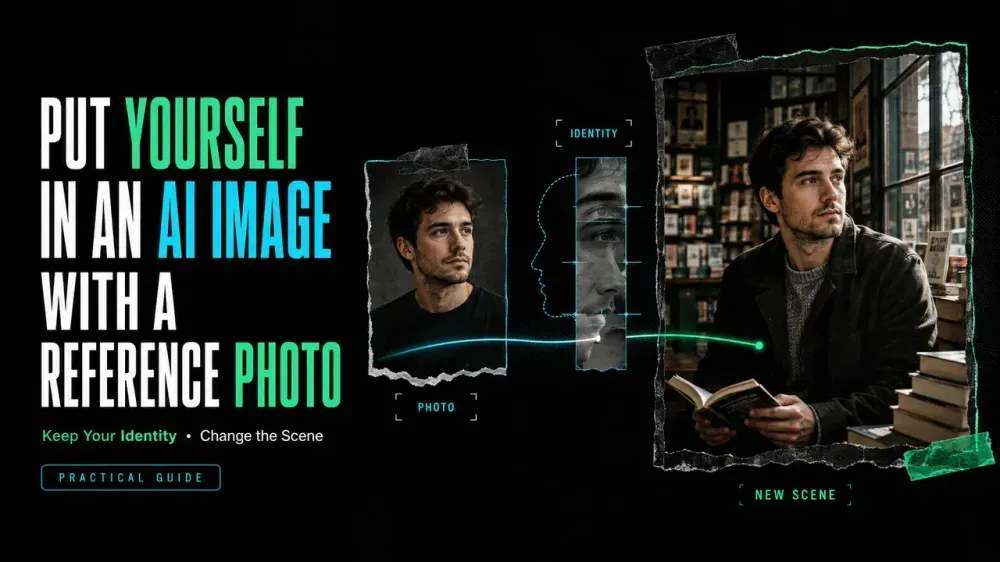
How to Put Yourself in an AI Image Using a Reference Photo
On this page
Before you upload a portrait, decide which details must keep the generated face recognizable: face shape, eye spacing, brows, nose, mouth, hairline, and distinctive marks. Style can change around that list. Identity should not become another style instruction.
That is the practical answer to how to put yourself in an AI image: use a clear photo, tell the model which identity details to preserve, describe the new scene separately, and compare every variation with the original before refining it.
What You Need Before You Start
Prepare four things:
- A clear photo of yourself that you have the right to upload.
- A one-sentence goal for the new image, such as an editorial portrait in a bookstore.
- A short likeness checklist covering the features that make you recognizable.
- A decision about where the image will be shared.
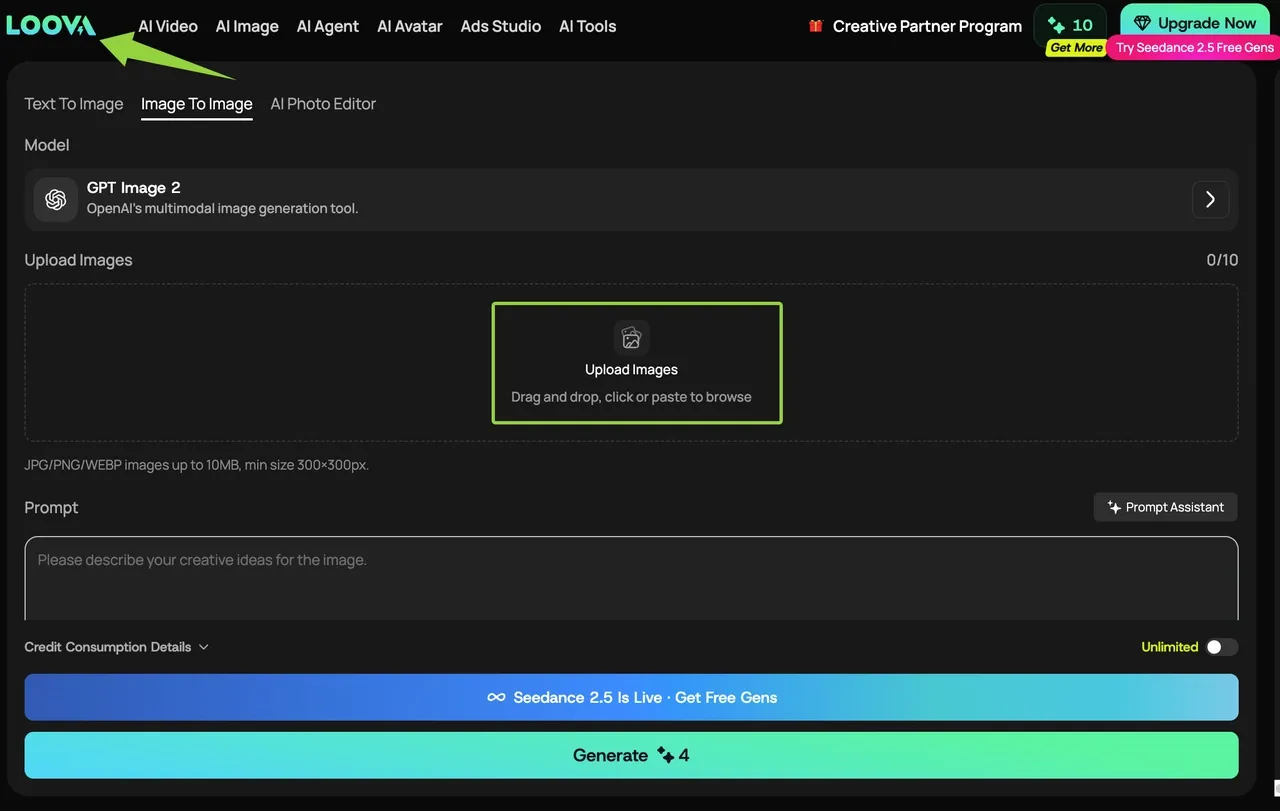
The current Loova AI Image to Image workspace accepts JPG, PNG, and WEBP files up to 10 MB, with a minimum size of 300 × 300 pixels. Recheck the interface because supported inputs may change.
Use your own portrait. If another person appears, obtain permission or crop them out. Do not use an identity document, confidential image, or minor’s photo as a casual test.
How to Prepare a Strong Reference Photo
The strongest reference is not necessarily your favorite selfie. It shows your facial proportions with the least ambiguity.
Choose a front-facing or gentle three-quarter portrait with even light, visible eyes, and enough resolution to inspect small features. Avoid sunglasses, beauty filters, motion blur, wide-angle distortion, deep shadows, or hair covering the face. A plain background removes unrelated visual signals.
Crop closely, but keep the hairline, chin, and part of the shoulders. The reference must establish identity clearly; it does not need to match the final pose.
How to Put Yourself in an AI Image Step by Step
Choose an Image-to-Image Workflow
Use image-to-image because the portrait must guide the new result. In the current workspace, start with your prepared reference photo, add a prompt, choose an available model, and generate variations.
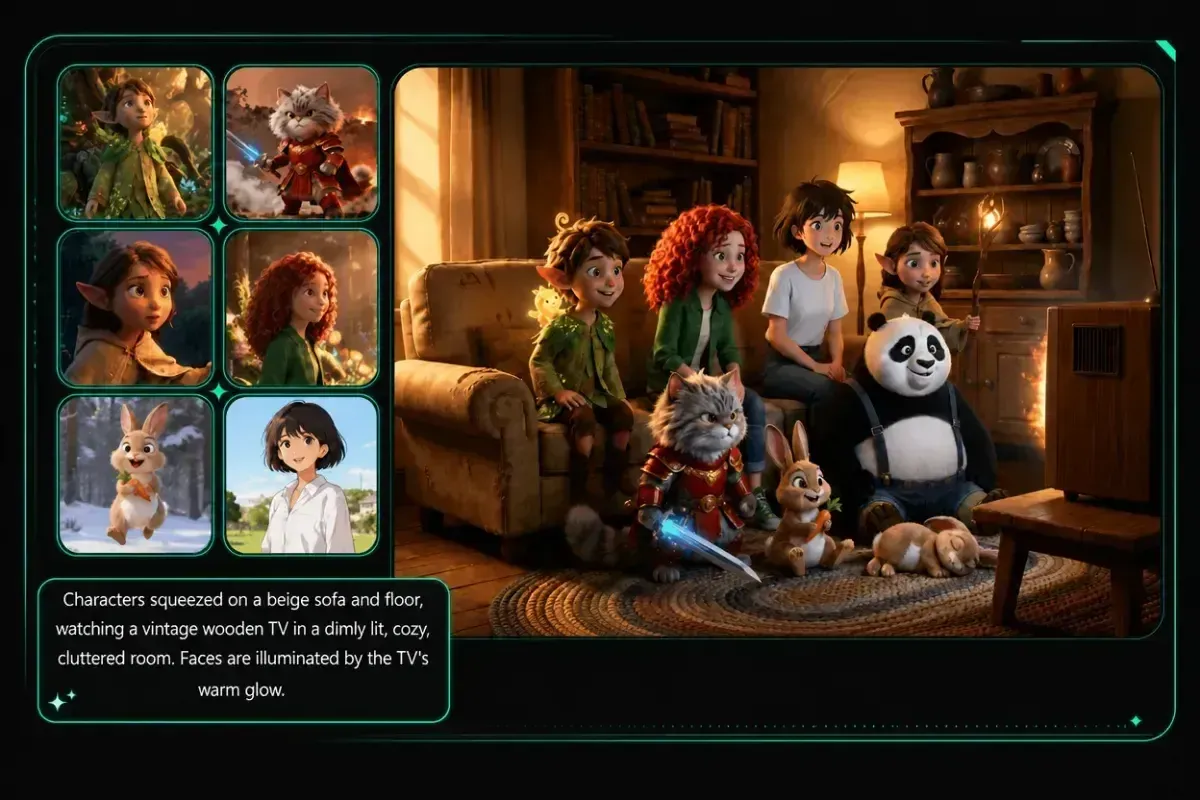
Start with one clear portrait. Multiple references help only when the model supports them and they show the same person consistently. Different ages, filters, hairstyles, or distortion create competing evidence.
Write a Prompt That Protects Likeness
Write identity before style. Name visible relationships instead of saying only “keep my face”:
Use the adult person in the reference photo as the identity reference. Preserve the face shape, eye spacing, eyebrow shape, nose and mouth proportions, skin tone, hairline, hair length, and distinctive freckles. Keep the person recognizable while changing the setting and clothing.
Avoid flattering words such as “perfect,” “glamorous,” or “model-like.” They can encourage the generator to replace traits you want to keep.
Define the New Scene, Pose and Style
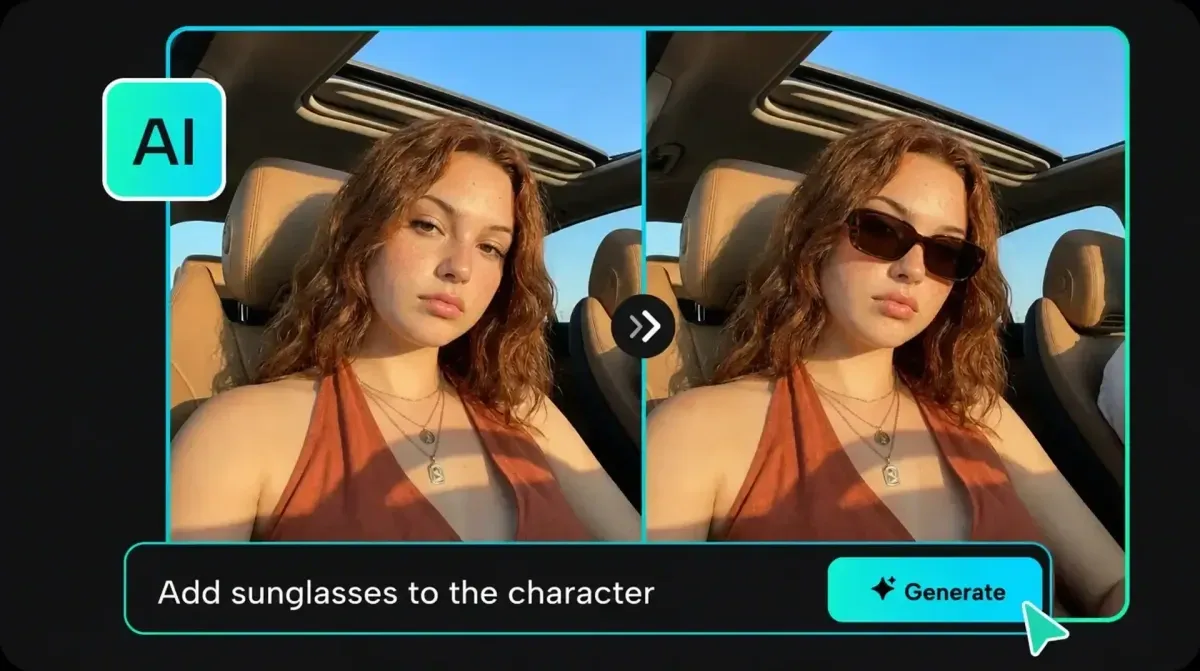
Add the transformation separately. Specify setting, crop, pose, clothing, lighting, and medium without contradicting the reference:
Create a waist-up editorial portrait in a quiet bookstore by a window. Use a relaxed three-quarter pose, navy sweater, soft overcast daylight, a 50 mm portrait look, and realistic skin texture. Do not add glasses, change the person's apparent age, reshape the face, or alter the hair length.
Change one major variable at a time. For outfit-only edits, a dedicated AI clothes changer can keep the workflow focused on clothing rather than a full scene transformation. A new pose, dramatic light, stylized medium, and different age in one request create too many opportunities for drift.
Generate Variations and Select the Closest Match
Keep the original visible. Do not choose only the most attractive output. Check face width, eye distance, brows, nose, mouth, hairline, skin tone, distinctive marks, and apparent age.
Select the closest structural match, then revise its weakest element: “Keep the scene and clothing. Restore the narrower jawline and eyebrow shape from the reference.” If the whole face changed, return to the original instead of refining the wrong identity.
Why Facial Likeness Changes
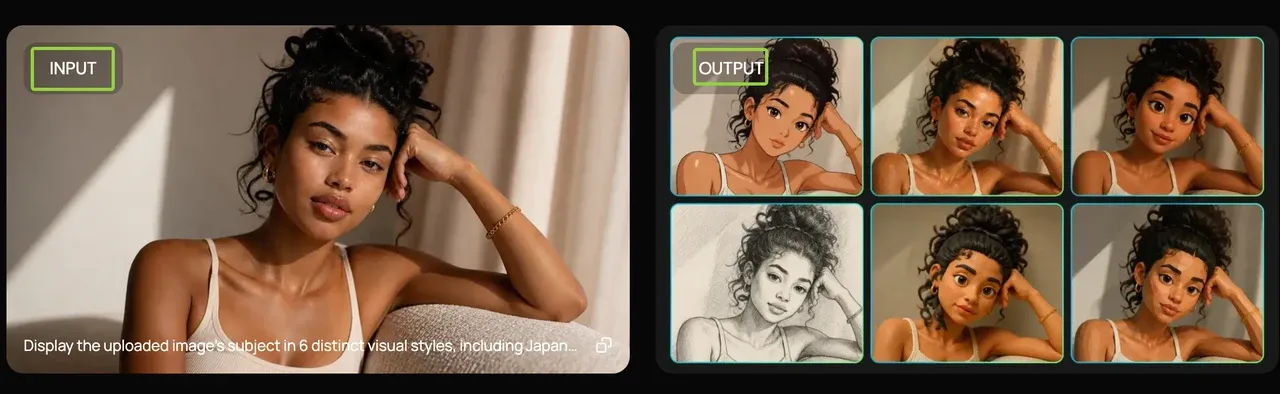
An image generator creates a new picture from the reference, prompt, model, and settings; it does not paste your face into a new background. Likeness changes when a pose hides facial geometry, stylization simplifies features, light alters perceived proportions, or appearance instructions compete with identity.
Small shifts combine. The right hairstyle with different eye spacing and a wider jaw may look plausible but not like you. Correct one facial relationship at a time.
A Complete Reference-Photo Example
Suppose the source is a clear adult portrait with soft daylight, shoulder-length dark hair, a narrow jaw, straight brows, and freckles.
Use the adult person in the reference photo as the identity reference. Preserve their narrow jawline, eye spacing, straight eyebrow shape, nose and mouth proportions, freckles, skin tone, hairline, and shoulder-length dark hair.

Create a waist-up editorial self portrait in a quiet bookstore beside a tall window. Relaxed three-quarter pose, looking slightly left, navy sweater, soft overcast daylight, natural skin texture, restrained neutral colors, 50 mm portrait look.

Do not add glasses, remove freckles, widen the jaw, change apparent age, alter hair length, or turn the face into an idealized fashion-model look.
Review in this order: identity, expression, pose, scene, then style. A beautiful background should not distract from a face that has drifted.
Privacy, Consent and Likeness Rights
A face can identify a person, so treat the upload as personal material. Use your own photo or obtain permission from every identifiable person. Do not create deceptive, defamatory, sexual, political, or endorsement-like images without authorization, and review applicable local rules.
Before uploading a face, review Loova AI’s Terms of Use and Privacy Policy. The Terms make users responsible for submitted User Content and grant Loova AI a license to use it for operating, improving, and promoting the service. The Privacy Policy prohibits sensitive personal-data input and describes general retention and deletion-request options, but it does not specify a separate retention period for uploaded reference photos.
FAQ
Is one clear reference photo enough, or should I upload several?
Start with one clear photo for a single identity signal. Add more only when the model supports multiple references and the images agree on age, proportions, and current appearance. Two consistent angles can help; several filtered or contradictory selfies can make the target less clear.
Why does the AI image not look like me?
The prompt may compete with the reference, or the source may hide facial geometry. Reduce the transformation, remove idealizing words, use a clearer portrait, and correct one feature relationship. If the whole face drifted, restart from the original.
Can I use a group photo as the reference?
It is usually weaker and riskier. The generator may not know which face to preserve, and the upload exposes other people’s likenesses. Crop a high-resolution copy around yourself. If anyone remains identifiable, obtain permission.
Does Loova store my uploaded reference photo?
The current public Privacy Policy does not state a separate retention period for uploaded reference photos. It describes general personal-data retention and deletion-request routes, but does not confirm immediate removal of a specific image from every system. Contact Loova AI before uploading if you require a defined deletion timeline.
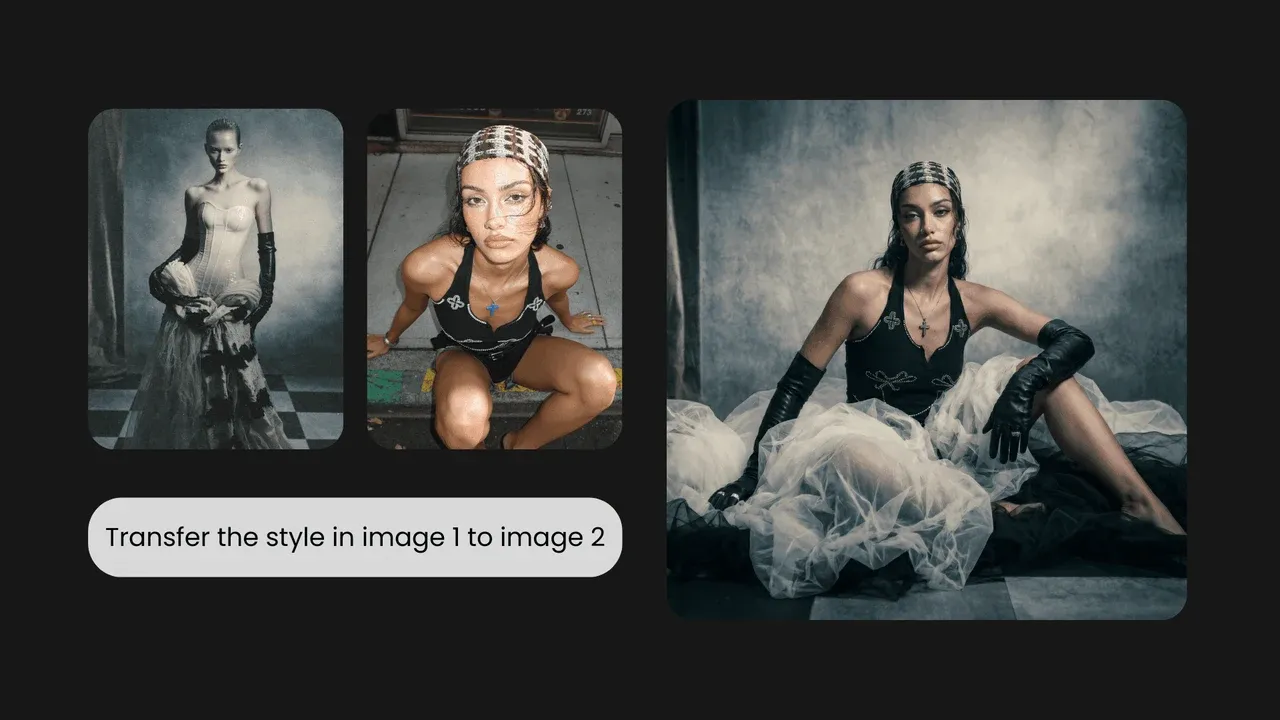
Knowing how to put yourself in an AI image means controlling what may change and what must remain recognizable. A reference can guide resemblance, but it cannot turn a generated portrait into a verified copy of your face. Keep the original beside every variation, and stop when the new scene costs more identity than you are willing to trade away.
Create one careful reference-photo variation
Open Loova AI Image to Image, upload a portrait you have the right to use, and compare the first outputs with your likeness checklist before refining the scene.