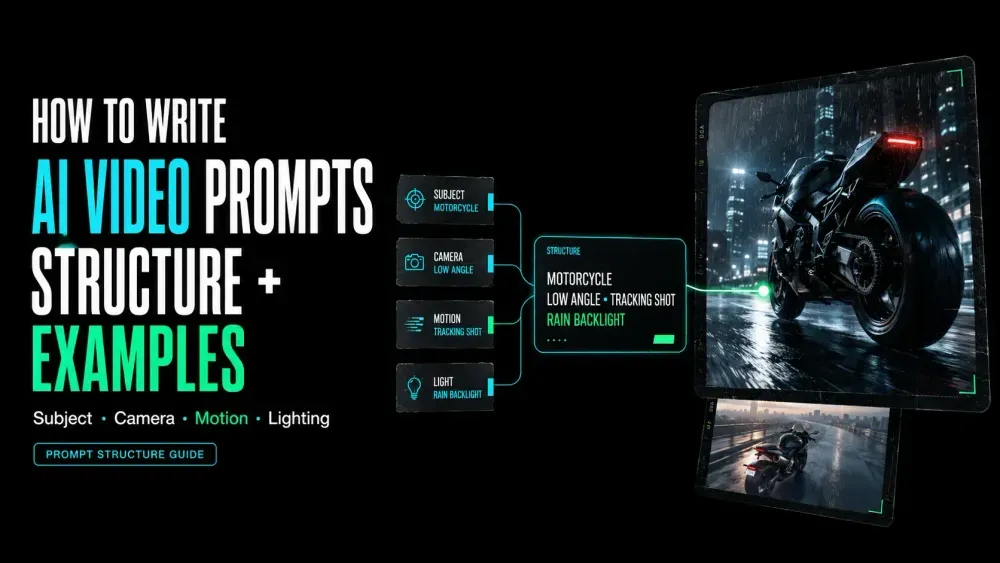
How to Write AI Video Prompts: Structure and Examples
On this page
“Slow orbit. Fast handheld tracking. Static camera.” Each phrase sounds cinematic on its own. Put them in the same short prompt, though, and the model gets three conflicting camera directions. A useful AI video prompt gives the subject, action, framing, camera movement, lighting, timing, and sound one clear job each.
This guide shows you how to build that structure one shot at a time. You’ll write a prompt, check what the model followed, and revise only the instruction behind the problem.
What an AI Video Prompt Needs to Control
An image prompt describes a frame. A video prompt must also explain what changes next: subject action, camera behavior, environment, pace, and supported sound. Constraints should protect one essential detail instead of listing every unwanted outcome.
The practical goal is one readable shot. Several actions, camera moves, locations, and moods make the result harder to diagnose.
The same discipline improves cinematic AI prompts: atmosphere should support a visible event rather than replace it.
A Practical AI Video Prompt Structure
Adobe’s current video-prompt guidance organizes a Firefly prompt around shot type, character, action, location, and aesthetic. This scaffold adds timing, audio, and one constraint.
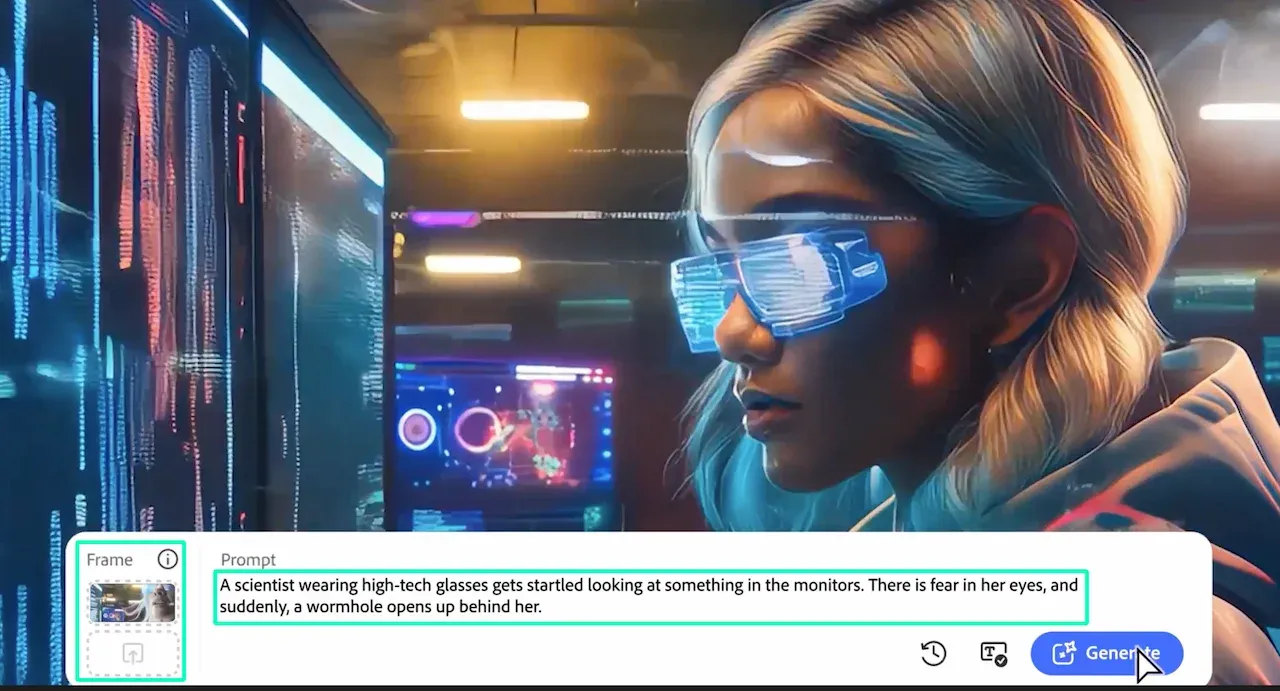
[shot size and composition] + [subject] + [visible action] +
[camera movement and direction] + [environment, lighting and style] +
[timing and pace] + [audio cue, if supported] + [one essential constraint]
The current Loova AI Text to Video workspace provides a model selector, prompt field, Prompt Assistant, and additional settings. Check which controls the selected model exposes before adapting the scaffold.
Subject and Action
Name the main subject with details viewers can recognize, then give it one visible action. Translate “feels hopeful” into posture, expression, speed, weather, color, or another observable cue.
Shot Size and Composition
Shot size decides how much information fits. A close-up favors expression or texture; a wide shot gives action and environment more room. Add composition directions such as centered, foreground left, or negative space only when placement matters.
Camera Movement and Direction
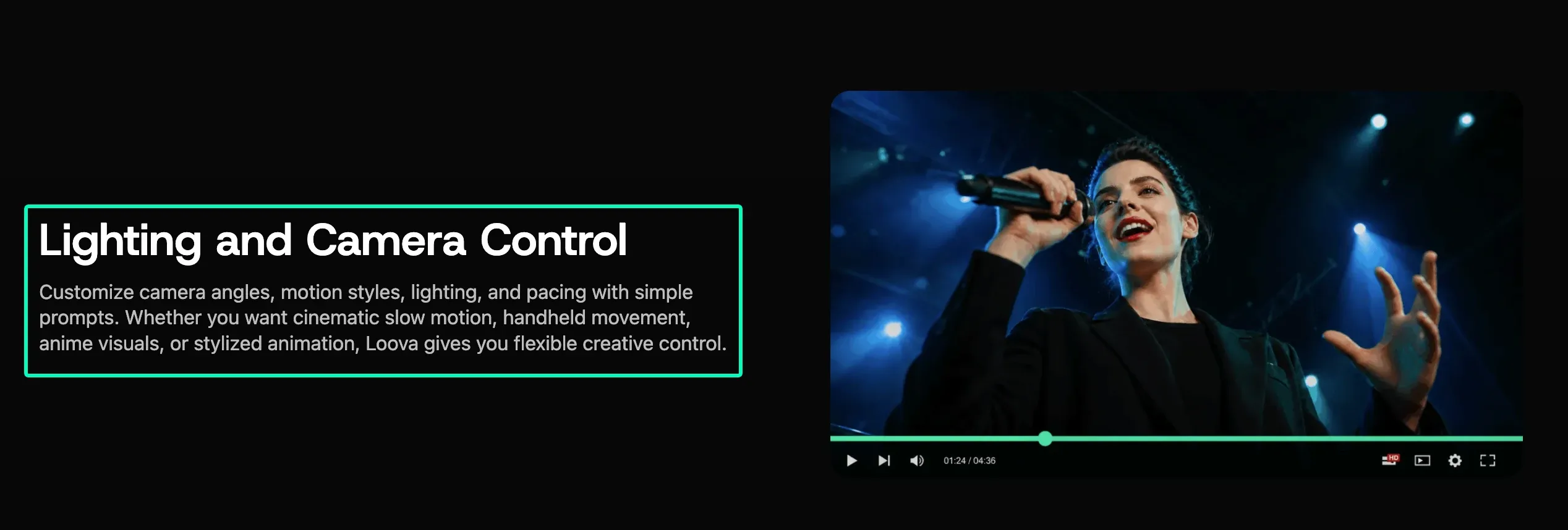
One named camera move is easier to judge than several overlapping moves. Write “slow push-in toward the bottle,” then state its direction or endpoint. Keep it separate from subject action so each motion has a distinct path.
Lighting, Style and Environment
Give lighting a source and quality: soft window light from the left or blue storefront light on wet pavement. Use documentary, stop-motion, or studio commercial to set a visual family. Concrete surfaces and colors do more work than repeating “cinematic.”
Timing, Pace and Audio Cues
Connect timing to something visible, such as a four-second reveal followed by a two-second hold. Audio depends on the model. The LTX video-prompt guide ties dialogue, ambience, and music to LTX-2.5 because it generates synchronized audio. Keep those notes for editing when another model does not.
A Step-by-Step Prompt Workflow
Start with One Clear Shot
Write the smallest version first: shot size, subject, one action, and one camera choice. Save this control unchanged before adding props, transitions, or detailed sound.
Add Motion and Timing
Add direction, speed, and an endpoint after the shot reads clearly. “The camera moves” becomes “the camera pushes in slowly and stops at a close-up of the hands.” Use duration only when it changes the beat order.
Generate, Diagnose and Revise
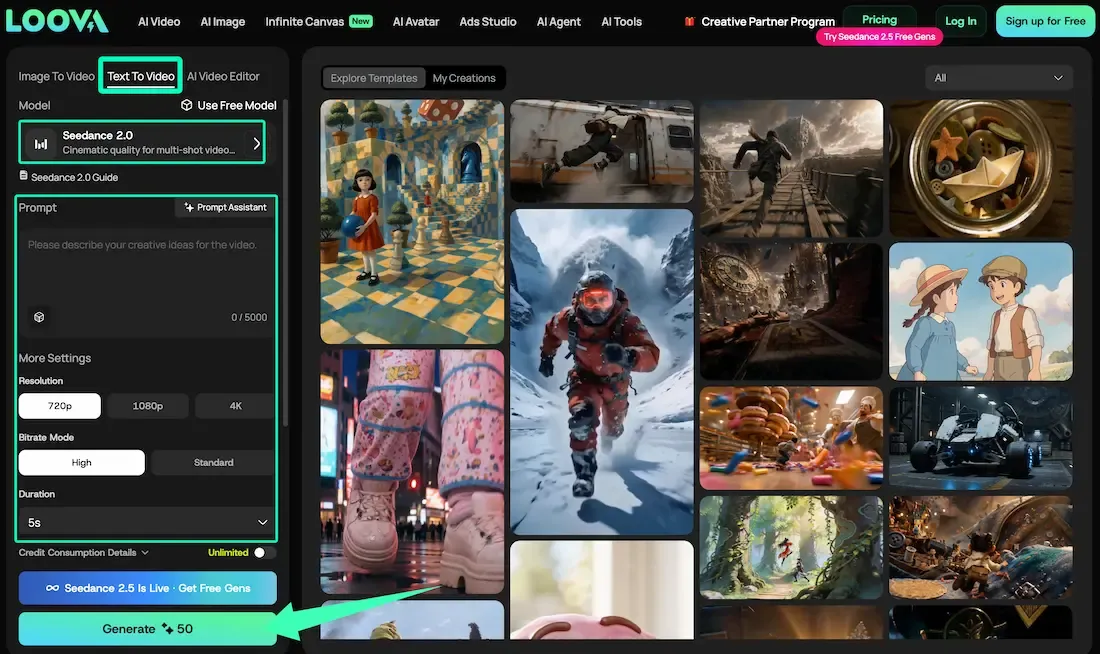
Run the control in the Loova AI text-to-video generator or your intended model interface. Review subject, action, framing, camera, lighting, timing, and audio separately. Revise only the first failed element.
Two Complete AI Video Prompt Examples
These are writing examples, not reported test results. Replace the subject, dimensions, timing, and audio with choices supported by your intended model and delivery format.
Product Marketing Video Prompt
Close-up product shot of an unbranded amber glass skincare bottle on a pale stone pedestal. The bottle remains upright as water circles its base. The camera makes a slow 30-degree orbit from left to right and ends on the bottle's front. Soft morning light enters from camera left against a clean neutral studio background. Six seconds: reveal for five, then hold for one. Quiet water and a soft glass chime, if audio is supported. Preserve the bottle's shape and keep added text out of frame.
The water and camera have separate movement, while the last line protects product shape. The final hold leaves room for an edited end card.
Code