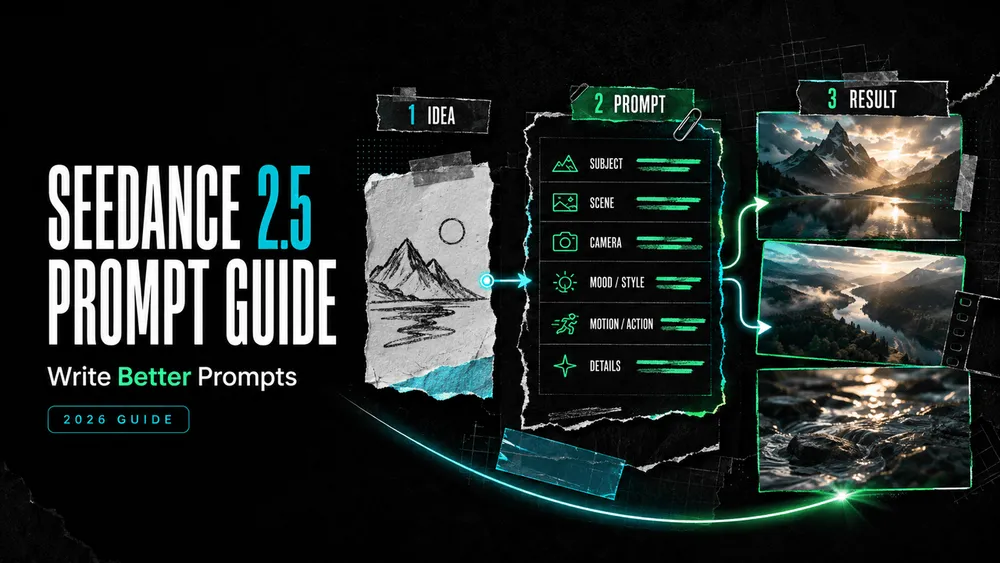
Seedance 2.5 Prompt Guide: Write Better Prompts
On this page
A Seedance prompt becomes hard to direct when every sentence asks for a different shot. Better Seedance 2.5 prompts give each instruction a job: establish the subject, move the scene forward, position the camera, and protect the details that must not drift.
I’m Mira. When a prompt feels crowded, I reduce it to three questions: What must be visible? What changes over time? What must stay fixed? This Seedance 2.5 prompt guide turns those questions into a reusable structure for product clips, UGC-style ads, and cinematic scenes.
How Seedance 2.5 Interprets a Prompt
Think of the prompt as compact production direction, not a bag of visual keywords. Seedance 2.5 coordinates the scene, action, camera, timing, sound, and references across one sequence. If two instructions compete—“locked camera” and “fast orbit,” for example—the model has to choose or blend them.
In its official Seedance 2.5 announcement, ByteDance demonstrates prompts that define consecutive story beats, assign roles to media references, and change camera behavior within named time ranges. Order and hierarchy are therefore more useful than decorative adjectives.
The Seedance 2.5 Prompt Structure
You do not need every field for every clip. Start with the parts that affect the result, then remove anything repetitive.
Subject, Setting and Outcome
Open with the subject, location, and end state. “A skincare bottle on a table” identifies objects but not a video. “A frosted skincare bottle stands on wet stone; the clip ends on a clean front-label hero shot” establishes both world and destination. State any non-negotiable detail as a constraint.
Action and Timing
Write motion as an ordered chain. For a longer sequence, divide the prompt into ranges such as 0–4s, 4–9s, and 9–12s. Give each range one main beat. Timestamps are planning windows, not frame-accurate guarantees, so use them for pacing and make sure each action leads naturally into the next.
Camera and Composition
Name the starting shot size, angle, movement, and final framing: “Begin with a waist-level medium shot, track left beside the runner, then slow to a close-up as she stops.” Choose one dominant move per beat and state where the important object sits in frame.
Lighting and Visual Style
Translate broad style words into visible choices. Instead of only “cinematic,” try “low-key evening light, warm practical lamps, cool window shadows, shallow depth of field.” Keep the vocabulary coherent; competing styles need clearly assigned roles.
Dialogue, Ambience and Sound
Separate dialogue from the soundscape. Name the speaker, language, delivery, and exact line: The presenter says in Brazilian Portuguese, calmly: “A rotina começa aqui.” Add ambience, effects, music, or silence separately, timed to the visible action. State unwanted music, captions, or dialogue directly.
Reference Roles and Constraints
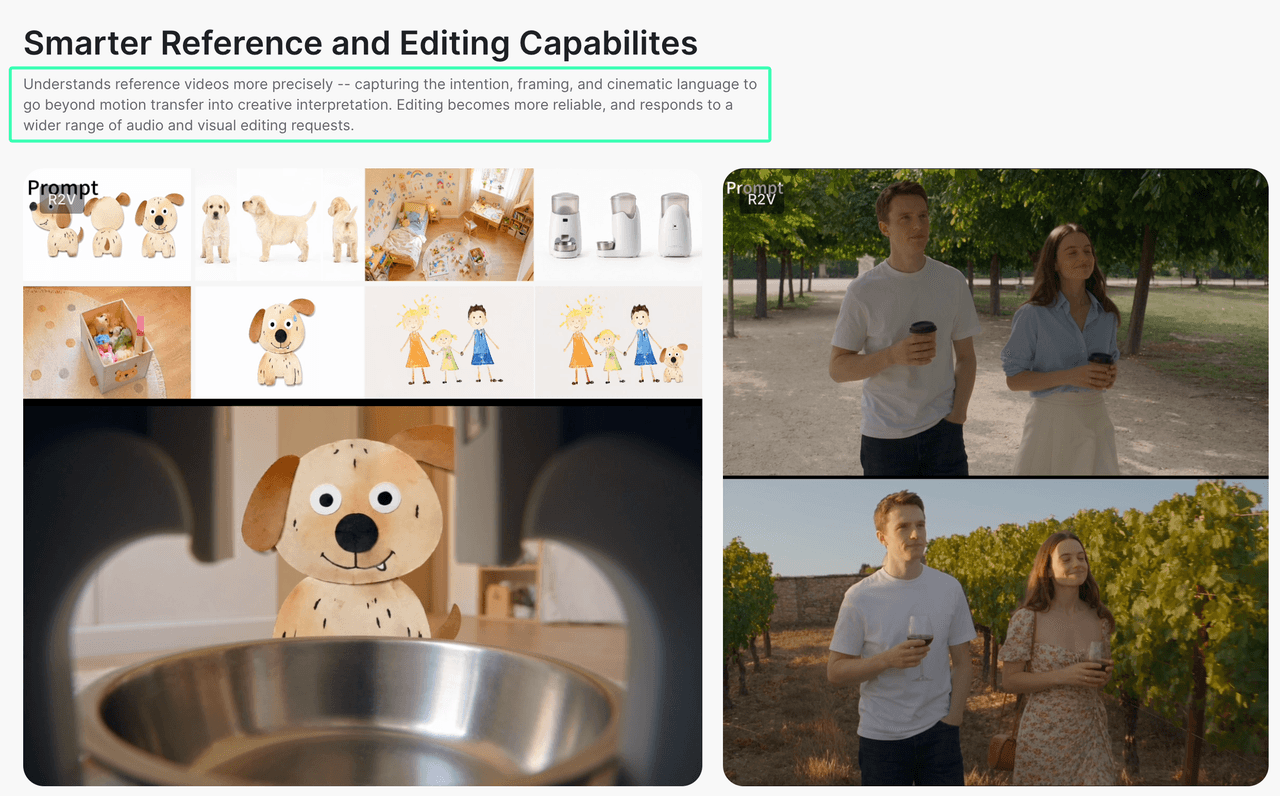
Do not merely attach files and write “use these.” Assign each asset a job: @Image 1 defines the bottle shape and label; @Image 2 defines the stone surface and lighting; @Video 1 supplies camera pace only. ByteDance’s examples likewise distinguish subjects, scenes, motion, sound, and composition.
When several images show one person or product, say so. Add a preservation line for non-negotiable details. Only upload assets you own or may use; do not include confidential or sensitive personal data, or identifiable people’s images and voices without authorization.
How to Improve a Weak Prompt

Identify the failed dimension—identity, action order, camera, lighting, sound, or continuity—then rewrite only that part. Use the Seedance 2.5 product page as the access point available to your account; when comparing prompts, keep references and settings fixed so the text is the meaningful variable.
Product Video Prompt
Weak: Make a cinematic ad for this perfume.
Improved: @Image 1 defines the exact perfume bottle, cap, label, and amber liquid. One 10-second luxury product shot on black stone after rain. 0–3s: begin on a macro view of droplets beside the bottle. 3–7s: make one slow clockwise orbit while a narrow warm light moves across the glass. 7–10s: settle into a centered front-label hero shot. Keep the bottle geometry and all label text unchanged. Quiet room tone, one soft glass chime at the final frame, no voice-over.
The revision replaces “cinematic” with observable direction and a purposeful final frame.
Cinematic Story Prompt
Weak: A woman misses a train and feels sad. Dramatic camera.
Improved: Rainy suburban platform at blue hour. A woman in a mustard coat reaches the platform as the final train doors close. 0–4s: handheld medium shot follows her running up the stairs. 4–8s: side tracking shot as she reaches toward the moving train but stops at the safety line. 8–12s: the camera becomes still and slowly pulls back, leaving her small beneath the station lights. She catches her breath; train wheels fade into rain and electrical hum. No dialogue and no cut to another location.
The emotion now comes from action, distance, and sound—not “make it sad.”
How to Write Prompts for Different Tasks
Product Videos
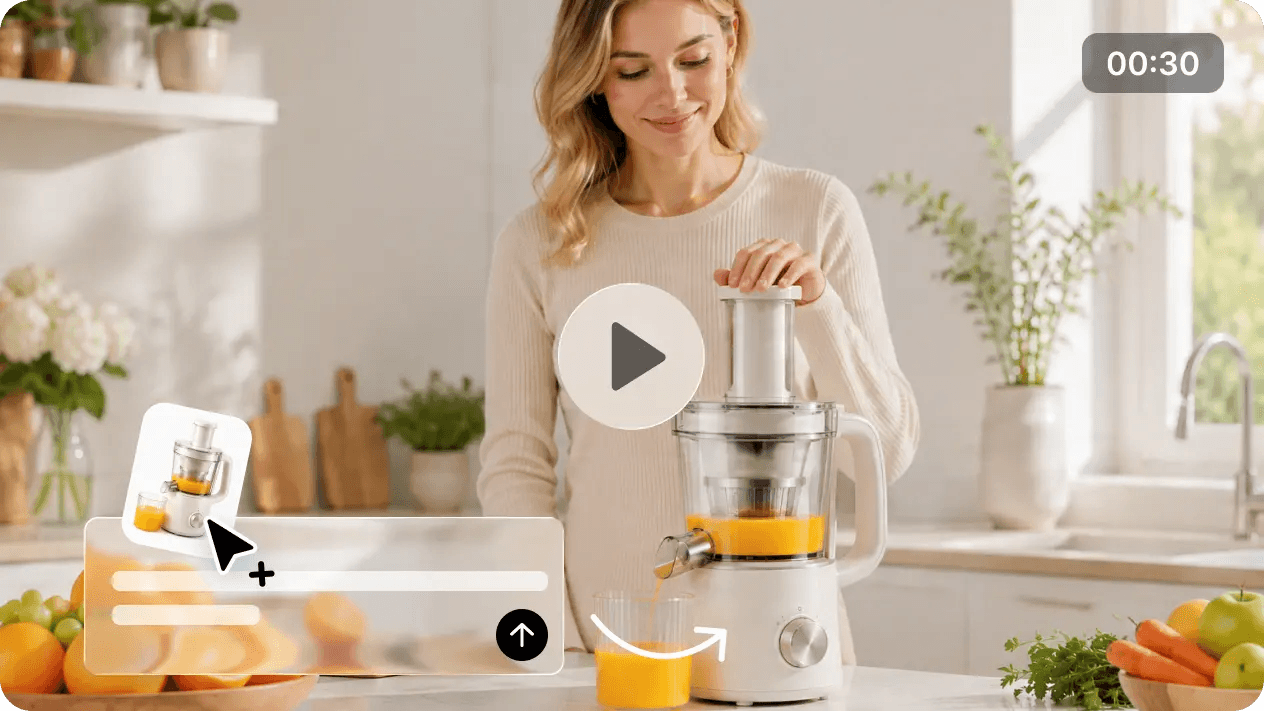
Prioritize shape, color, label visibility, surface behavior, and the hero frame. Use references for appearance and prompt space for motion, light, and camera. Minimize rapid movement when packaging must remain legible.
UGC-Style Ads
Define phone orientation, framing, room, performance, dialogue, and product interaction. Do not fabricate a real testimonial or unsupported result. Obtain consent for a recognizable person or cloned voice.
Cinematic Scenes
Build one narrative change—arrival, discovery, conflict, or reveal—across a few connected beats. Assign camera and sound to each, then preserve only the continuity details that matter across cuts.
Once access appears in your account, test the revised prompt in the Seedance 2.5 generator. Review whether the intended action and final frame are readable before adding more style language.
Common Seedance Prompting Mistakes
- Writing a still-image description: Say what changes over time, not only what the opening frame contains.
- Stacking incompatible directions: Pick one primary camera move and one coherent visual system per beat.
- Leaving references unlabeled: Identify what each image, video, or audio file controls—and what it does not.
- Overloading one time range: Give crowded actions more time or separate them.
- Repeating synonyms: “Epic, stunning, beautiful, cinematic” uses space without resolving camera, light, or action.
- Changing everything after a weak result: Diagnose one unsuccessful element and revise that variable first.
- Relying on negative instructions alone: State the desired composition before listing the few things to avoid.
FAQ
Does Seedance 2.5 Understand Prompts in Languages Other Than English?
Yes, although support can vary by platform and task. Fal’s current Seedance 2.5 integration overview lists Chinese, English, Spanish, Indonesian, Malay, Thai, Arabic, Portuguese, Vietnamese, Japanese, and Korean. For dialogue, name the language and write the line in it.
Is There a Practical Limit to Prompt Length on Loova AI?
Yes. Loova AI’s current Reference to Video editor shows a 1,500-character prompt limit. If your prompt exceeds it, remove repeated appearance details already supplied by reference images, then cut decorative adjectives. Keep the reference roles, action order, camera direction, audio cues, and non-negotiable constraints that determine the video.
Why Does the Same Prompt Produce Different Results Each Time?
Video generation does not promise identical output on every run. Motion, framing, timing, or detail may vary. Keep the prompt, references, duration, aspect ratio, and other settings fixed when comparing runs, and judge the same priority element each time.
How Should I Structure a Prompt When I Want to Keep Specific Details Consistent?
Put consistency instructions next to the asset they govern: @Image 1 defines the same jacket in every shot; preserve its green color, brass buttons, and sleeve length. Then add the timed action and camera plan. Finish with a short “keep unchanged” list for details that truly cannot drift.