50 Seedance 2.5 Prompt Templates (Copy-Paste)
On this page
You paste a polished prompt, swap the product name, and its label changes by the final frame. The template never knew which detail was non-negotiable.
I’m Mira. In a prompt library, I look for editable decisions—subject, motion, references, and last frame—not lines that merely sound cinematic. These Seedance 2.5 prompt templates provide 50 starting points; brackets mark what to replace.
How to Customize a Seedance 2.5 Prompt Template
Treat each bracket as a decision. Delete instructions that do not serve the clip.
Replace the Subject, Action and Setting
Replace [SUBJECT], [ACTION], and [SETTING] first. Prefer visible action—“turns the bottle label-forward”—to abstract goals such as “builds trust.” Define an end state.
Add and Assign References
Name what each asset controls: @Image 1 defines [PRODUCT] only; @Video 1 defines camera pace only. ByteDance’s official Seedance 2.5 examples assign references to characters, locations, props, composition, and motion.
Adjust Timing, Format and Constraints
Fit time ranges to your selected duration. Match [ASPECT RATIO] to the destination, use one action per range, and protect only essential identity, product, text, or wardrobe details.
Product and Ecommerce Video Prompts
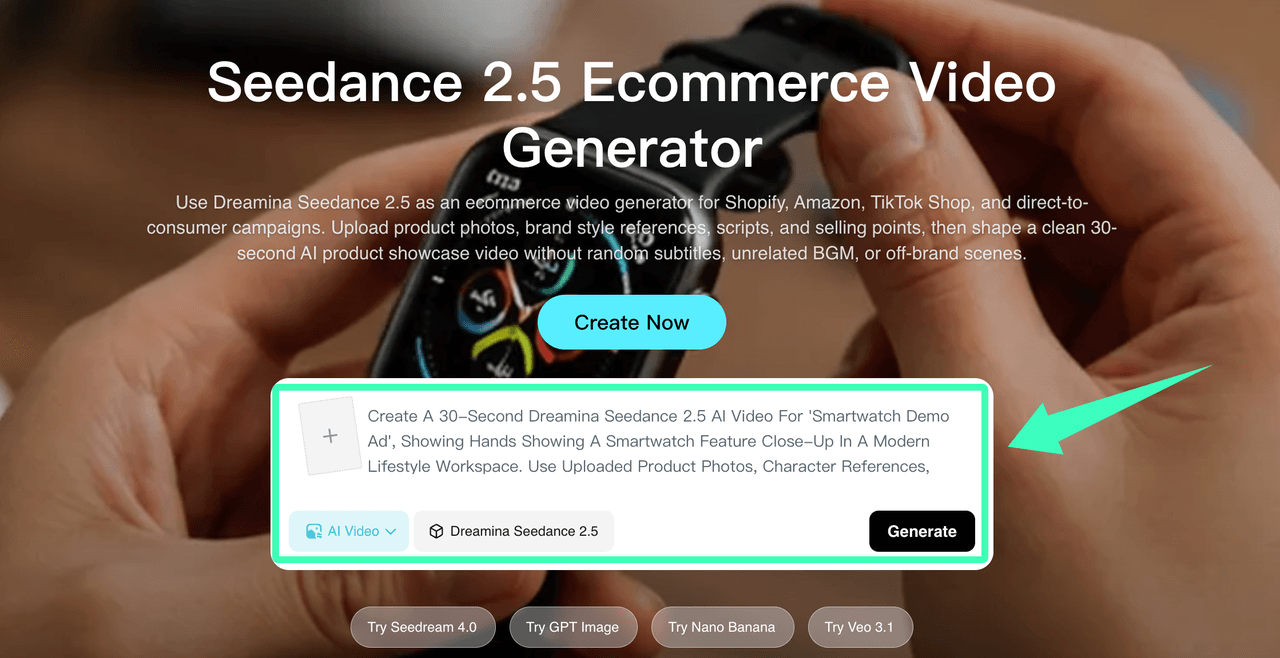
Let product references define appearance and the prompt define motion, light, framing, and the hero view.
@Image 1 defines [PRODUCT]. Push in over [SURFACE] under [LIGHTING]; end label-forward; preserve packaging and text.Unbox [PRODUCT] in [SETTING]; open layers in order from overhead; finish with included items arranged.Macro view of [MATERIAL]; light travels left to right; pull back to reveal [PRODUCT].[PRODUCT] rotates once on [PLATFORM]; locked eye-level camera, clean [BACKGROUND]; end front-facing.Three [PRODUCT] colorways enter sequentially; identical framing and light; hold all together at the end.Match-cut [PRODUCT] from studio pedestal to [USE SETTING]; preserve proportions, finish, and branding.[ACTOR] demonstrates one verifiable [PRODUCT FEATURE]; medium close-up; finish with the feature visible.[DEVICE] displays [APP ACTION]; over-shoulder close-up, one tap per beat; keep the layout readable.[FOOD OR DRINK] pours into [CONTAINER]; warm side macro, synchronized sound; end before overflow.[MODEL] wears [GARMENT] in [SETTING]; slow turn shows front, side, and fabric movement; preserve design.
To adapt one around a product image, open the Seedance 2.5 product-video workspace available to your account and assign the image before adding camera language.
UGC and Social Ad Prompts
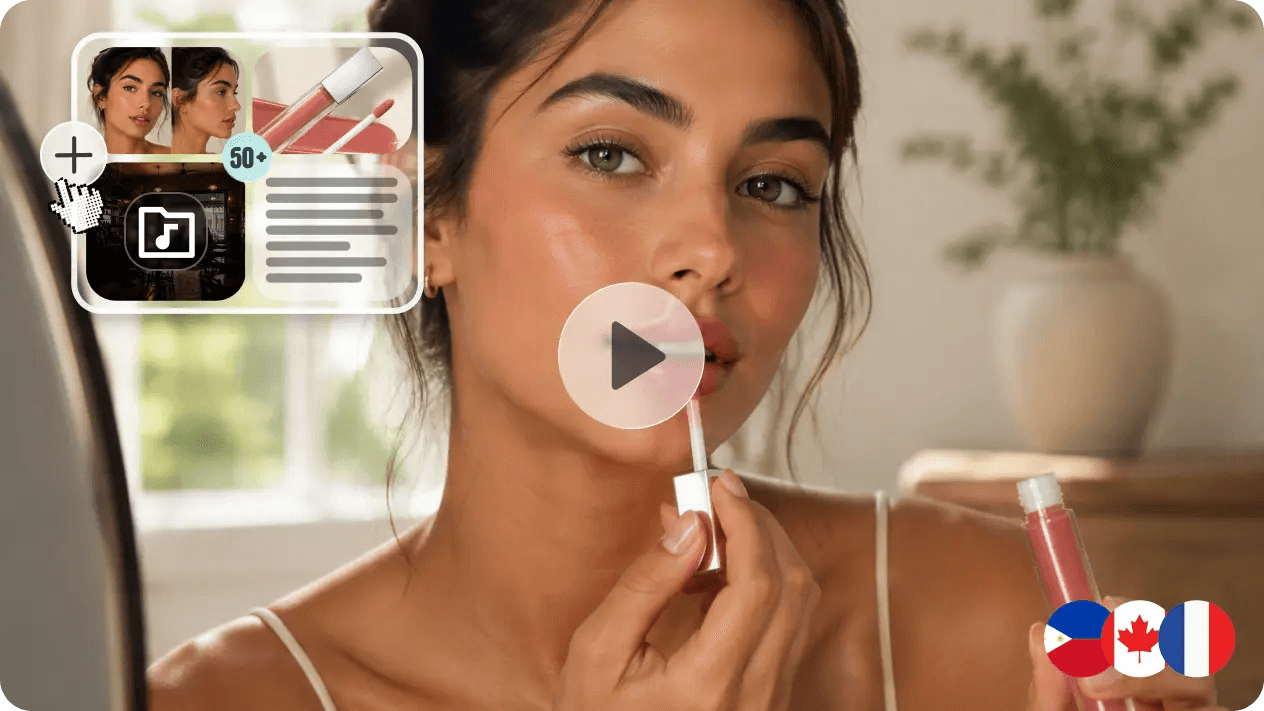
These are staged creator-style formats. Use substantiated product statements; never present a generated speaker as a real customer.
Vertical handheld video; [PRESENTER] introduces [PRODUCT] in [ROOM], demonstrates one feature, then closes factually.[PRESENTER] shows [TASK], applies [PRODUCT], then displays the observable result; fixed framing, restrained reaction.Open on [VISUAL HOOK]; cut to [PRESENTER] explaining it; show [PRODUCT] in use; natural room sound.Three-step [PRODUCT] tutorial: prepare, use, check; overhead inserts; one short instruction per step.Casual unboxing at [LOCATION]; [PRESENTER] names each item, checks one detail, then returns everything to frame.Day-in-the-life scene; [PRODUCT] appears during [REALISTIC TASK], filmed vertically with available light.[PRESENTER] answers “[COMMON QUESTION]” while demonstrating it; eye-level phone camera; finish on the relevant detail.Show two legitimate [PRODUCT] uses side by side; identical framing; label each accurately; no superiority claim.Silent-first clip: [ACTION] carries the idea; reserve one caption area; keep [PRODUCT] identifiable on mobile.[PRESENTER] notices [PROBLEM], chooses [PRODUCT FEATURE], and completes the task; conversational, non-testimonial delivery.
Cinematic Story Prompts
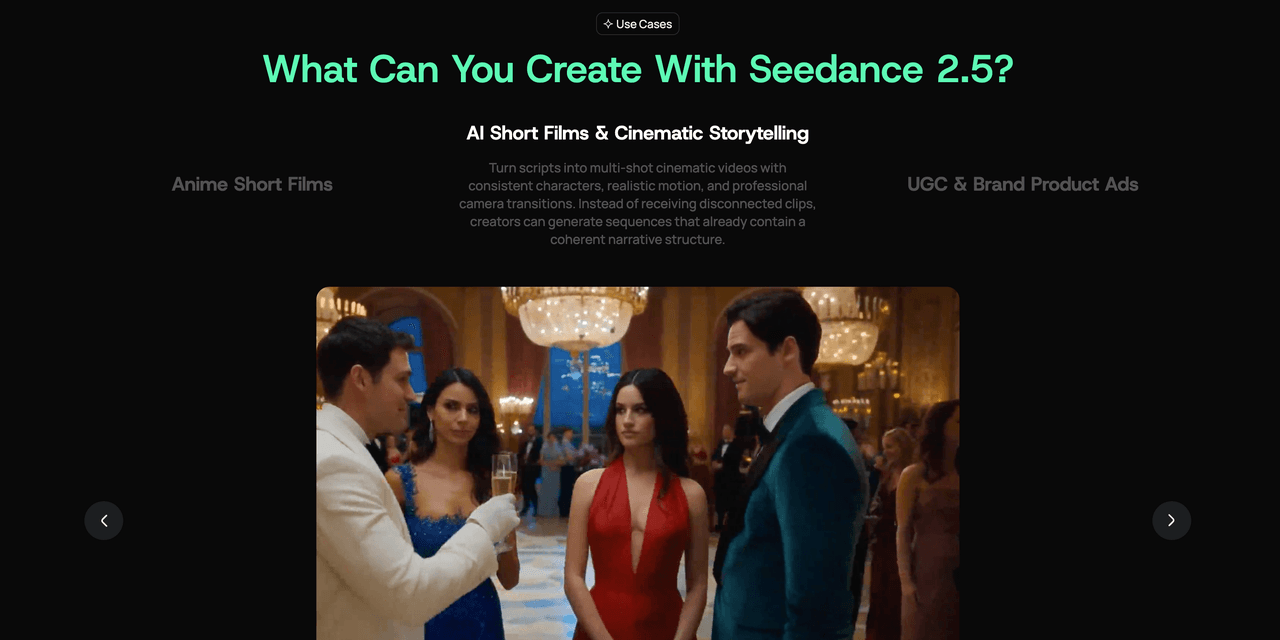
Give each scene one change, supported by action, framing, light, and sound.
[CHARACTER] reaches empty [LOCATION] after closing; slow follow; one light remains; end by revealing its source.At [TIME], two characters exchange [OBJECT] silently; alternate hands and faces; hold on the recipient’s reaction.[CHARACTER] follows [MOVING CLUE] through [SETTING]; low tracking becomes wide at discovery; preserve wardrobe and direction.One-take walk from [ROOM A] to [ROOM B]; shift [MOOD A] to [MOOD B]; no hidden cuts.[CHARACTER] prepares for [EVENT] alone: arrange, hesitate, commit; camera moves closer each beat.Quiet [LOCATION] changes when [EVENT] begins; locked wide shot; let motion enter the frame.[CHARACTER A] waits as [CHARACTER B] approaches through [WEATHER]; maintain eyelines; finish in a balanced two-shot.Start on [SMALL OBJECT]; pull back to reveal [CONTEXT]; restrained score, one sound at the reveal.[CHARACTER] attempts [ACTION], fails safely, adjusts, then succeeds; preserve geography and believable weight.Begin at [FIRST FRAME]; cross [SETTING] in three beats; land on [LAST FRAME] as sound fades.
Camera and Motion Prompts
Insert these camera clauses into another template; keep the subject action simple.
Dolly from wide to medium on [SUBJECT]; constant height and speed; stop before entering personal space.Orbit clockwise 180 degrees around [SUBJECT]; maintain distance, horizon, and center framing; no zoom.Track beside [SUBJECT] at walking pace; stable profile composition, smooth background parallax.Descend top-down toward [OBJECT], settling at a three-quarter product angle in one move.Follow behind [CHARACTER] through [SETTING]; subtle handheld shake, clear path, no lens change.Rack focus from [FOREGROUND] to [BACKGROUND SUBJECT]; locked camera; hold after the reveal.Low-angle push beside [MOVING SUBJECT]; foreground passes near lens; preserve speed and direction.Begin macro on [DETAIL]; pull to a wide establishing shot while keeping it centered.Static symmetrical frame; [SUBJECTS] enter opposite sides and stop on marks; no reframing.Crane from [CHARACTER] to reveal [LANDSCAPE]; level horizon; finish in a wide overhead composition.
Character and Multi-Reference Prompts
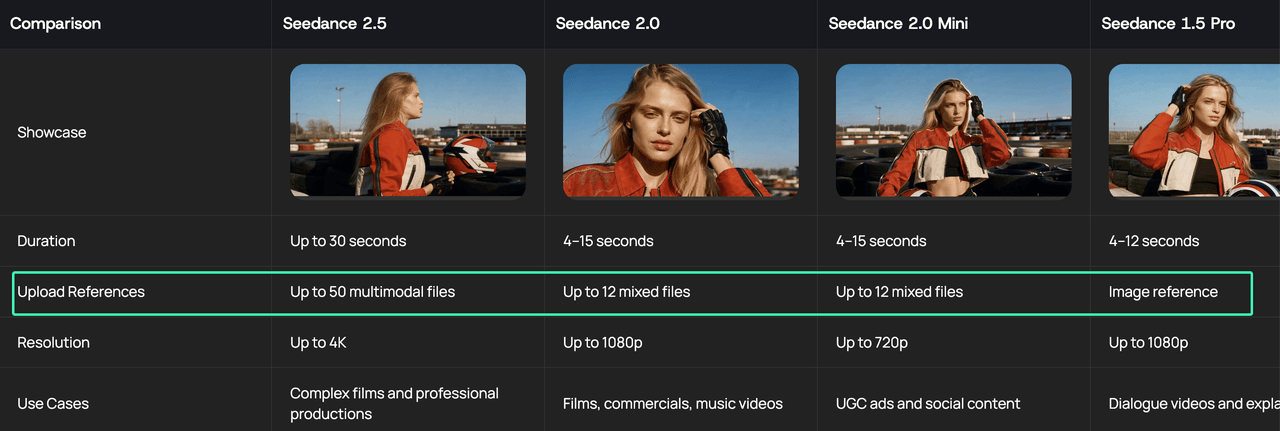
State whether multiple images show one subject or several, and keep each reference role narrow.
@Images 1–2 show the same [CHARACTER]; preserve face, hair, and outfit across [ACTION] and cuts.@Image 1 defines [CHARACTER A]; @Image 2 defines [CHARACTER B]; keep identities separate during [ACTION].@Image 1 defines [PRODUCT] front; @Image 2 its back; both show one object; never duplicate it.@Image 1 defines [CHARACTER]; @Image 2 defines [LOCATION] only; place the character without copying its background.@Video 1 defines [MOTION] pace only; apply it to @Image 1’s [CHARACTER]; preserve appearance.@Audio 1 defines voice; @Image 1 defines [SPEAKER]; deliver “[LINE]” in [LANGUAGE] with restrained expression.@Image 1 defines wardrobe; @Image 2 defines face; combine both on one unchanged [CHARACTER].@Images 1–3 show one [PRODUCT] from three angles; create one consistent object during a slow orbit.@Image 1 defines [TEAM]; assign fixed positions and actions; maintain spacing, wardrobe, and identity.@Image 1 sets the first frame; @Image 2 the last; generate [TRANSITION] without altering either subject.
How to Test and Refine a Template
Choose the closest template, replace every bracket, and remove unused clauses. Generate a control, diagnose one dimension, then change one variable while keeping references, duration, and aspect ratio fixed.
When ready, paste the customized template into the Seedance 2.5 generator. Check the non-negotiable label, character, or final frame before adding style words.
Usage Limits and Responsible Customization
Templates are starting points, not promises of identical output. The live interface and account determine available formats, references, access, and limits. Upload only authorized material; exclude confidential files and sensitive personal data, and obtain permission for identifiable faces or voices.
Avoid fabricated reviews, unsupported claims, misleading impersonation, and unauthorized brand assets. Check current platform and publication-channel rules.
FAQ
Why Does a Copied Prompt Produce a Different Result from the Example?
Generative output varies because templates leave decisions open. References, aspect ratio, duration, and wording can change motion or composition. Replace every bracket, hold settings constant, and compare one priority detail—not frames one for one.
Can I Reuse One Template Across Multiple Product SKUs or Campaigns?
Yes, if you replace the reference and recheck each SKU’s constraints. Packaging, labels, claims, format, and final frame may differ. Save reusable camera and timing clauses separately from SKU facts so old details do not leak forward.
Should I Add Negative Instructions to Every Seedance Prompt?
No. Describe the subject, action, camera, and end state first. Add a negative instruction only for a likely conflict, such as no duplicate product or extra dialogue. Long prohibition lists compete with the intended scene.
How Do I Adapt These Templates When I Upload Reference Images?
Open the Seedance 2.5 reference-based generator, assign each image a narrow role, and remove text that redescribes it. Keep action, timing, camera, and constraints. Useful Seedance 2.5 prompt templates tell the model what moves—and what remains recognizable in the last frame.