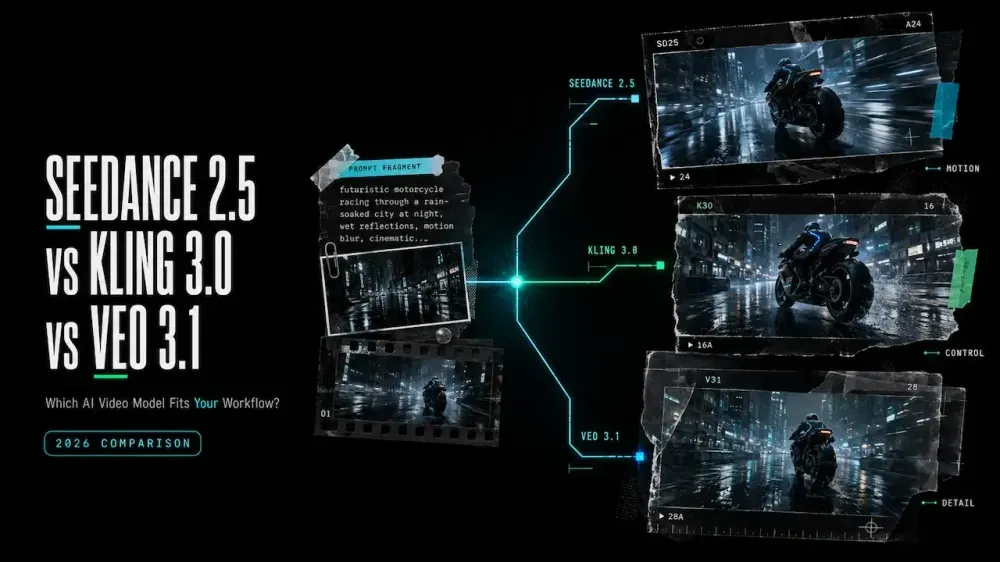
Seedance 2.5 vs Kling 3.0 vs Veo 3.1
On this page
Three polished model demos can make Seedance 2.5, Kling 3.0 and Veo 3.1 look interchangeable. They are not. One may preserve your references but miss the dialogue; another may nail the shot yet require you to split a longer idea into several clips.
I’m Mira, and I judge this kind of comparison by a practical question: which model creates the fewest problems between the brief and the edit? This guide compares documented workflows and shows how to run your own fair Seedance 2.5 video quality test—without pretending that three unrelated showcase clips form a benchmark.
Seedance 2.5 vs Kling 3.0 vs Veo 3.1 at a Glance
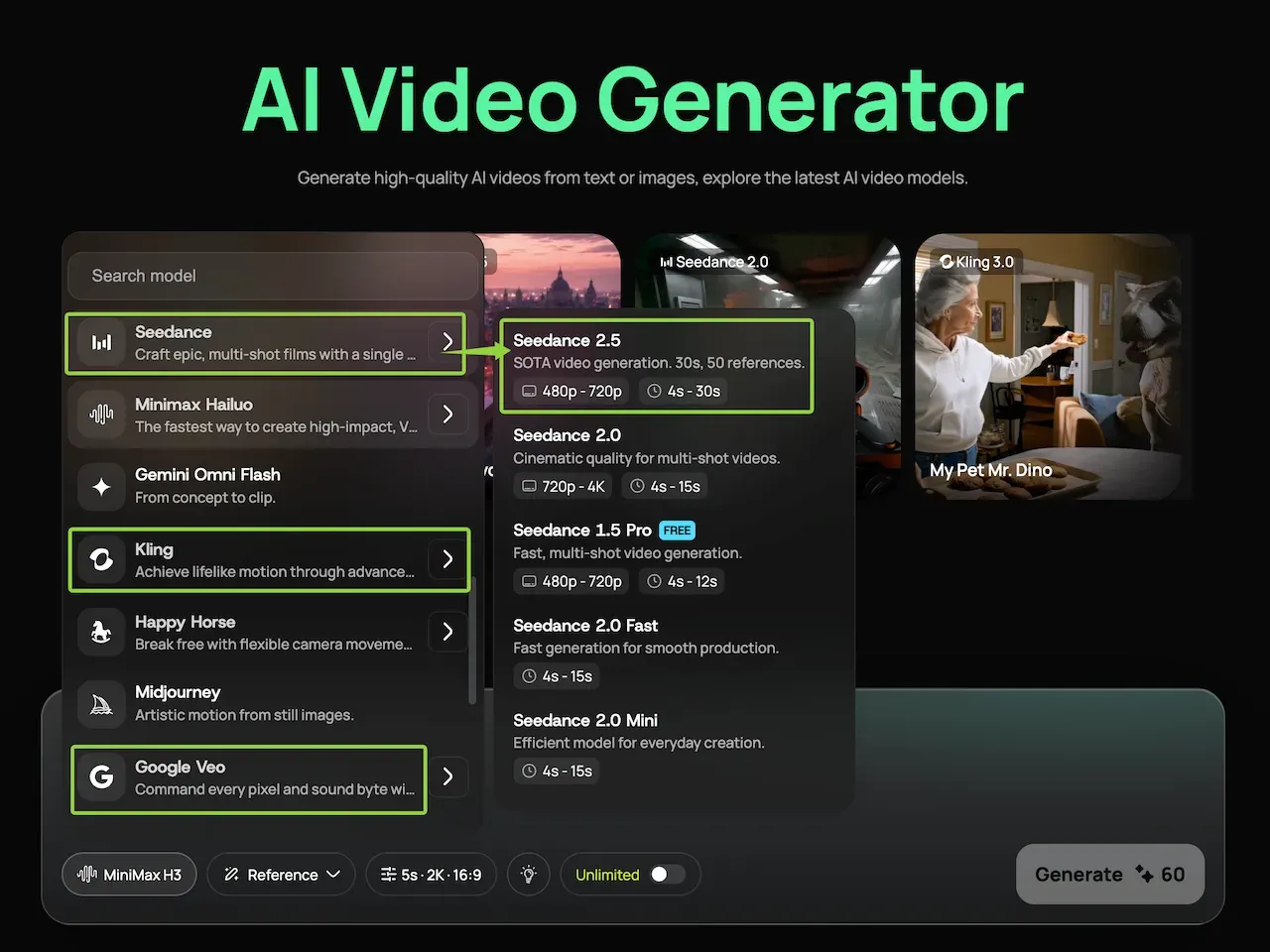
The three models are available from the Loova AI Video Generator, which makes a same-interface comparison possible. Keep the source image, prompt, aspect ratio, target duration and review criteria fixed when you switch models.
| Model | Documented workflow strengths | Published output details | Consider it first when… |
|---|---|---|---|
| Seedance 2.5 | Text plus image, video and audio references; joint audio-video generation; extension and editing controls | Up to 30 seconds in one generation; ByteDance lists up to 30 image, 10 video and 10 audio references | A longer sequence or a densely referenced scene matters more than a minimal setup |
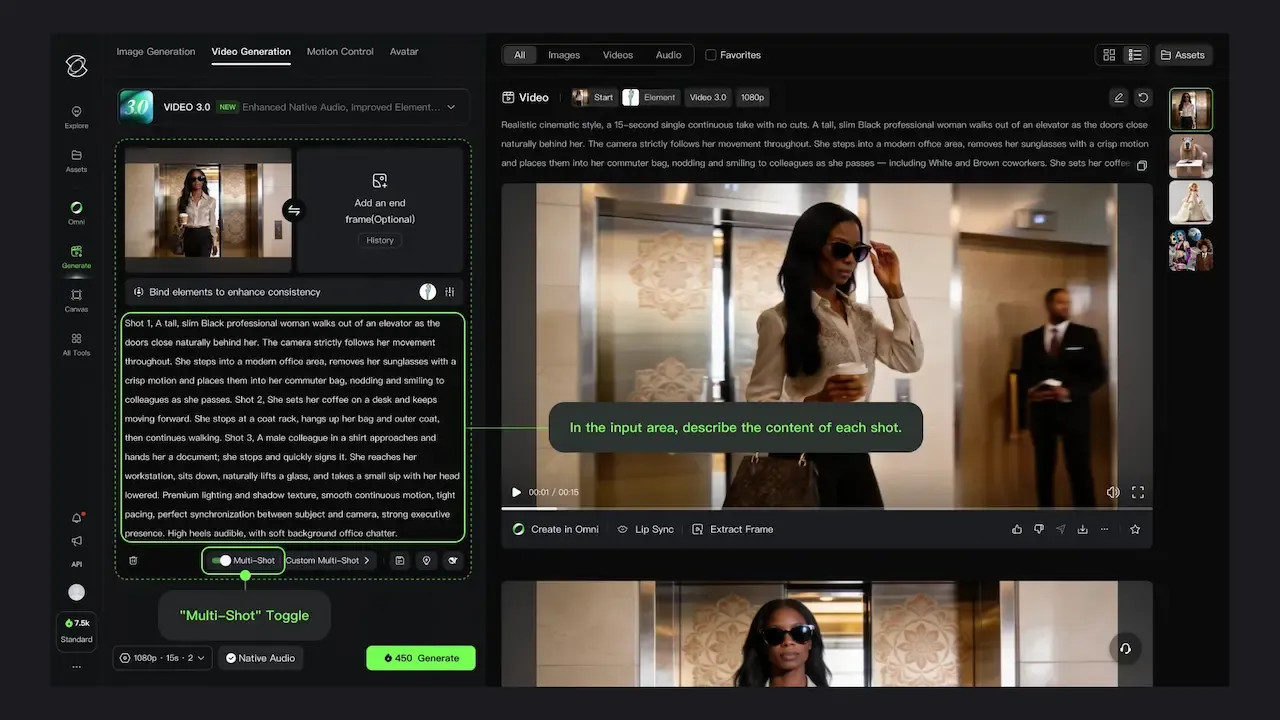
| Kling 3.0 | Multimodal input and output; reference-to-video and in-video editing; native multilingual speech | Up to 15 seconds; Kling 3.0 Omni adds shot-by-shot storyboard controls | You need short narrative control, several speaking characters or explicit shot planning |
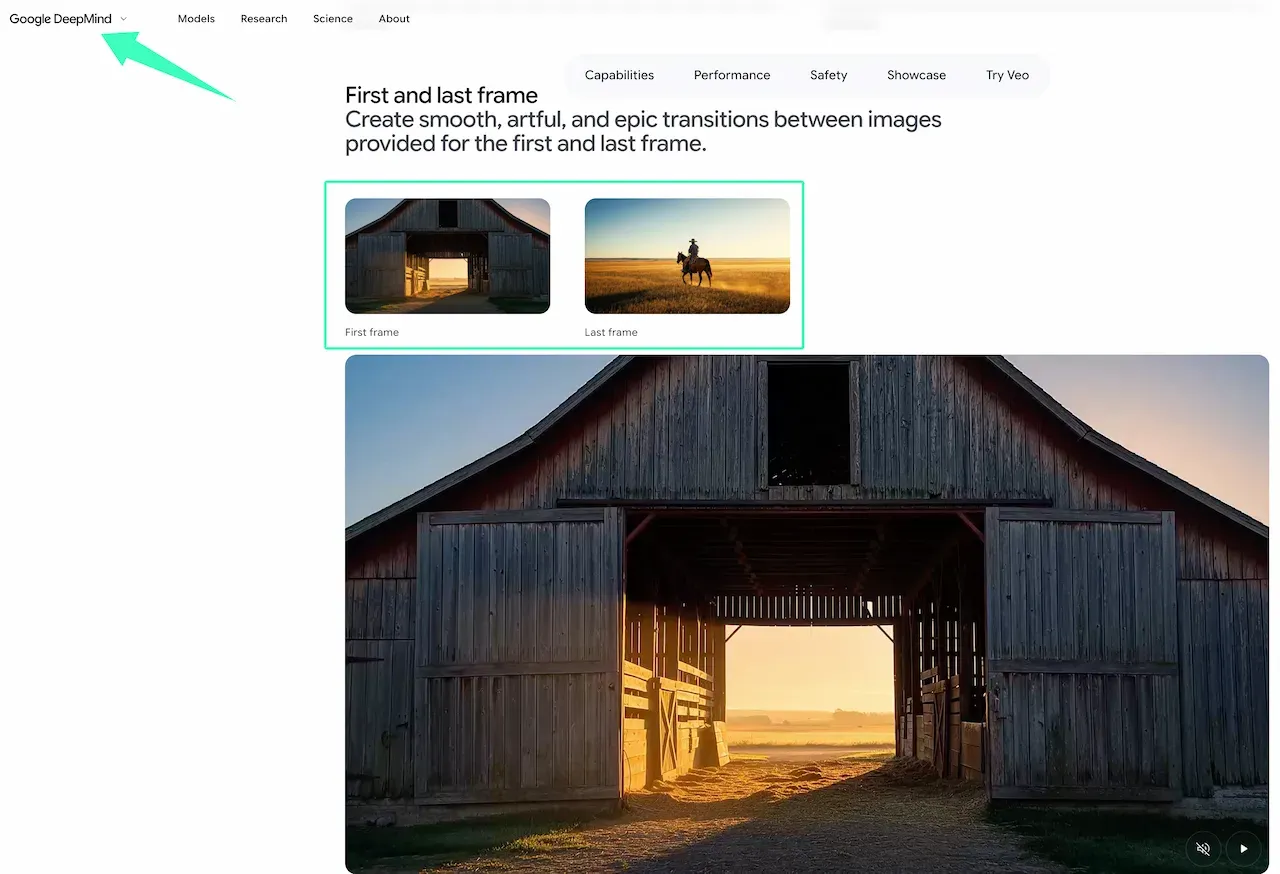
| Veo 3.1 | Text/image generation, reference “ingredients,” first/last frames, extension and native audio | Google’s Vertex route lists 4, 6 or 8 seconds and 720p, 1080p or 4K output | A compact cinematic shot, audio-led moment or endpoint-controlled transition fits the brief |
These are provider-published capabilities, not proof that one model looks better. See ByteDance’s Seedance 2.5 launch notes, Kuaishou’s Kling 3.0 launch announcement and Google’s Veo model page. Controls can vary by access route.
How the Three Model Workflows Differ
Supported Inputs and References
Seedance 2.5 has the broadest published reference allowance here. More assets can also conflict, so assign each one a job and state what must remain unchanged.
Kling 3.0 accepts text, images, video and audio; its reference and storyboard tools support recurring elements across planned shots. To test this workflow with the same master brief and source assets, open the Kling 3.0 model workspace on Loova AI. Veo 3.1 emphasizes reference images for characters, objects, scenes and style, plus first/last-frame control. Preserve your files, then rebuild their roles for each interface.
Duration, Output and Editing Control
Duration changes the kind of prompt each model can reasonably follow. Seedance’s published 30-second window can hold a longer action sequence, while Kling’s 15-second window can support a compact multi-beat scene. The current Google Vertex documentation lists 4-, 6- or 8-second Veo 3.1 clips; reference-image generation is limited to 8 seconds on that route. Google also lists 720p, 1080p and 4K output, but availability may differ elsewhere.
For a fair comparison, do not ask Seedance for 30 seconds and Veo for eight, then score continuity. Test one shared eight-second shot first. A model wins this comparison only when the same source frame, prompt, duration, and review criteria survive the switch.
Audio and Dialogue Workflow
All three providers describe native audio capabilities, but that does not make dialogue equally predictable. Separate speech, ambience and sound effects in the prompt. Specify who speaks, the exact line and when it occurs. Then review lip movement, voice identity, timing and background sound as separate criteria.
Keep a clean visual take if its audio fails. Replacing dialogue or mixing sound in an editor may be cheaper than discarding a strong shot. Google also acknowledges that natural, consistent short speech remains an active area of Veo development, a useful reminder that “native audio” is a capability—not a guarantee.
How They Fit Different Production Tasks
Product Ads and UGC Concepts
Start with the model that can preserve the assets your ad cannot afford to distort. Seedance is worth testing when product, presenter, motion and audio references must work together. Kling is a logical candidate for a short, storyboarded demonstration or multilingual speaking scene. Veo suits a tightly framed hero shot or compact dialogue hook. Add offer text, captions and legal copy in post rather than asking any model to render critical wording inside the scene.
Character-Driven Scenes
For character work, use the same approved sheet, repeat clothing and facial constraints, and generate one shot at a time. Seedance offers a larger reference package; Kling provides element and storyboard workflows; Veo offers character references and first/last frames. Score face, clothing, voice and eyeline separately.
Cinematic Motion and Dialogue
Veo deserves a test when one short shot depends on camera movement, ambience and spoken dialogue. Kling deserves one when a 15-second scene needs explicit shot progression or multilingual voices. Seedance deserves one when the action needs more time or reference-guided continuity. None should be chosen from a provider reel alone; use the camera move and dialogue density your final sequence actually requires.
Cost, Access and Retry Considerations
The cheapest first generation is not always the cheapest usable shot. Estimate usable-shot cost = displayed generation cost × total attempts, then add external editing, upscaling and audio replacement. Record the current cost shown before each run in the same Loova AI model workspace, because model access, credits and promotions can change.
Run one control attempt per model, then spend repair attempts only on the strongest candidate. A longer Seedance or Kling take may replace several short clips, but a failed long take can also waste more budget. Veo’s shorter unit can simplify shot-level retries while creating more joins in a longer sequence. Compare cost per accepted shot, not subscription price or cost per click of Generate.
Which Model Should You Choose?
Choose Seedance 2.5 when your brief benefits from numerous multimodal references or a longer single generation. Choose Kling 3.0 when planned shots, element continuity or multilingual dialogue are central. Choose Veo 3.1 when a short cinematic unit, endpoint control, native sound or high-resolution delivery is the priority.
If two remain plausible, test both with the same eight-second brief. Score prompt adherence, subject consistency, motion, audio, editability and retry cost from 1 to 5. Weight the category that can block delivery—product accuracy for an ad, for example—more heavily than general visual polish.
Comparison Limitations
This article compares current provider documentation and production fit; it does not report a controlled laboratory benchmark or claim hands-on results I did not run. Provider pages are first-party sources, interfaces change, and published limits may differ across direct apps, APIs and third-party workspaces. Before production, verify the live settings, output rights and rules for every asset you upload. Do not use unlicensed characters, music, faces, client files or confidential references.
FAQ
Can I Combine Outputs from Seedance 2.5, Kling 3.0 and Veo 3.1 in One Project?
Yes. Export the selected clips and assemble them in an editor. Normalize aspect ratio, resolution, frame rate, color, loudness and dialogue before judging whether they cut together. Keep a shot log recording the model, version, prompt, inputs and generation date, and confirm that each access route permits your intended use.
Do These Three Models Follow the Same Prompt Structure?
They share a useful core: subject, action, setting, camera, timing, sound and constraints. Model-specific controls differ. Seedance may need explicit reference roles, Kling may use elements or storyboard instructions, and Veo may use ingredients or first/last frames. Keep one neutral master brief, then create a model-specific prompt from it.
Which Model Is Usually Easier for a Complete Beginner to Start With?
Start with one short image-to-video shot, one subject and one action. Avoid dialogue and multi-shot direction; choose the model whose visible controls require the fewest decisions. Add sound or references after the control works.
Can I Switch Between These Models Without Rebuilding My References and Prompts?
You can reuse the source files and master brief, but expect some rebuilding. Reference slots, duration options, audio syntax and control names are not interchangeable. Preserve the creative intent; remap each asset and rewrite timing for the destination model instead of pasting the entire setup unchanged.
The honest answer to Seedance 2.5 vs Kling 3.0 vs Veo 3.1 is conditional: the best choice is the one that clears your project’s non-negotiable constraint with the fewest costly repairs. To run a fixed-input comparison in one workspace, open the Loova AI Video Generator, keep the test brief unchanged and record every accepted and rejected attempt. Your production brief remains the most useful benchmark.