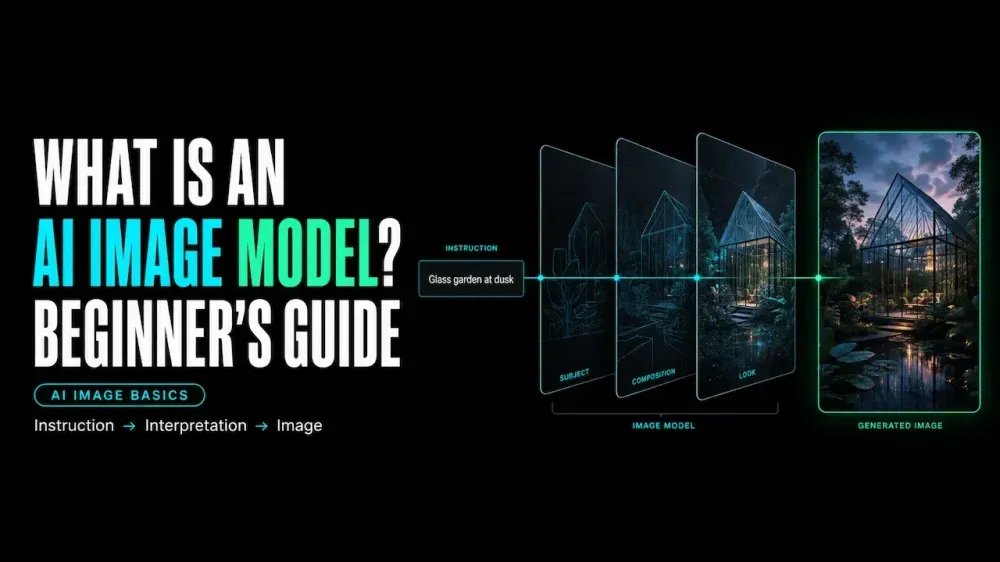
What Is an AI Image Model? A Beginner’s Guide
On this page
What Is an AI Image Model?
An AI image model is a learned system that creates or modifies visuals from text, images, or both. It learns relationships among language, objects, composition, color, and texture, then builds an output from the current inputs.
That definition covers more than text-to-image. An AI image generation model may edit a photo, combine references, or revise an earlier result through conversation. Its abilities depend on the model, version, and controls exposed by the surrounding product.
AI Image Model vs Generator vs Platform
These terms often appear as if they mean the same thing. In practice, they describe three layers of the experience.
| Layer | Main job | What the reader notices |
|---|---|---|
| Model | Produces or edits the image | Prompt following, text rendering, detail preservation, style, and consistency |
| Generator | Provides the interface | Prompt box, uploads, aspect ratio, quality controls, history, and download options |
| Platform | Connects products or models | Model selection, shared assets, editing routes, billing, and project workflow |
The Model Produces or Edits the Image
The model interprets the input and produces pixels. One may handle readable text well, while another responds better to product references or stylized scenes. Those tendencies belong to the model and its current version.
The Generator Provides the User Interface
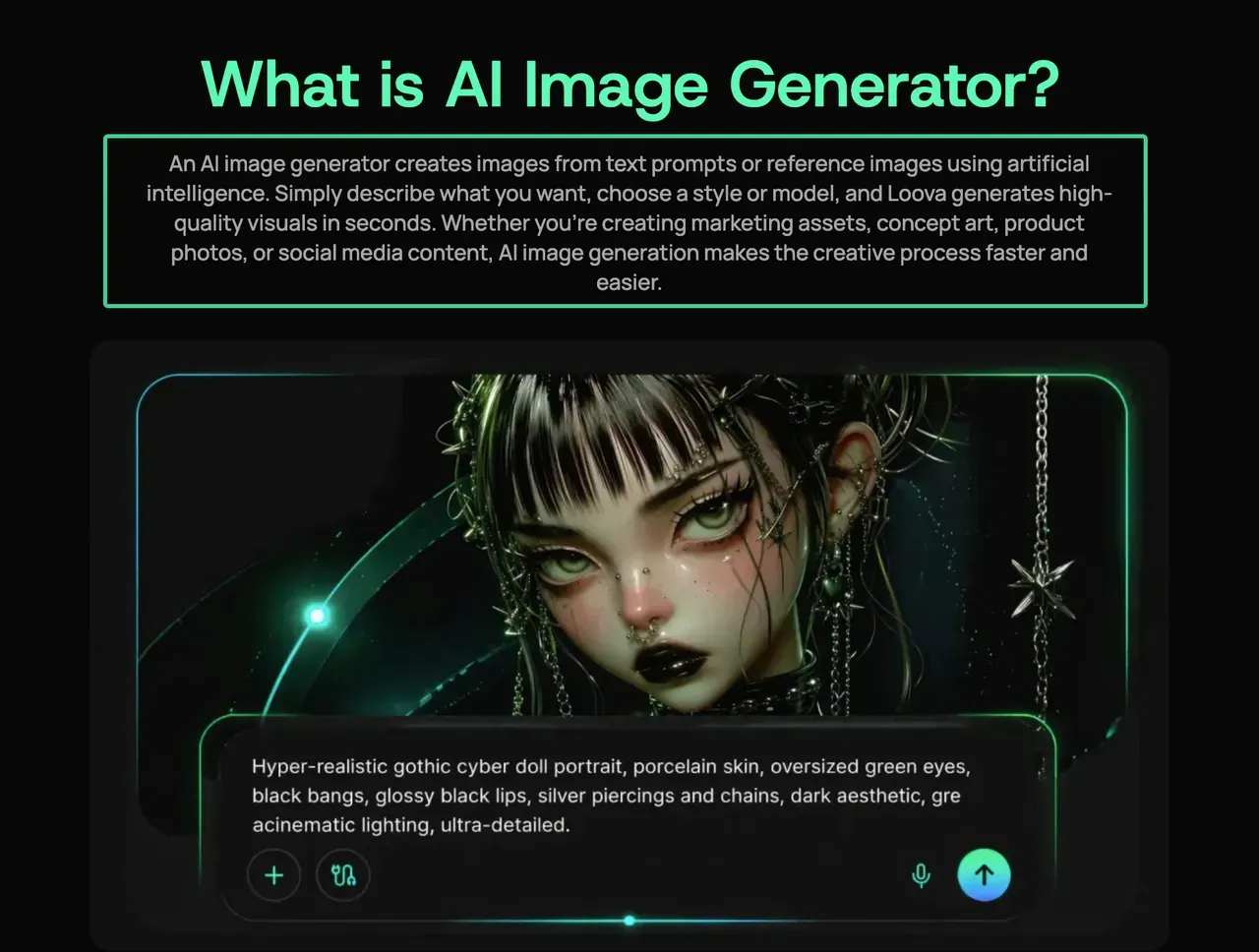
The generator is the tool you operate. It turns model capabilities into visible choices such as uploads, prompt boxes, masks, sizes, and export formats. It may also add default instructions, resize an upload, or limit available model settings.
The Platform May Provide Multiple Models
A platform can place several image models inside one account and workflow. The current Loova AI Image Generator, for example, lists multiple models and accepts a prompt or reference image. This supports same-input comparison in one workspace.
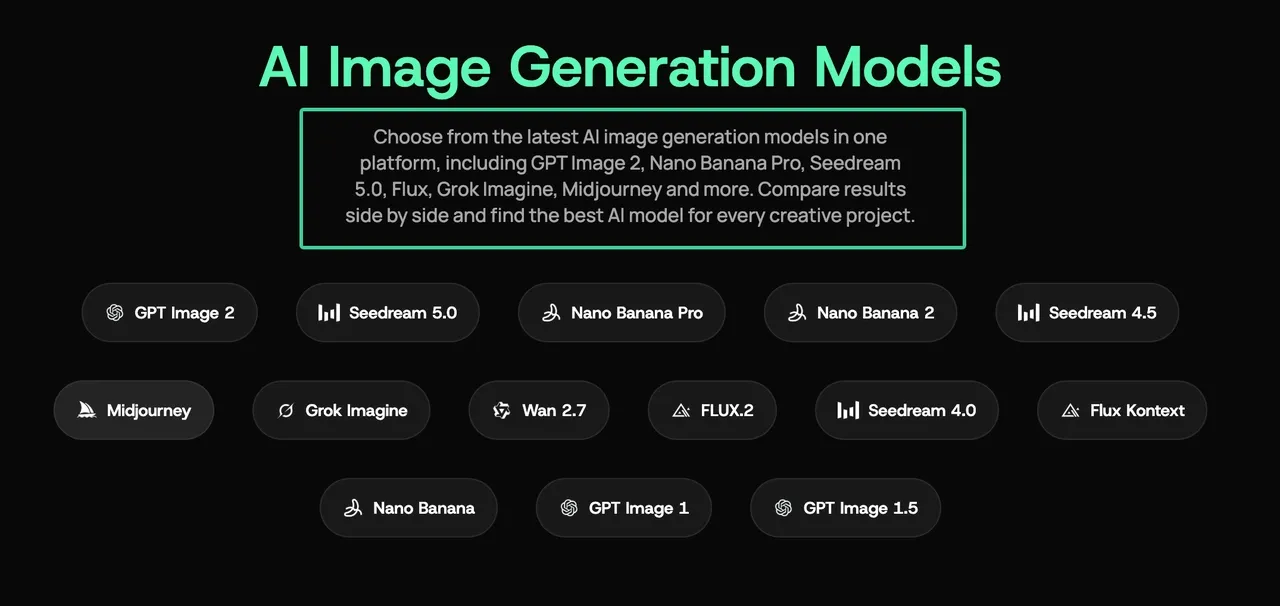
Access does not make the platform the developer of each model. Model capabilities still belong to their providers, while the platform supplies the interface, routing, and surrounding workflow.
How AI Image Models Create Images
The process has three useful stages: interpret the inputs, form a visual plan, and render an output. The technical route varies by model.
Text-to-Image Generation
Text-to-image begins with a prompt. The model interprets its subject, setting, composition, style, and constraints, then constructs the image.
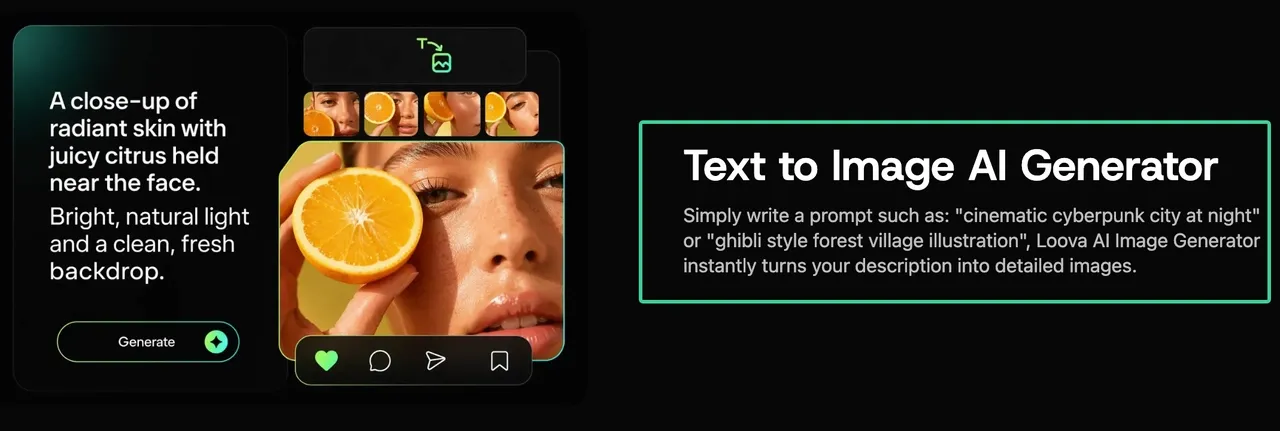
Image-to-Image Editing
Image-to-image work begins with an existing image and an instruction. The model may replace an object, extend the canvas, or restyle the scene. It may also redraw details you wanted to preserve. Generation and editing are separate routes in OpenAI’s official image documentation.
Reference-Based Generation
A reference can guide identity, product shape, composition, color, or style. Give each image one role. Conflicting references force the model to choose which element receives priority.
Conversational Image Editing
A conversational workflow keeps earlier prompts and images in context. You can move a headline or replace one object without rebuilding the brief. Google supports multi-turn editing with text and image inputs. Conversation simplifies revision but does not lock every approved detail.
The Main Types of AI Image Models
Closed Commercial Models
Closed models are accessed through a provider’s product or API. The provider controls hosting, updates, safety systems, pricing, and settings. Local setup is lighter, but access can change with the service.
Open-Weight Models
Open-weight models provide downloadable parameters for local use or customization. The label does not mean free, open source, or commercially unrestricted. Each release has its own license and hardware needs.
Black Forest Labs illustrates this difference in its FLUX.2 model overview: one FLUX.2 variant uses Apache 2.0, while another uses the FLUX Non-Commercial License. The model name alone is not enough for a commercial-use decision.
General-Purpose Multimodal Models
A general-purpose multimodal image model works across text and visual inputs, often within a conversational system. It can inspect a reference, generate an image, and discuss revisions. A specialized model may fit a narrower task better.
How to Choose an AI Image Model by Task
Start with the detail the final image cannot afford to lose. A package mockup, poster headline, and reusable character place different demands on a model.
| Task | First capability to check | Practical test |
|---|---|---|
| Explore a new concept | Prompt following and style range | Use one short brief and compare composition |
| Create a poster or menu | Text rendering and layout control | Check every word at full size and thumbnail size |
| Edit a product photo | Source-detail preservation | Compare logos, edges, labels, and proportions with the source |
| Build from references | Reference roles and consistency | Assign one purpose to each image and watch for conflicts |
| Revise through conversation | Context retention and edit precision | Change one element and check what else moved |
| Run locally or customize | Weight access, hardware, and license | Confirm the exact release and intended commercial use |
Keep the prompt, reference, aspect ratio, and review checklist fixed when comparing models. The first outputs then reveal a useful difference instead of a change caused by the test itself.
Compare one prompt across two image models
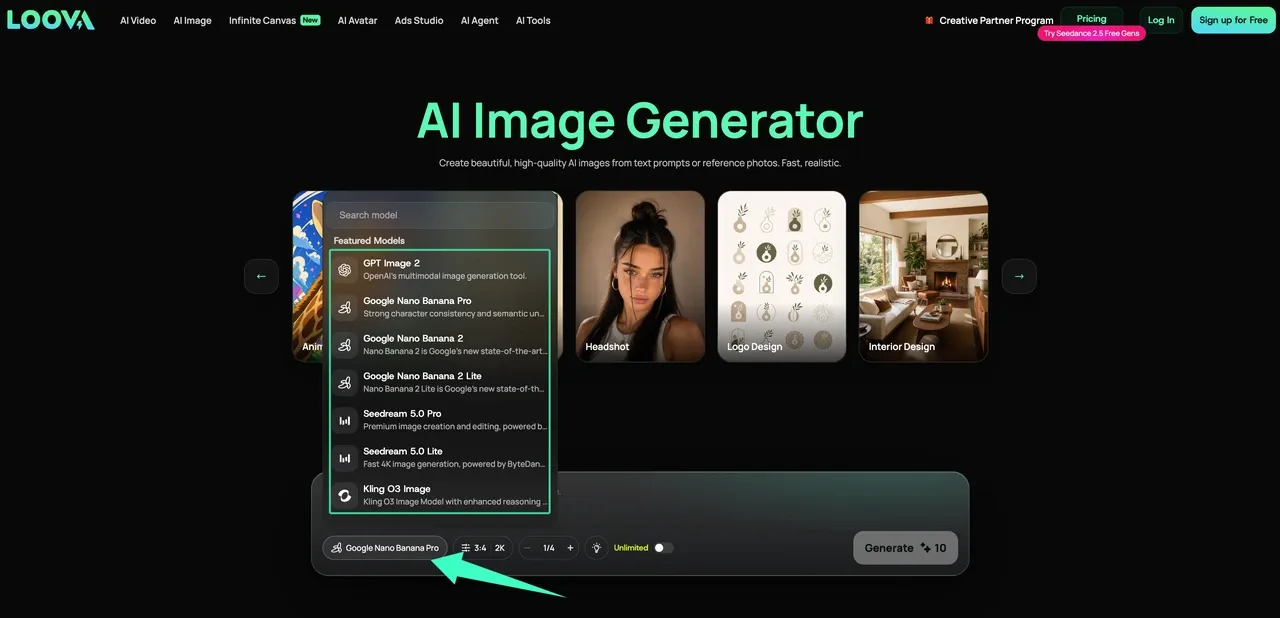
Open the Loova AI multi-model image workspace, enter one prompt or upload one approved reference, and keep both first outputs unchanged. Compare composition, text, and protected details before revising either result.
Why the Same Prompt Produces Different Results
The prompt is only one input. Models learn different visual priorities, while each service applies its own defaults, safety rules, sizes, and prompt handling. Random sampling can change details between two runs on the same model.
Versions matter too. A provider may update a model or alias without changing your saved prompt. For repeatable work, record the model, version, inputs, aspect ratio, and date.
Model Limitations and Commercial-Use Checks
AI image models estimate plausible content; they do not confirm that text, faces, or reconstructed details match reality. Review logos, anatomy, product features, and identity at the final size.
Commercial use requires more than a good-looking output. Confirm four layers: your rights to the input, the exact model license, the platform or account terms, and the rules for the final use. Keep confidential or unapproved assets out of workflows that have not been cleared for them.
Model access and rules can change. Save the source, prompt, model version, output, and license record used for the asset.
FAQ
Can one platform provide access to several AI image models?
Yes. A multi-model platform can connect several providers through one interface or account. Shared access does not make their capabilities identical. Check each model’s inputs, resolution, reference support, edit controls, and pricing.
Is an open-weight image model always free to use?
No. Downloadable weights still bring hardware, hosting, and license conditions. Some releases allow broad use, while others restrict commercial or production work. Read the license for the exact model and version.
Can the same reference image work across different models?
Usually, if the file meets each tool’s requirements. Results still vary because models interpret identity, composition, and style differently. Use the original file, keep the prompt fixed, and compare the detail the reference should protect.
How often do AI image models change or get replaced?
There is no universal schedule. Providers may publish versions, update aliases, retire models, or change exposed controls. Record the model ID, date, prompt, inputs, settings, and license instead of saving only the final image.
Two AI image models can still turn one prompt into visibly different results. Once you know which layer changed, the gap becomes a choice instead of a mystery.